Legend
April 21, 2022
Answered

PS renders weird strokes

  • April 21, 2022
  • 6 replies
  • 815 views

Steps to reproduce:

1. Take any photo or empty canvas

2. Draw a circular or ellipsoidal selection

3. Fill the outline (stroke) with 50 pixels of any color. I used yellow.

Expected result: a ring

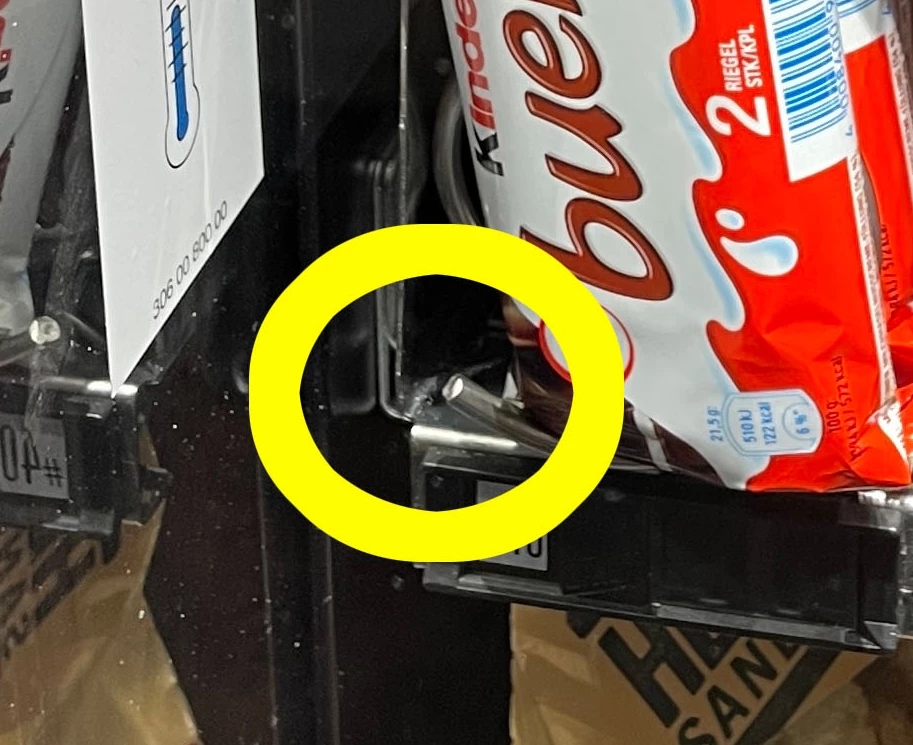
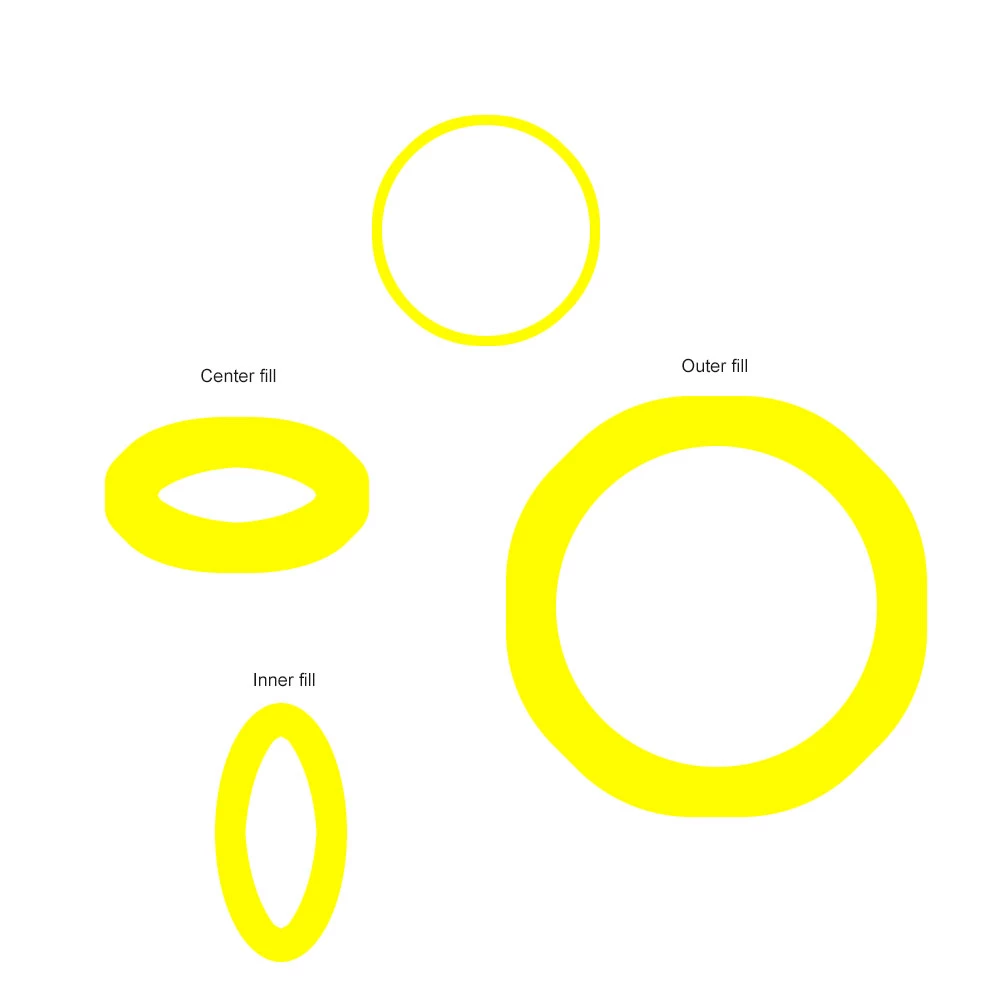
Actual result: something similar to a ring (see attached photo). Isn't this weird? I mean, in earlier versions of PS this wouldn't have happened. Some might say that this probably caused by the stroke of 50 pixels on a selection that has approx. 270 x 270 pixels of size being a bit bold, but no. If you use only 10 pixels it also looks weird. Same same, only smaller. See 2nd image and zoom in on the upper ring.
 

This topic has been closed for replies.
Correct answer J453

Use vectors. 


6 replies

Doc MaikAuthor
Legend
April 25, 2022

Right, that solves the problem. Could convert to pixels later and then not touch it anymore.

J453Correct answer
Legend
April 22, 2022

Use vectors. 


Doc MaikAuthor
Legend
April 22, 2022

I apologize if some terms are wrong, but I use the german version and "Kontur füllen" is best translated by me as "Fill stroke".

I didn't speak of layer styles, but when I draw a circular selection, apply 1 px of stroke, then add a layer style that adds another 49 px of stroke, the result is the same. I think this  is because the 1 px fill already created a non-circular ring. Different method: draw a shape and set fill to transparent. You get the same 1 px ring. Question: how to create a perfect ring in PS?

Legend
April 22, 2022

I have a windows system with Photoshop 6 running on it. The code for layer style strokes hasn't changed since that feature was introduced.

Doc MaikAuthor
Legend
April 22, 2022

No. I didn't save the yellow on white example from above.

But I remember to have never seen this before with thin strokes like 5 px or 10 px. I work with Photoshop since version 7 (good ole times, it would start within a second on today's machines running a VM). I'm not sure if I have ever used a 50 px stroke before, but what I definitely noticed over the past years is that rendering those selection masks has deteriorated gradually. I also posted another topic a while ago when I wanted to create round edges on a rectangular selection and used the "Smooth edges" tool and it was very much not as expected. There I also put a comparison. I still have a purchased CS6 on disc, but cannot install it on Windows 10. I really would like to compare it with an older version of Photoshop. Maybe I download the CS6 and install it as demo in a VM. If there really is a difference, I'll post here.

Legend
April 21, 2022

I believe the Stroke layer effect has always behaved this way. Do you have a PSD file you can share that exhibits the behavior? (Use CC files or dropbox to share a link to download the file)