Answered
PS toolbars
Is there a way to move my main toolbar from the left side to the right side of my working screen?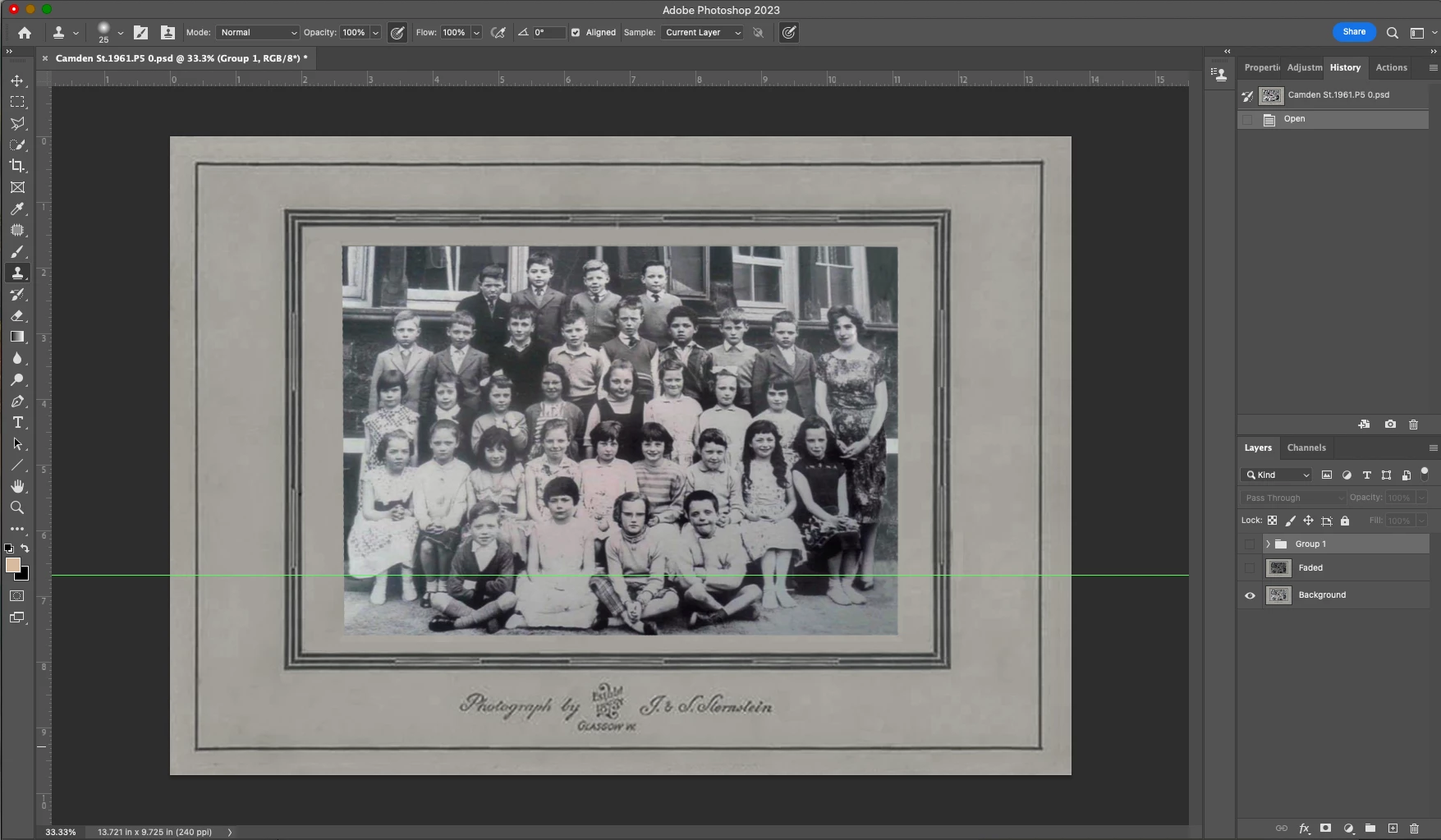

Is there a way to move my main toolbar from the left side to the right side of my working screen?
Click and drag the top of the toolbar to the right side of your screen. When you move it to the right side, drag it so that a blue line appears and then release. The blue line means that you're docking it. You can also release it wherever on the right side that you like if you don't want it docked.
Already have an account? Login
Enter your E-mail address. We'll send you an e-mail with instructions to reset your password.
 AdChoices