
Participant
February 26, 2017
Question

.psd file corrupted!

  • February 26, 2017
  • 3 replies
  • 5959 views

Hello,

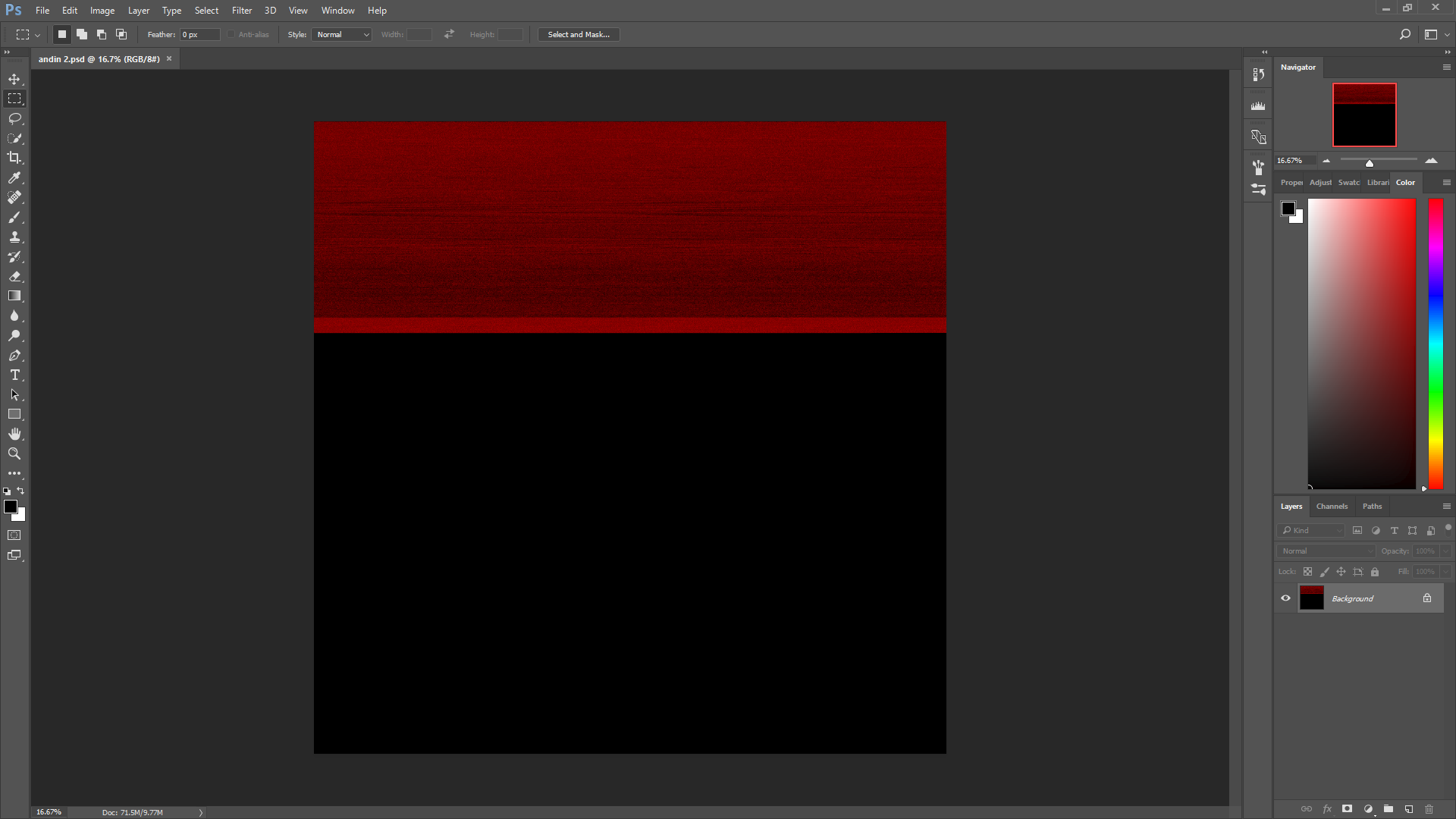
I wanted to continue working on a painting in Photoshop, but when I opened the .psd it only showed one layer called Background, and  the whole layer was black with red stripes all over it. I don't know what happened to it, I always make sure to safely close Photoshop so that no progress is lost, and I did so this time but now all of my progress is gone. Does anyone know what i can do to fix this? I use Photoshop CC(2017) on windows 10

thank you an advance.  64b5f8bfb81763e77b97872ad6639ab1.png
This topic has been closed for replies.

3 replies

Kevin Stohlmeyer
Community Expert
Community Expert
May 14, 2024

@Parth37378896wd86 @jordanm65450054 to add to @Simmer1 's correct response - be sure to save local then drag your assets to an external drive or networked location. If you are directly saving to a remote/non-local destination you are increasing your chances of file corruption.

Kyra1
Participating Frequently
February 27, 2017

Unfortunately, Simmer is right. Make sure to save backups in different locations. When I first started using Photoshop, I lost several documents from corruption like this. I searched everywhere and tried so many things to save it, but nothing could save them.

Participant
May 14, 2024

how to solve this ?

Participant
May 14, 2024

how to solve this.......??????

Simmer1
Community Expert
Community Expert
February 26, 2017

Hi,

It is very upsetting and frustrating when this happens. If you do not have a backed up of this file there is not much that can be done.

I would advise using a reputable online backup service so you can back up file daily or multiple times a day if you wish.

Thanks,

Sim