
gdwd
Known Participant
November 24, 2020
Question

Puppet Warp broken with Layer Effects

  • November 24, 2020
  • 1 reply
  • 412 views

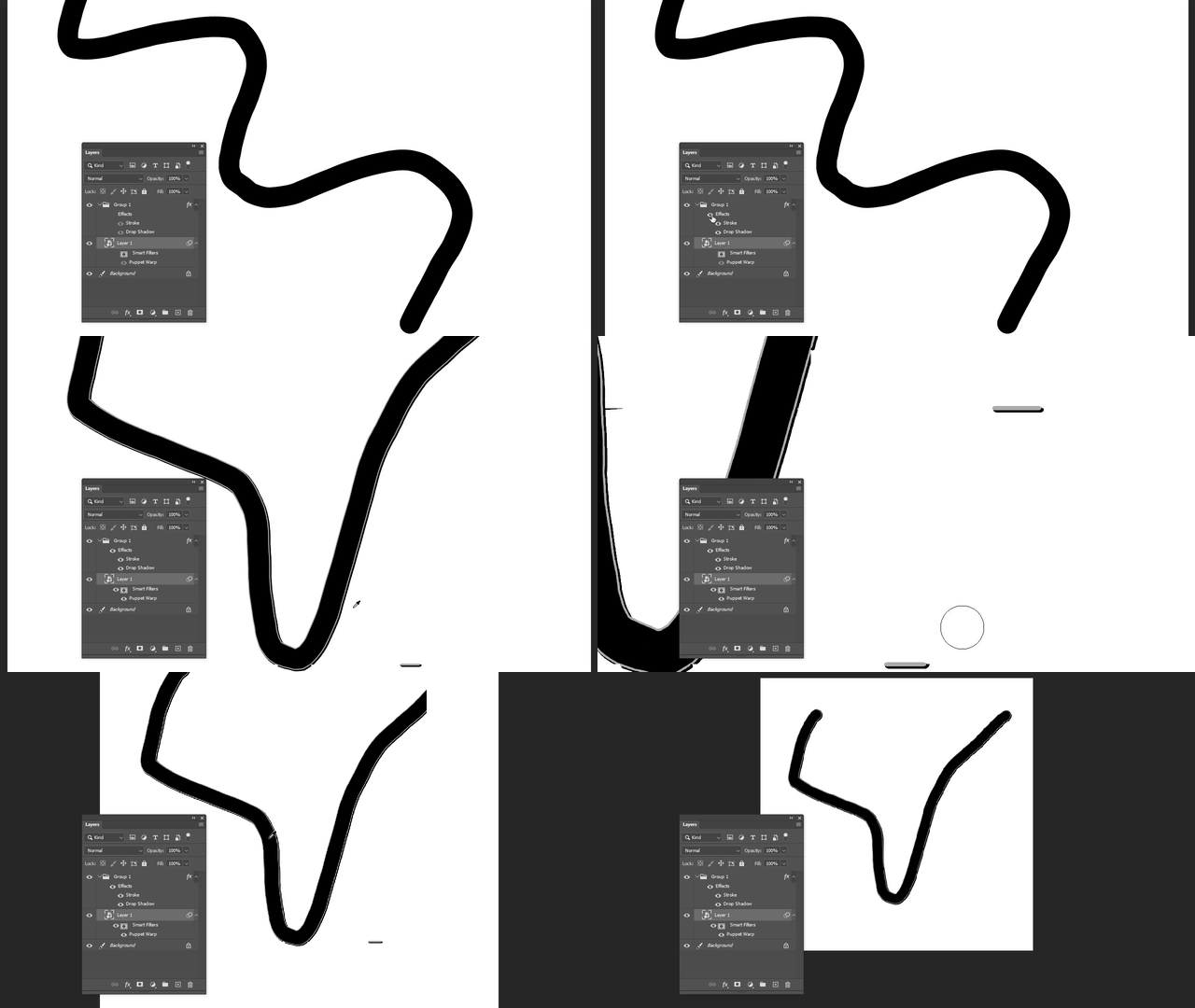
When a Puppet Warp effect is applied as a Smart Filter to an object, and that object is given a layer effect, things get really glitchy, depending on the zoom levels. Here's a short gif demonstrating it:
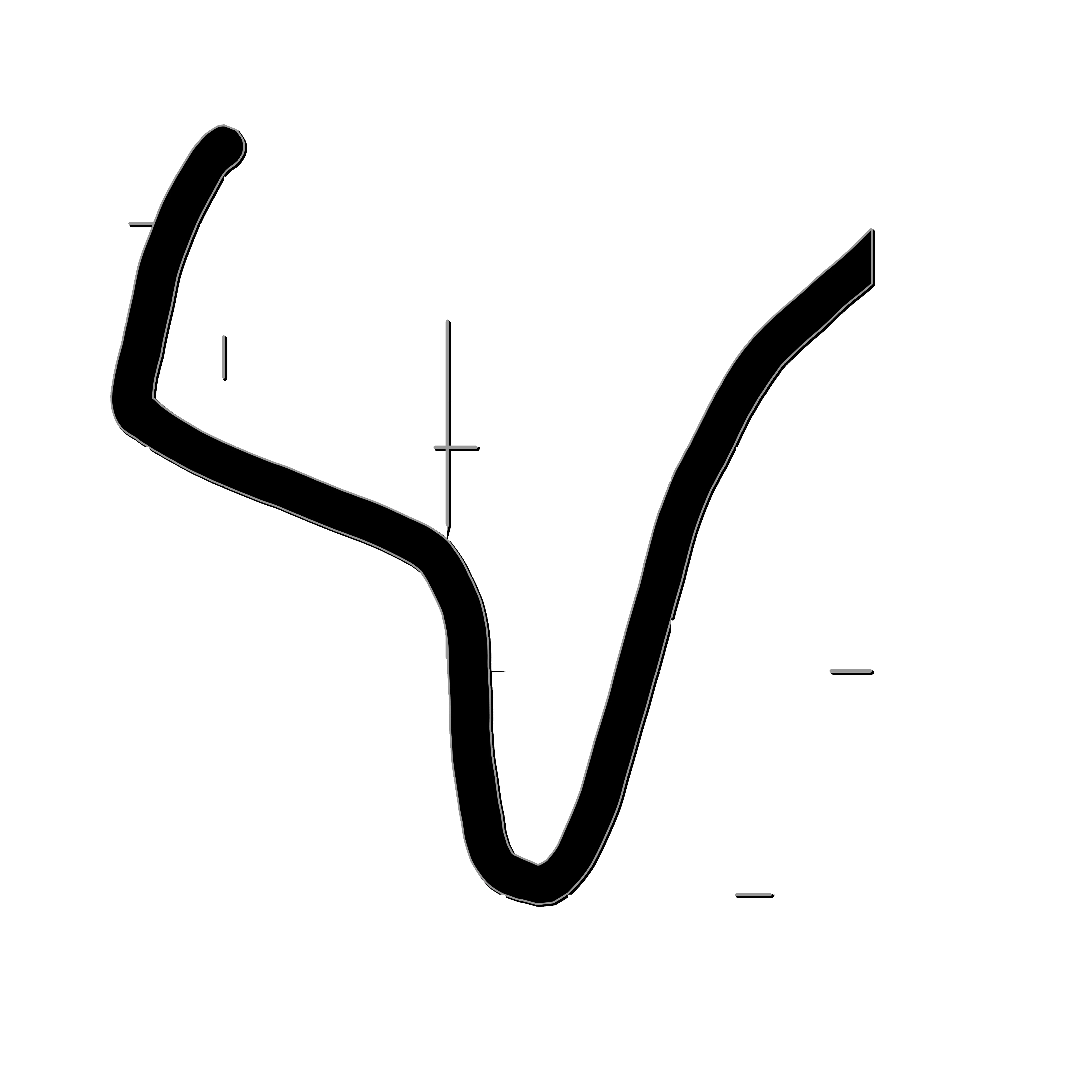
Here is the full image when I save it as a .png:
Using the latest version of Photoshop 2021, Windows 10 Pro, Intel i7-7700k, AMD Sapphire 5700.

This topic has been closed for replies.

1 reply

JJMack
Community Expert
Community Expert
November 25, 2020

You need to remember the only time you are viewing your image's actual pixels is when you zoom to 100% to  view your image images actual pixels.  At any other zoom percentage you are not viewing your image,  You are viewing a quickly scaled version of your image.  Photoshop zoom scaling is done quickly  for performance not slowly for best image quality so you can work on your image with little or no lag. At some zoom percentages the rendered image looks quit poor.  Judge quality when zoomed to actual pixels 100% zoom. 


I have no idea of how you created your gif or how it is trying to show  a puppet warp zooming and  layer effect problem. 

If the problem is the vertical ands horizontal straight line in the file should  not exist you need the find out at point in you processing these were added.

JJMack
gdwd
gdwdAuthor
Known Participant
November 25, 2020

Why does the .png export look different from the 100% preview?

JJMack
Community Expert
Community Expert
November 25, 2020

Zooming should not change your image. However, you only see your image zommed 100%. At any other zoom percentage you not viewing your image. You are not viweing your images pixels.

JJMack