So I've been using puppet warp for years to make 2D animations, and lately puppet warp has been generating gray lines on the edges/outline of imported vector smart objects from Illustrator:
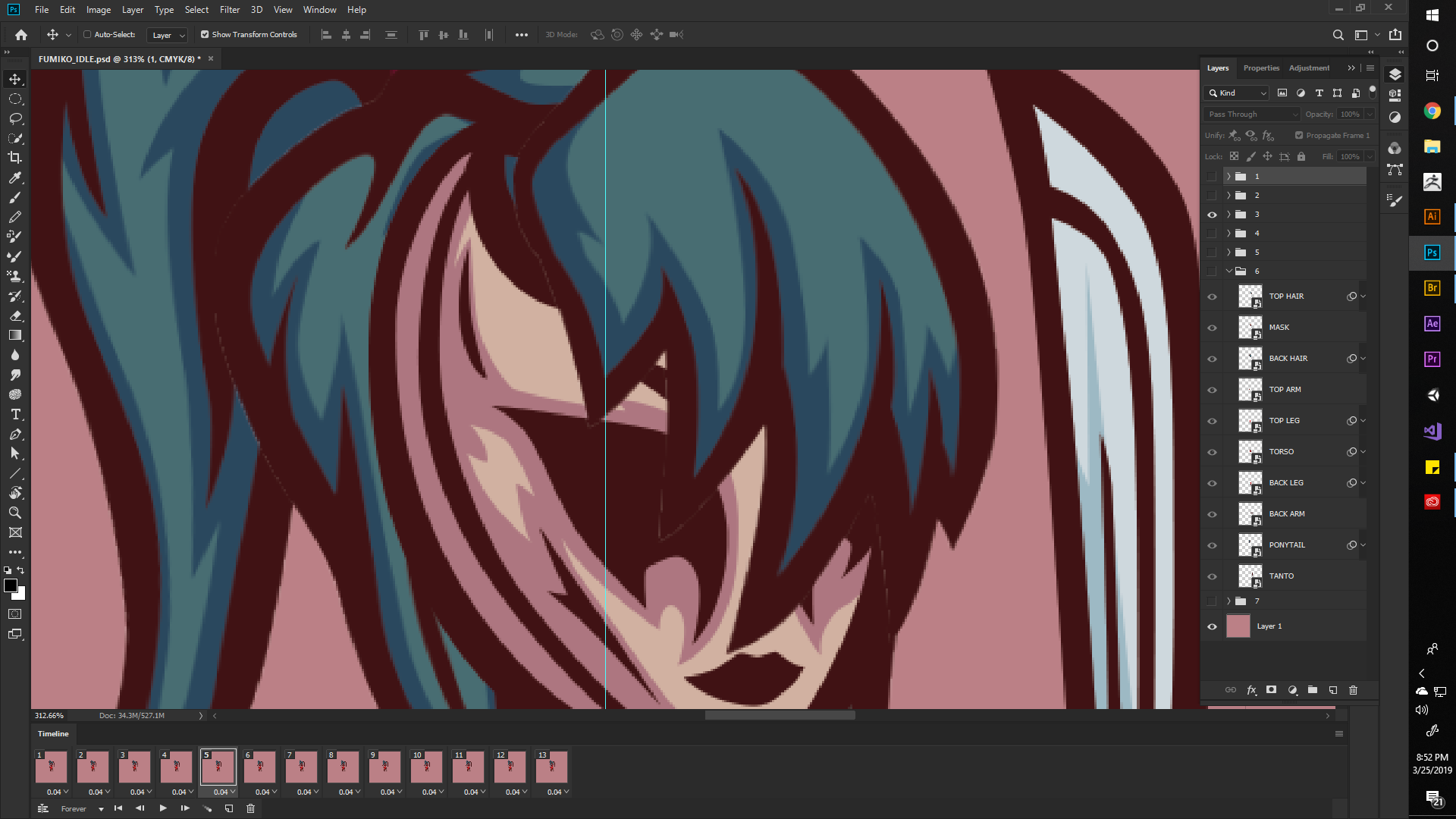
Now here is the same image with puppet warp disabled for the top hair. It correctly shows no random gray lines: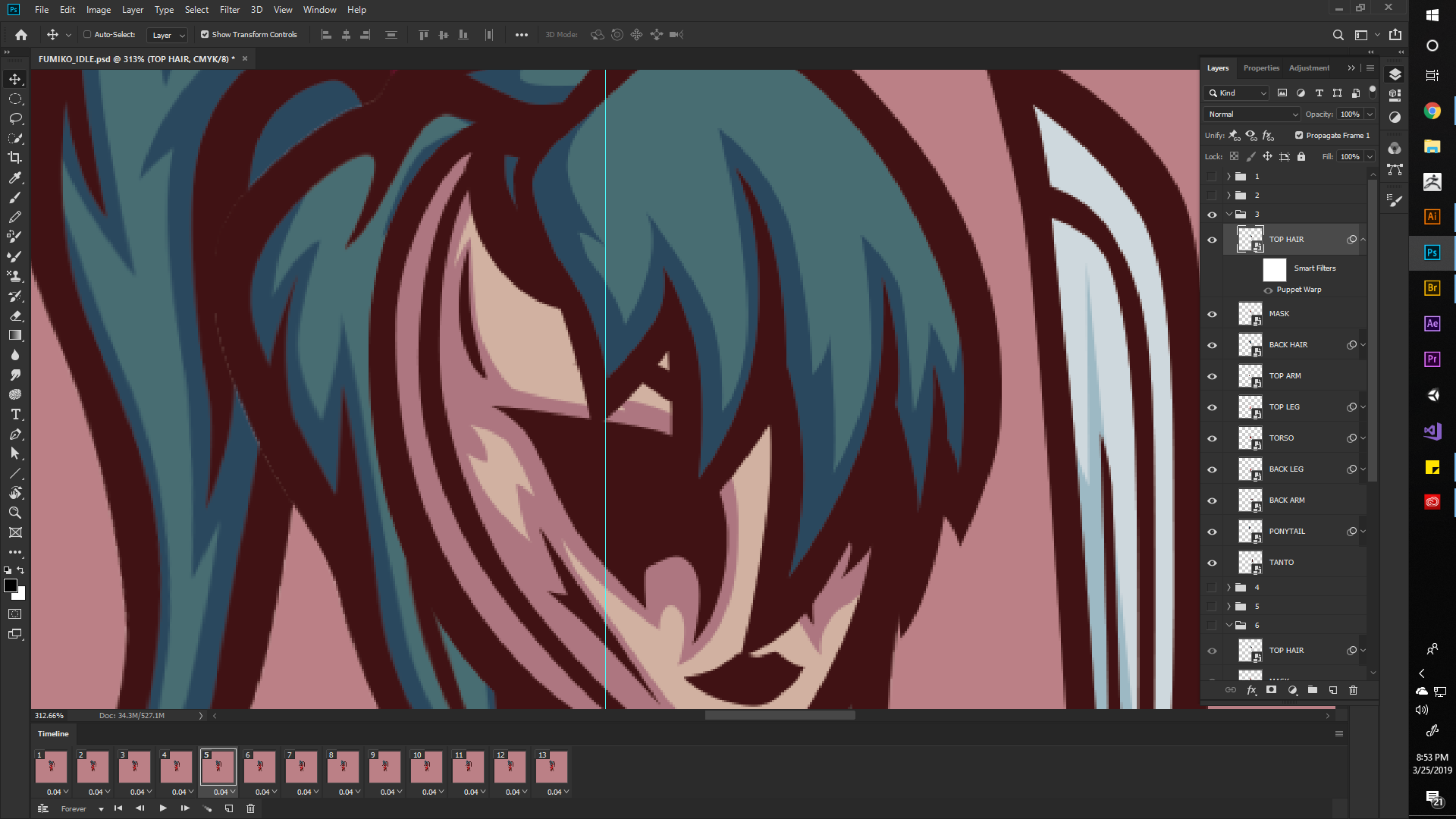
I have never had this problem until recently. Exported PNGs retain the gray lines. A temporary fix I used on vector art was going to "Edit Contents" Moving the vector object back one pixel then forward one pixel, saving it, causing photoshop to re-render the puppet warped objects, actually fixing the ugly gray lines.
Doing this no longer works (randomly). Not sure what can be done to fix this issue as puppet warp greatly speeds up 2D animation for me.
I never had this problem in CS5 Photoshop and it started happening in newer versions just this year.
UPDATE 1:
Tried making a new document, importing hair with a different color, issue persists:
UPDATE 2:
Here is a screenshot of an animation made with puppet warp just a month ago that does not have these artifacts. Also note: I have disabled GPU rendering and changed GPU settings which has not affected the gray lines.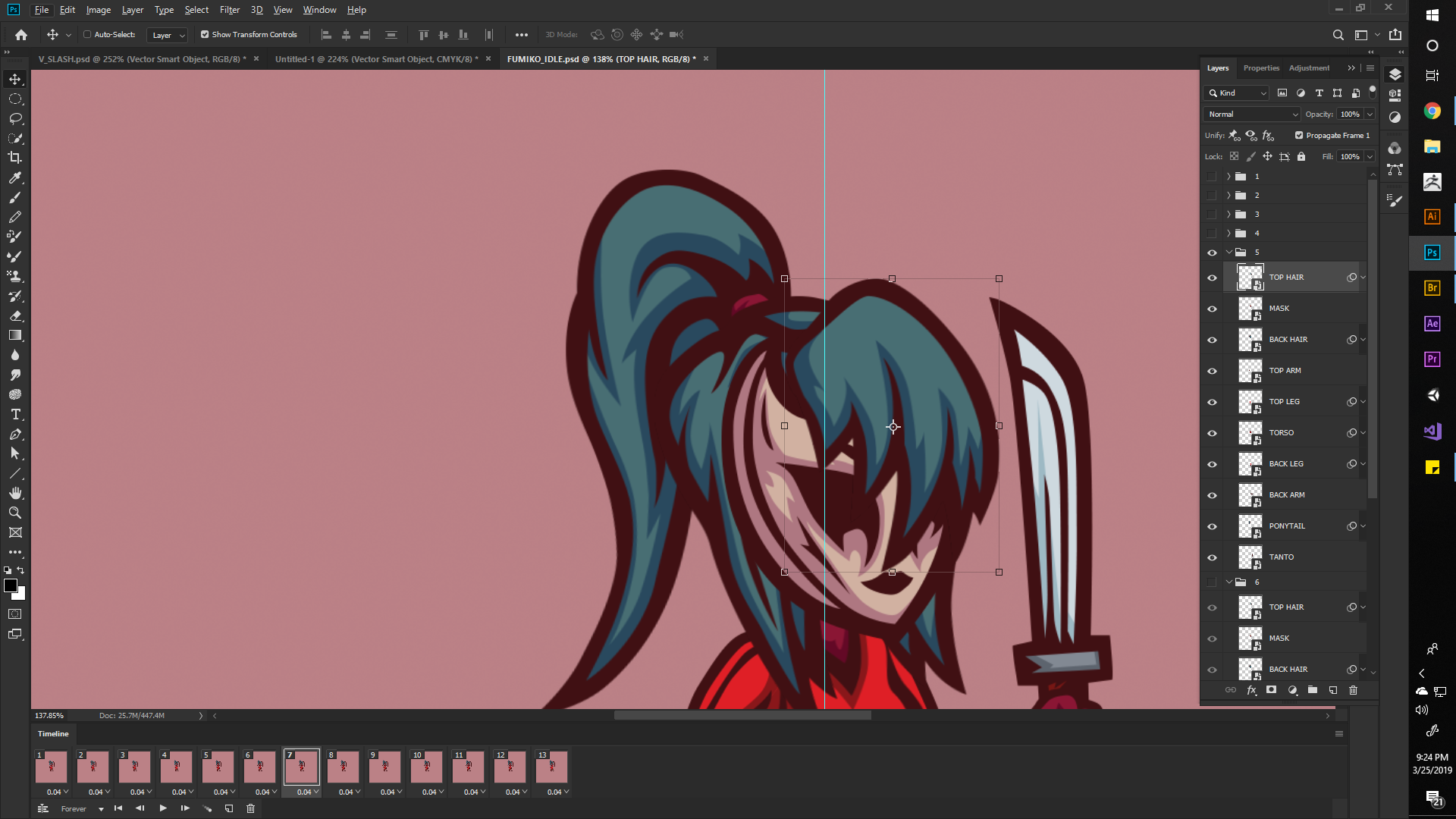
After inspecting the other file that has working puppet warp, the artifacts are caused by CMYK MODE. Switching to RGB Fixed the problem!
Hope this helps anyone that runs into this issue!









 AdChoices