Participant
November 4, 2020
Answered

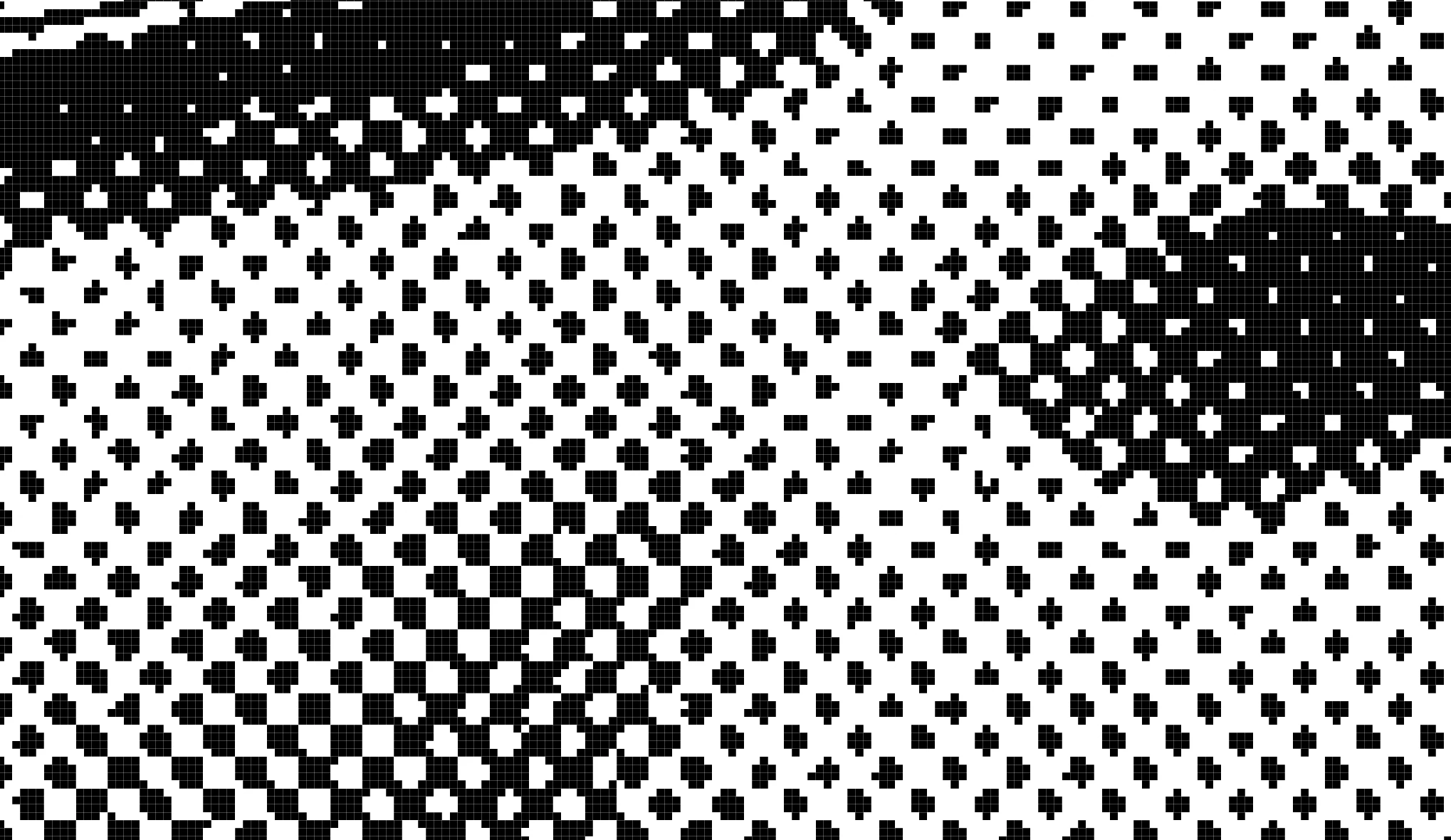
Pure black and white halftone

  • November 4, 2020
  • 1 reply
  • 33801 views

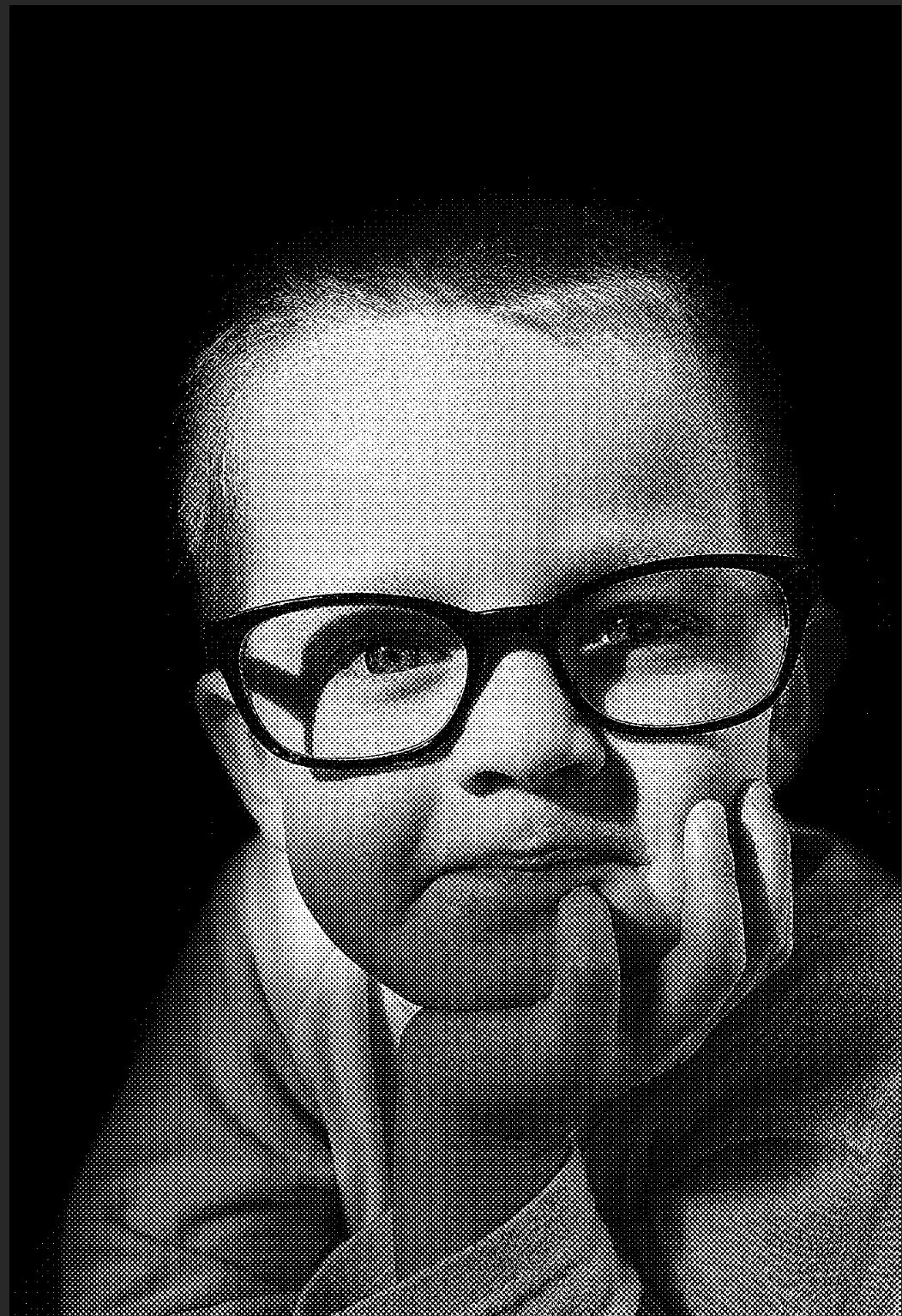
I have a need to create pure black and white halftone images. Where the darker the part of the image may be larger black circles or crosses and the whiter parts has smaller circles or crosses.


I've followed tutorials for using the filter color halftone but that gives me some grey pixels. The threshold technique is okay but does not do shading very well.


Thank you for reading.
This topic has been closed for replies.
Correct answer didiermazier
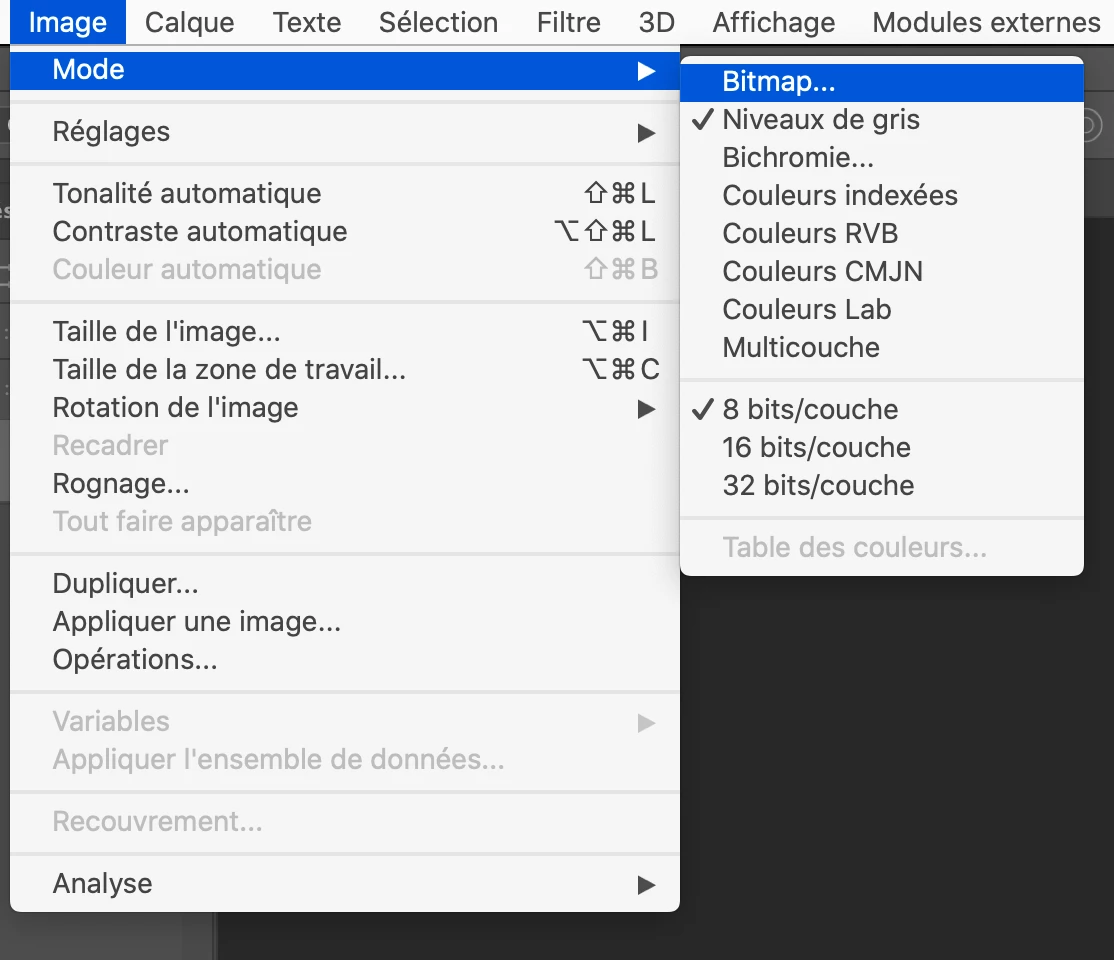
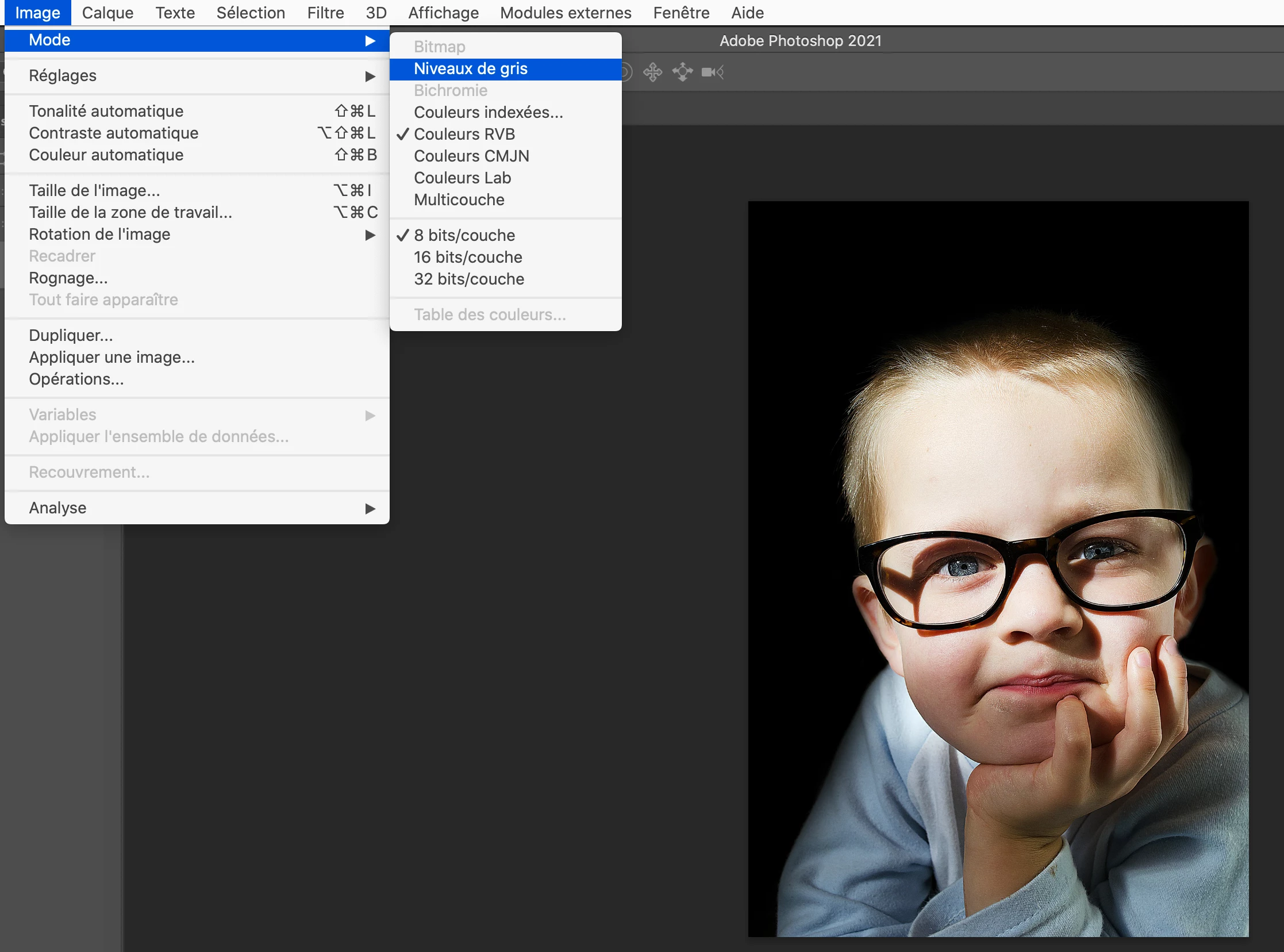
  • 1- Convert to greyscale

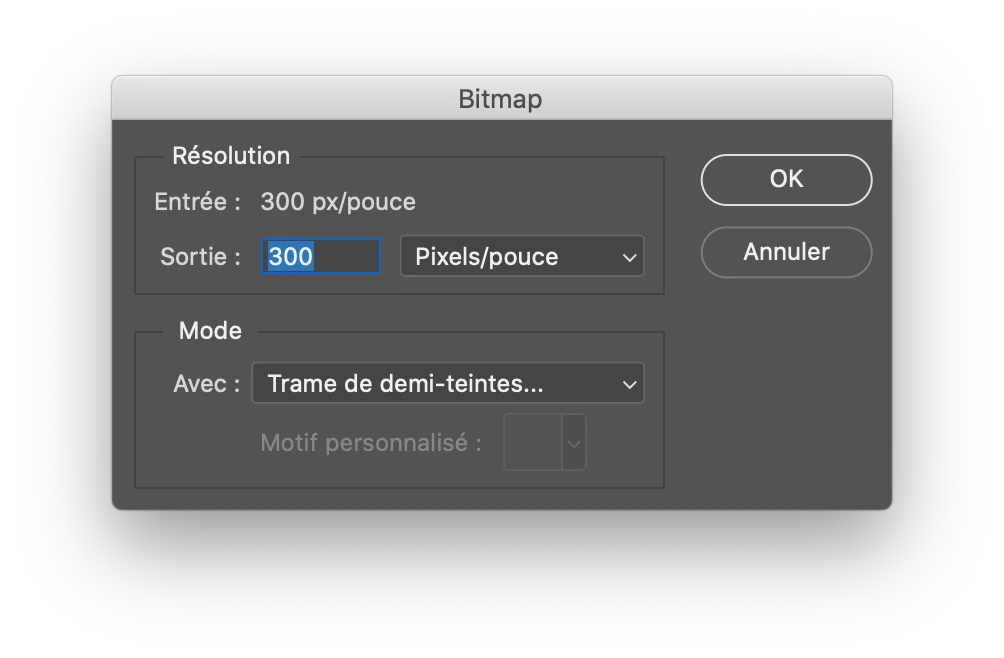
  • 2-Covert to bitmap

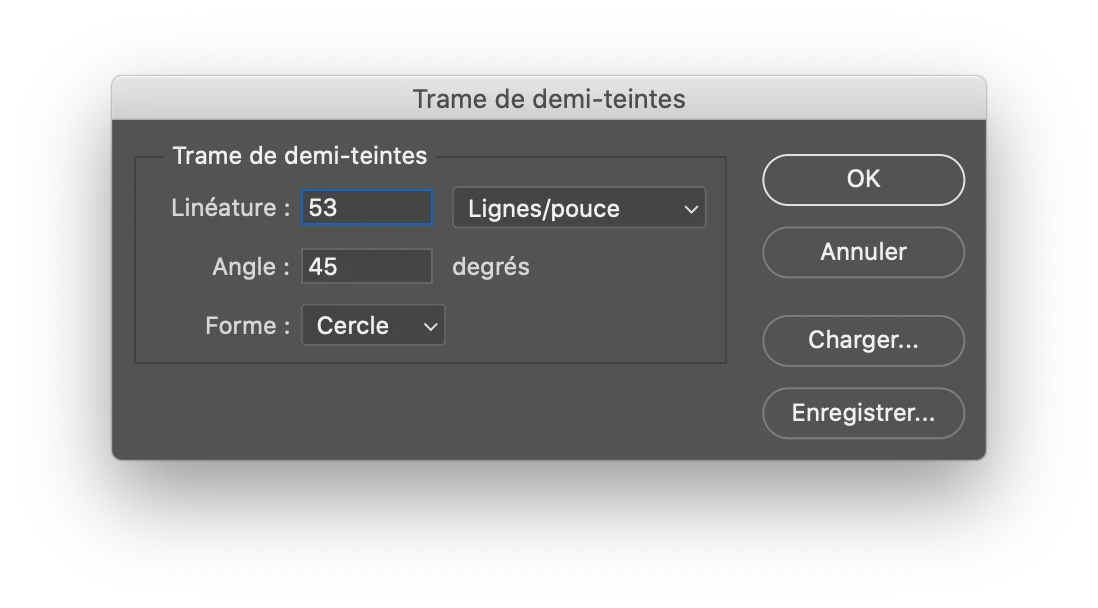
  • 3- Choose halftone screens (better with lower frequency)

No grey only black dots


is that what you look for?

1 reply

didiermazier
Community Expert
didiermazierCommunity ExpertCorrect answer
Community Expert
November 4, 2020
  • 1- Convert to greyscale

  • 2-Covert to bitmap

  • 3- Choose halftone screens (better with lower frequency)

No grey only black dots


is that what you look for?

Participant
July 6, 2023

Hellow, thanks for the post. Could someone kindly tell me where I find the window for half tone screens? I can find pixelate>color halftone, but I cannot find the black and whte dots half tone. 

c.pfaffenbichler
Community Expert
Community Expert
July 6, 2023

@didiermazier wasn’t talking about a Filter but about converting an image to Bitmap (Image > Mode > Bitmap). 


What are you trying to achieve? 

Unless you are working for actual printing a Filter or a Pattern Layer-setup might suffice.