
Participant
March 16, 2021
Answered

Quick Mask Fading

  • March 16, 2021
  • 1 reply
  • 1295 views

So, I'm rather new to Photoshop, and I was trying to remove the background from a photo to use on a poster. I used a quick mask to do a selection, but when I press delete or use the eraser to delete the selection, a weird fading effect always happens. Can someone explain me why, and, if possible, how to disable it?

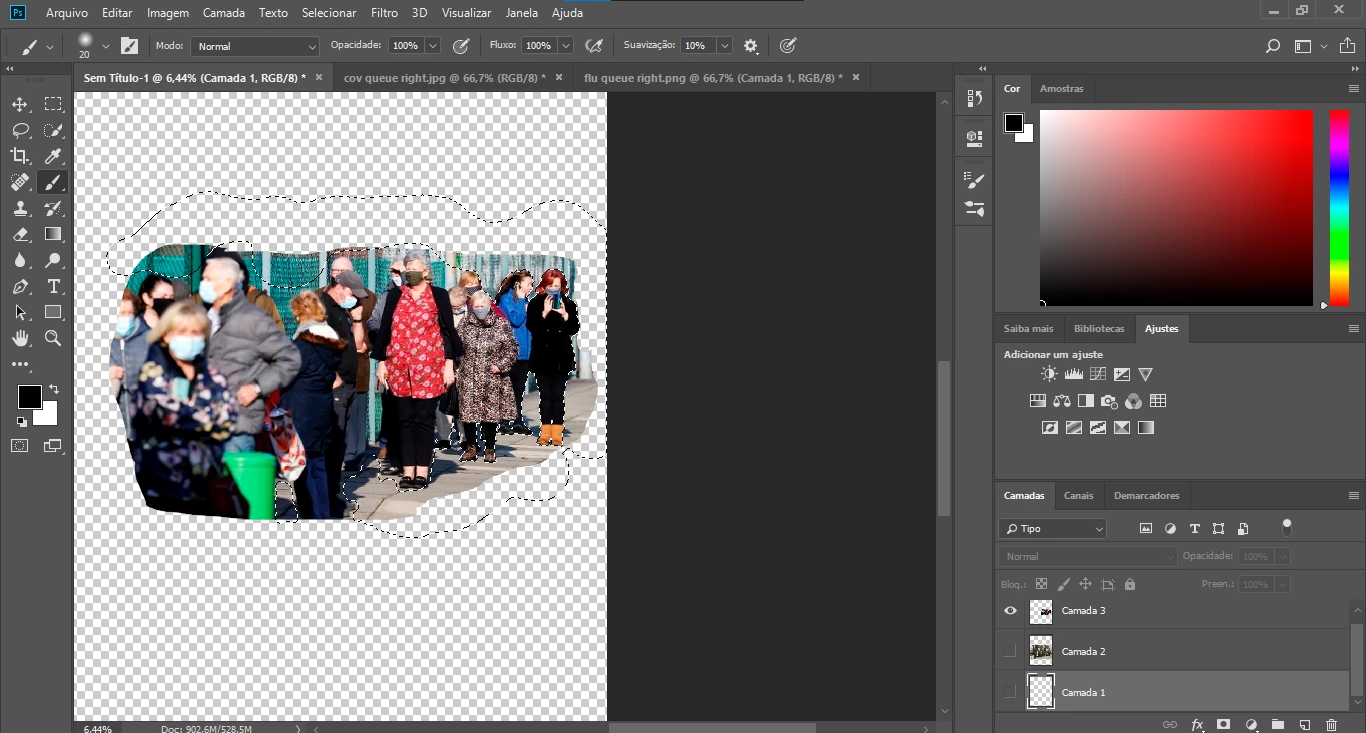
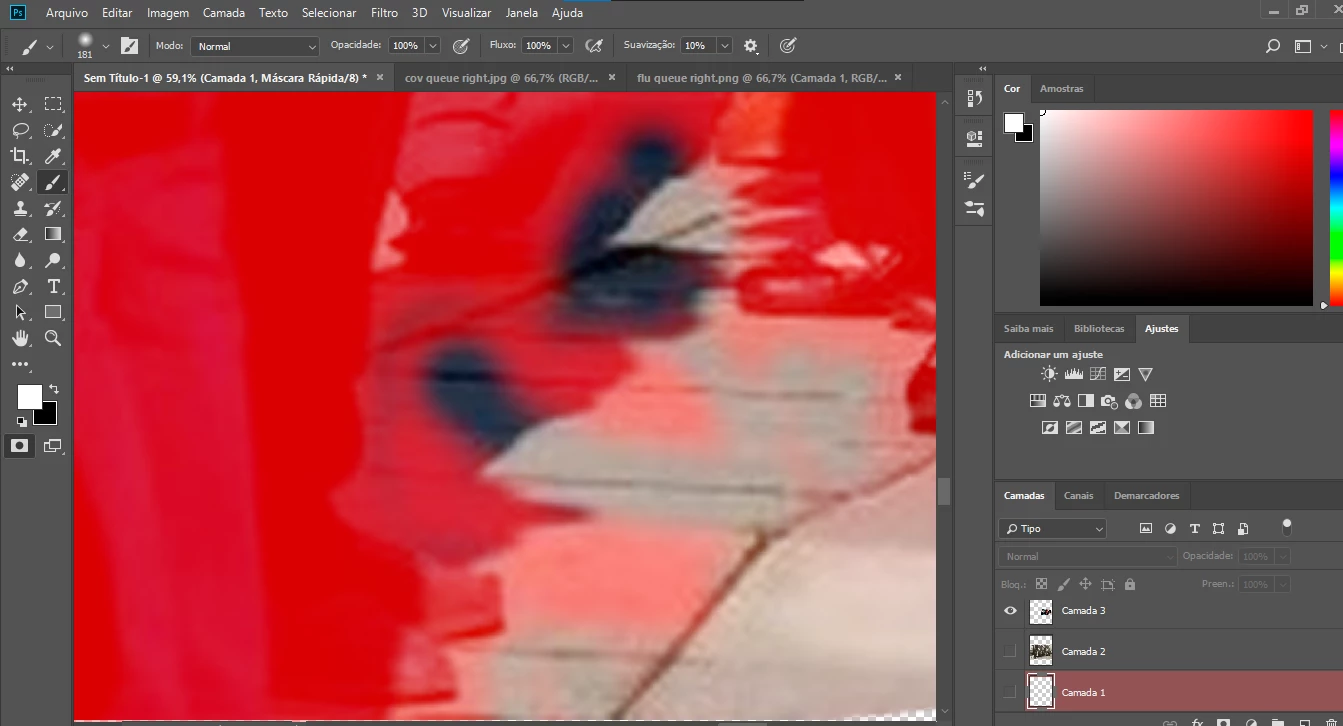
In anex I have a screenshot with the quick mask, then one in normal mode (after I press "Q"), and then what happens when I press delete.
This topic has been closed for replies.
Correct answer c.pfaffenbichler

I apologise for the cropings, and thank you for your attention.


This is the current selection

My ideia was to select everything but the people, and, while on quick mask mode, before the eraser I also tried to use the brush tool, like this.


About Layer Masks, I'm not familiar with how they work, but if there's no choice I guess I can try using them. Still, is there something wrong with the selection that causes this fading effect? 


The Selection seems to be pretty soft so that can lead to the Tool’s effect »fading«. 


Layer Masks are the way to go if you are serious about image editing. 

And I think you could still improve the Selection a bit with the Quick Selection Tool, for example, or »Select and Mask«. 

1 reply

c.pfaffenbichler
Community Expert
Community Expert
March 16, 2021

Could you please post screenshots with the pertinent Panels (Toolbar, Layers, Brush Settings, Options Bar, …) visible? 

What are the Eraser Tool’s settings? 


You could just use the Paint Brush Tool and switch between foreground and background color by hitting X. 


LUÍS5F97Author
Participant
March 16, 2021


And here I, using the eraser tool, used it from right to left


PECourtejoie
Community Expert
Community Expert
March 16, 2021

I apologise for the cropings, and thank you for your attention.


This is the current selection

My ideia was to select everything but the people, and, while on quick mask mode, before the eraser I also tried to use the brush tool, like this.


About Layer Masks, I'm not familiar with how they work, but if there's no choice I guess I can try using them. Still, is there something wrong with the selection that causes this fading effect? 


Hello, here is Masking 101: https://helpx.adobe.com/photoshop/using/masking-layers.html check also: https://jkost.com/blog/?s=layer+mask