
"Could not complete the Video Frames to Layers command because the DynamicLink Media Server is not A
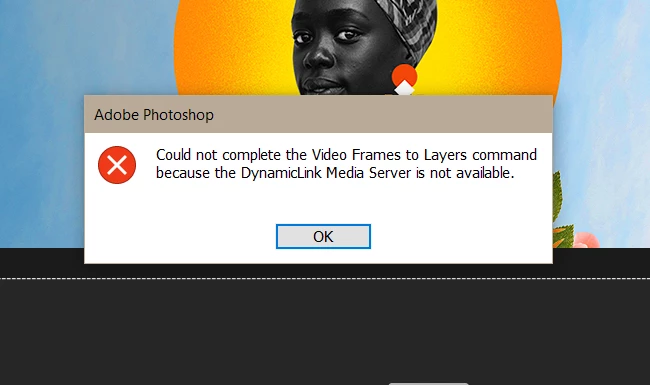
Hello! I rely on Photoshop to make gifs and have been doing so for the past few years. Last night, when I go to Video Frames to Layers, the above pops up. I am not even able to open a video file. The command just will not process, even if I open a project and try the command from there. I have tried uninstalling and reinstalling both Photoshop and Creative Cloud, restting my preferences, disabling my firewall, as well as restarting my computer many times. The only other thing I can think of to fix this issue would be going into the app's program files and editing something from there.
Specs:
Version of the app: Photoshop 22.5.1
Platform and OS version: Windows 10
If any of you need me to list my actual computer specs, let me know but I doubt that would be the issue. Thanks in advance.
 AdChoices