Exit
  • Global community
    • Language:
      • Deutsch
      • English
      • Español
      • Français
      • Português
  • 日本語コミュニティ
  • 한국 커뮤니티
0

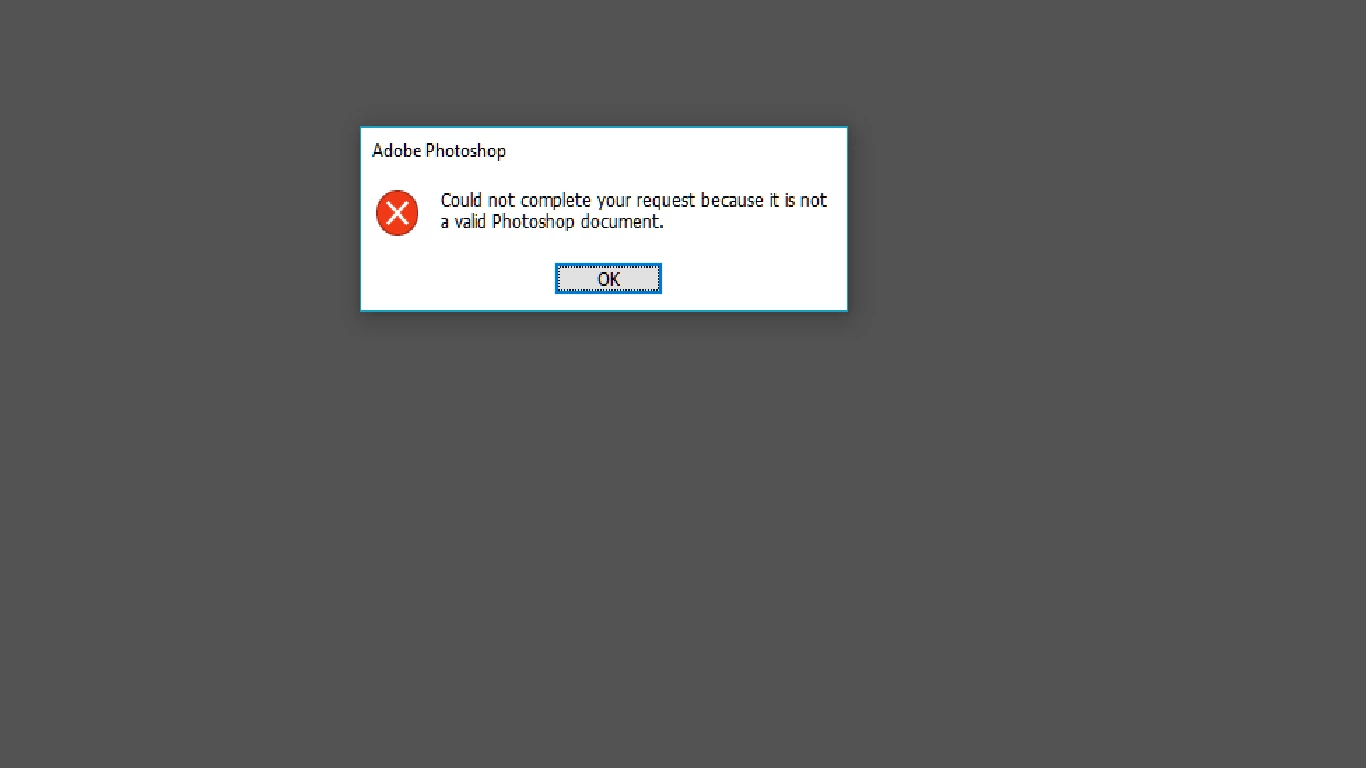
"could not complete your request because its not a valid photoshop document"

New Here ,
Feb 03, 2021 Feb 03, 2021

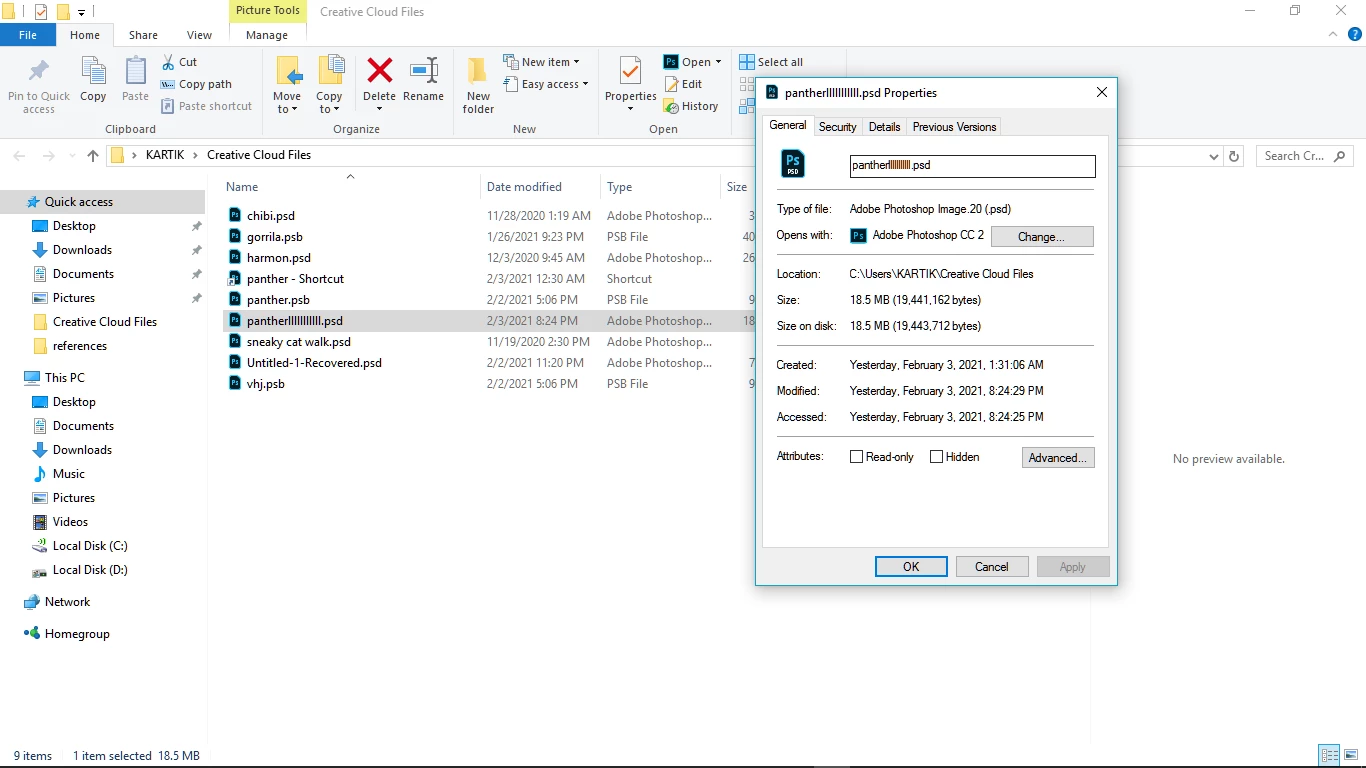
I have read almost all the other solutions provided. they don't work in my case. my two files one after another are showing this error. I spent 7+ hours on each drawing. when the first one got this message I thought to move on but when I drew that again and saved. it was showing this message again. I have no idea what is happening. it is not opening in any other program too. it is saved as .psd as it was supposed to be. in fact the random files I created while drawing are saved perfectly. it has happened two times within two days with the same drawing. I want my files back because I was really liking how it was turning out. it took a lot of effort. Please helprrr.png
rrr.png


TOPICS
Windows
239
Translate
Report
Community guidelines
Be kind and respectful, give credit to the original source of content, and search for duplicates before posting. Learn more
community guidelines
Adobe
Community Expert ,
Feb 04, 2021 Feb 04, 2021

This is definitely unusual. Please tell us - if you right click, what is the first option that comes up under "Open With"?


Adobe Community Expert / Adobe Certified Instructor
Translate
Report
Community guidelines
Be kind and respectful, give credit to the original source of content, and search for duplicates before posting. Learn more
community guidelines
New Here ,
Feb 04, 2021 Feb 04, 2021
LATEST
It's Adobe Photoshop cc 2019
Translate
Report
Community guidelines
Be kind and respectful, give credit to the original source of content, and search for duplicates before posting. Learn more
community guidelines