
neonmamacita
Inspiring
December 17, 2018
Answered

"No pixels are more than 50% selected" Error Message

  • December 17, 2018
  • 1 reply
  • 2241 views

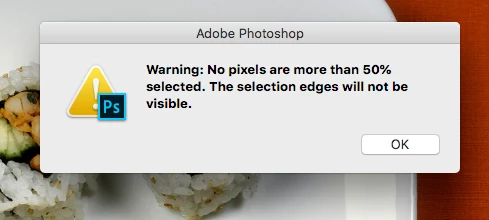
When I try to make a selection then command + J, to duplicate that selection, I keep on getting the error below:
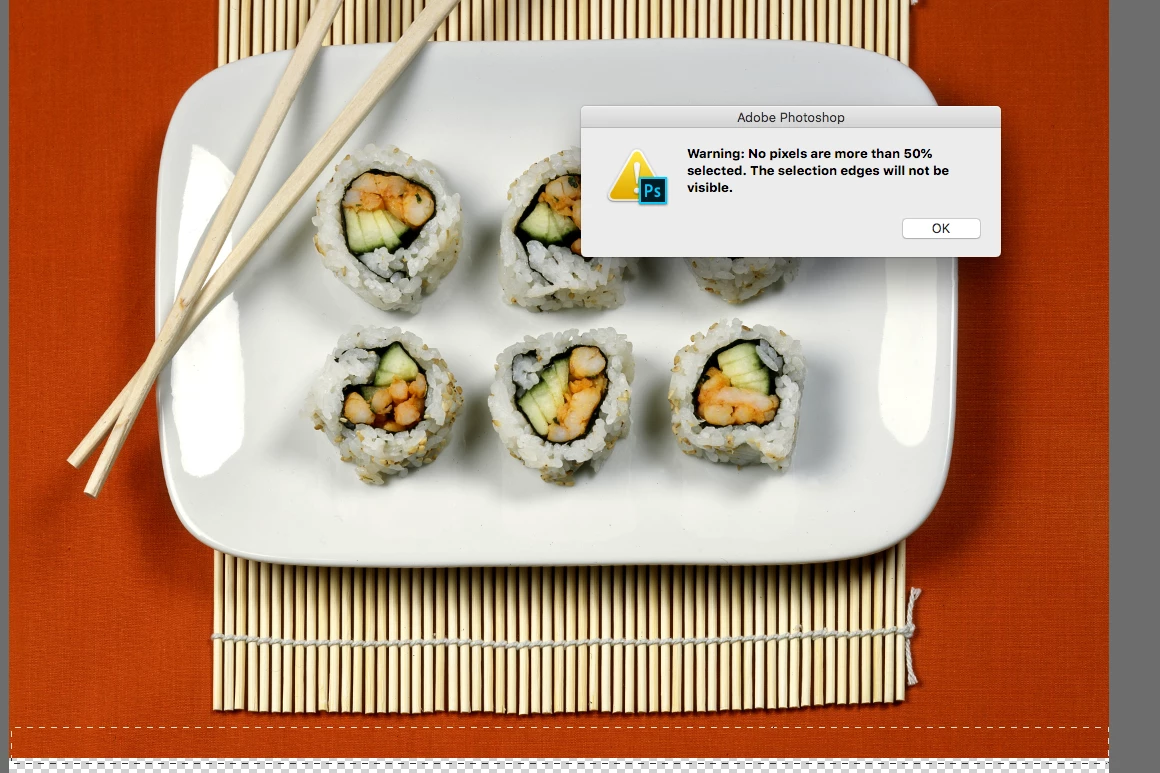
Here is a shot of the selection:
I can restart photoshop then it goes away for a bit, then just comes back. Any fixes?

    Correct answer Astonishing_Flower3982

    OK... got it...  the "options below the screen"...  Seems to work.  Thanks

    1 reply

    Sahil.Chawla
    Adobe Employee
    Adobe Employee
    December 17, 2018

    Hi there,

    Sorry to hear that, could you try reducing the Feather value to "0" in the Options bar and then make a selection and let us know if it helps?

    Regards,
    Sahil

    Participant
    May 14, 2025

    "Feather value to "0" in the Options bar??????   Please be more specific...

    Participant
    May 14, 2025

    OK... got it...  the "options below the screen"...  Seems to work.  Thanks