

jairrc
Participant
March 10, 2023
Answered

"Open/Save/Save As" screens appear entirely black/Telas "Abrir/Salvar/Salvar como" aparecem pretas

  • March 10, 2023
  • 4 replies
  • 3023 views

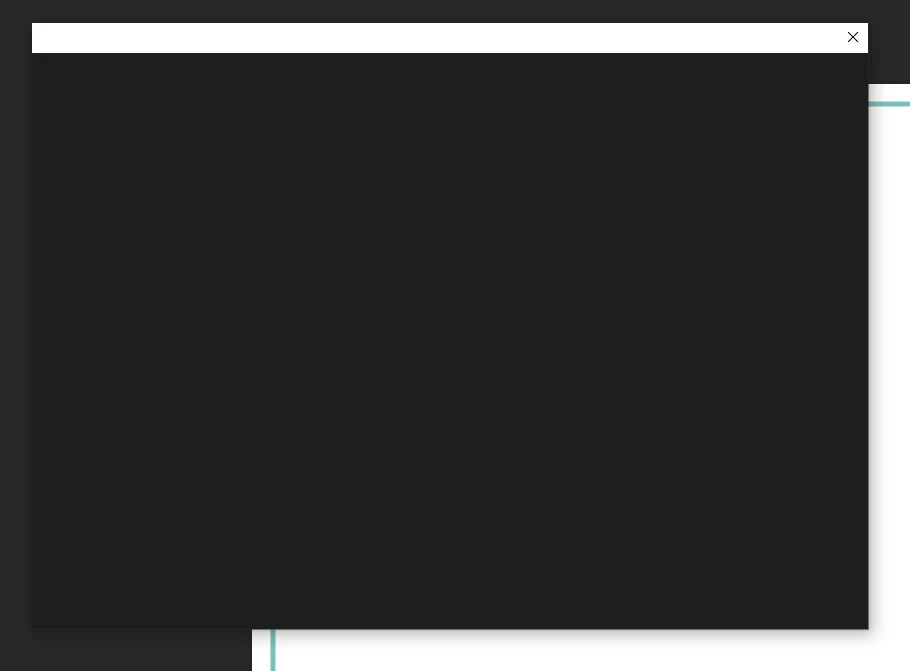
Hello! Since the version before 24.2.1, which I just installed, my PS shows this screen below (it's the same for opening, saving or saving as). It doesn't show the screen contents, so I can't save any work. I hoped it was a bug from the previous update and that the next update would be resolved, but no. The same problem continues. Does anyone know of a solution?

(Olá! Desde a versão anterior à 24.2.1, que acabei de instalar, meu PS mostra essa tela abaixo (é igual para abrir, salvar ou salvar como). Não mostra o conteúdo da tela e, assim, não consigo salvar qualquer trabalho. Esperava que fosse algum Bug da atualização anterior e que na próxima atualização estivesse resolvido, mas não. Continua o mesmo problema. Alguém conhece alguma solução?)


Correct answer Ged_Traynor

Hi

It's working fine for me on Windows 10 with Photoshop version 24.2.1, try manually resetting your Photoshop preferences

https://helpx.adobe.com/ie/photoshop/using/preferences.html#Manually

4 replies

Participant
September 14, 2025

Go to C:\Users\"Your User Name"\AppData\Roaming and delete the Adobe folder.
NOTE! All your preferences will be deleted. You will start Photoshop from scratch!
A pop-up window may show up saying Creative Cloud Helver is open. End the task from Task Manager and press "Try Again".

Ged_Traynor
Community Expert
Community Expert
March 10, 2023

@jairrc you're welcome, glad to help 👍

jairrc
jairrcAuthor
Participant
March 10, 2023

Thank you very much, Ged Traynor. Your tip was spot on. It solved my problem. Gratitude!

Ged_Traynor
Community Expert
Ged_TraynorCommunity ExpertCorrect answer
Community Expert
March 10, 2023

Hi

It's working fine for me on Windows 10 with Photoshop version 24.2.1, try manually resetting your Photoshop preferences

https://helpx.adobe.com/ie/photoshop/using/preferences.html#Manually

jmason1866
Participant
August 12, 2024

I followed the instructions to reset my Photoshop preferences and I still see the Save for Web box is still all black. Any other ideas?