Participant
July 31, 2025
Answered

"+" Signs showing out of nowhere

  • July 31, 2025
  • 2 replies
  • 254 views

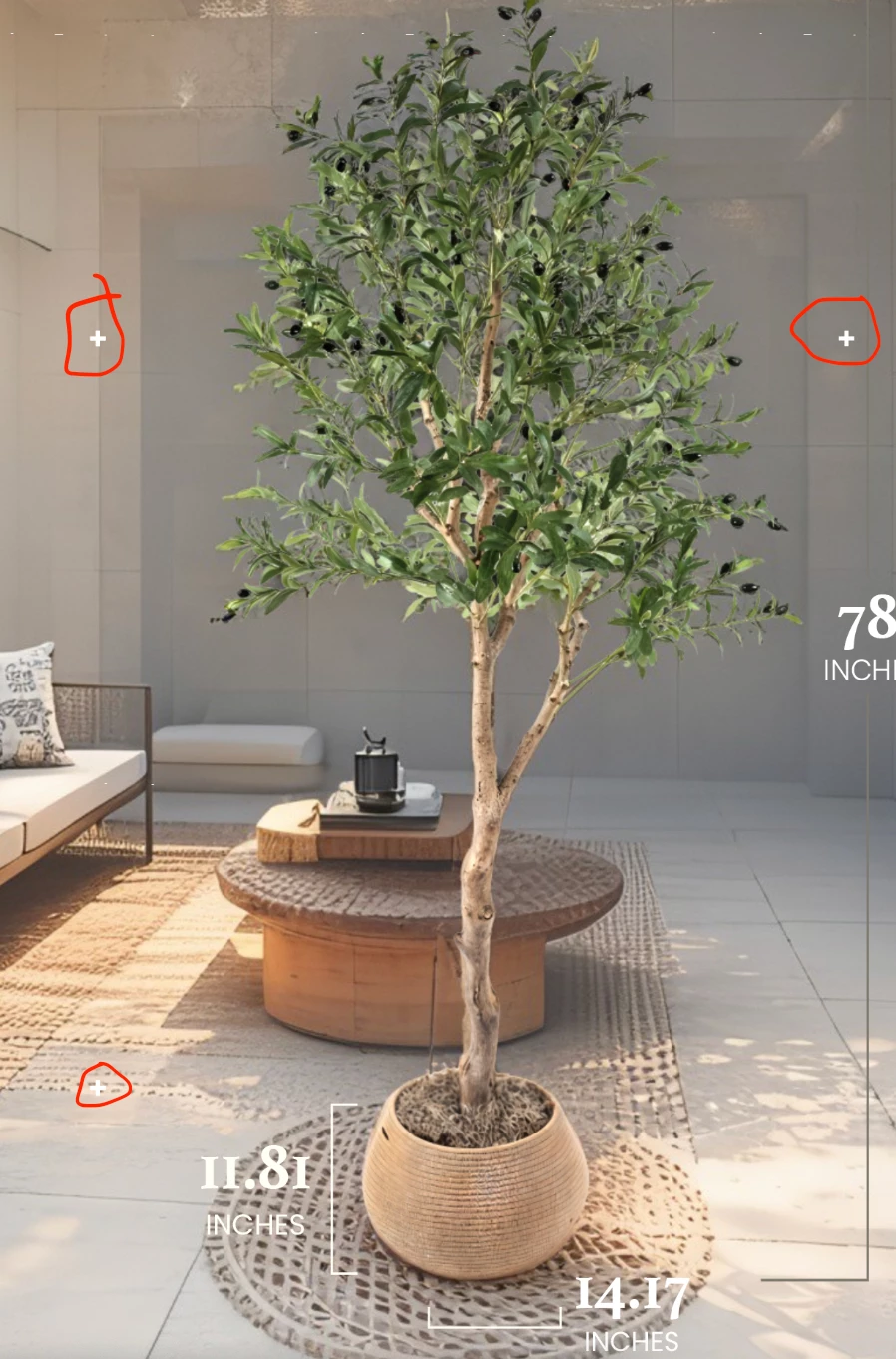
How do I remove these + signs appearing out of nowhere? It appeared suddenly and I thought I accidently typed it but it kept appearing and is only visible when the layer is on.

Correct answer Kevin Stohlmeyer

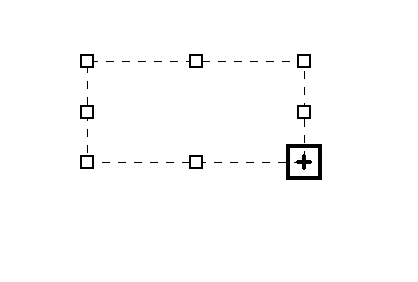
@Vince32216452o2ip @LAMY2017 that is overset text indicators on a text layer. They show when a text container cannot show all text. Either expand the container, or delete the layer then click once with the type tool to type inline instead of using a container. 
 

2 replies

Kevin Stohlmeyer
Community Expert
Kevin StohlmeyerCommunity ExpertCorrect answer
Community Expert
July 31, 2025

@Vince32216452o2ip @LAMY2017 that is overset text indicators on a text layer. They show when a text container cannot show all text. Either expand the container, or delete the layer then click once with the type tool to type inline instead of using a container. 


Legend
July 31, 2025

I agree. That was my initial thought, Kevin, so I asked Vince for a screenshot.


Larry
Legend
July 31, 2025

Vince, you're part-way to diagnosing the problem -- toggling the visibility of the layer makes the "+" signs disappear. 

Question: what else is on the layer with the plus signs? I'd delete the layer and recreate it.


Larry
Participant
July 31, 2025

It's only a text and it keeps on multiplying T_T maybe a bug? I tried to recreate but its still there. I also saved the photo (jpeg)  just to see if it was only there in photoshop but it was in the saved photo. 😕😕


Legend
July 31, 2025

Can you post a screenshot of your Layers?
Also, which version of MacOS and Ps are you running?


Larry