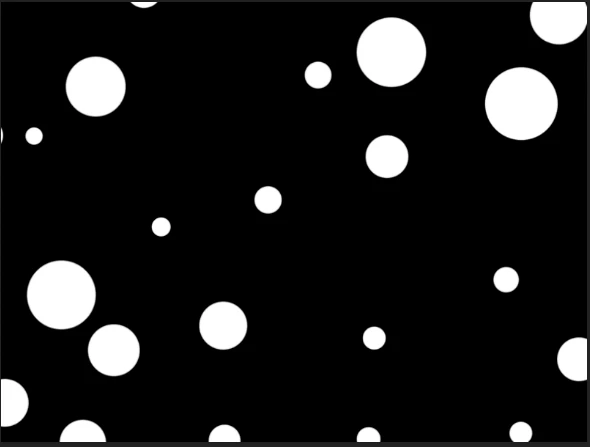
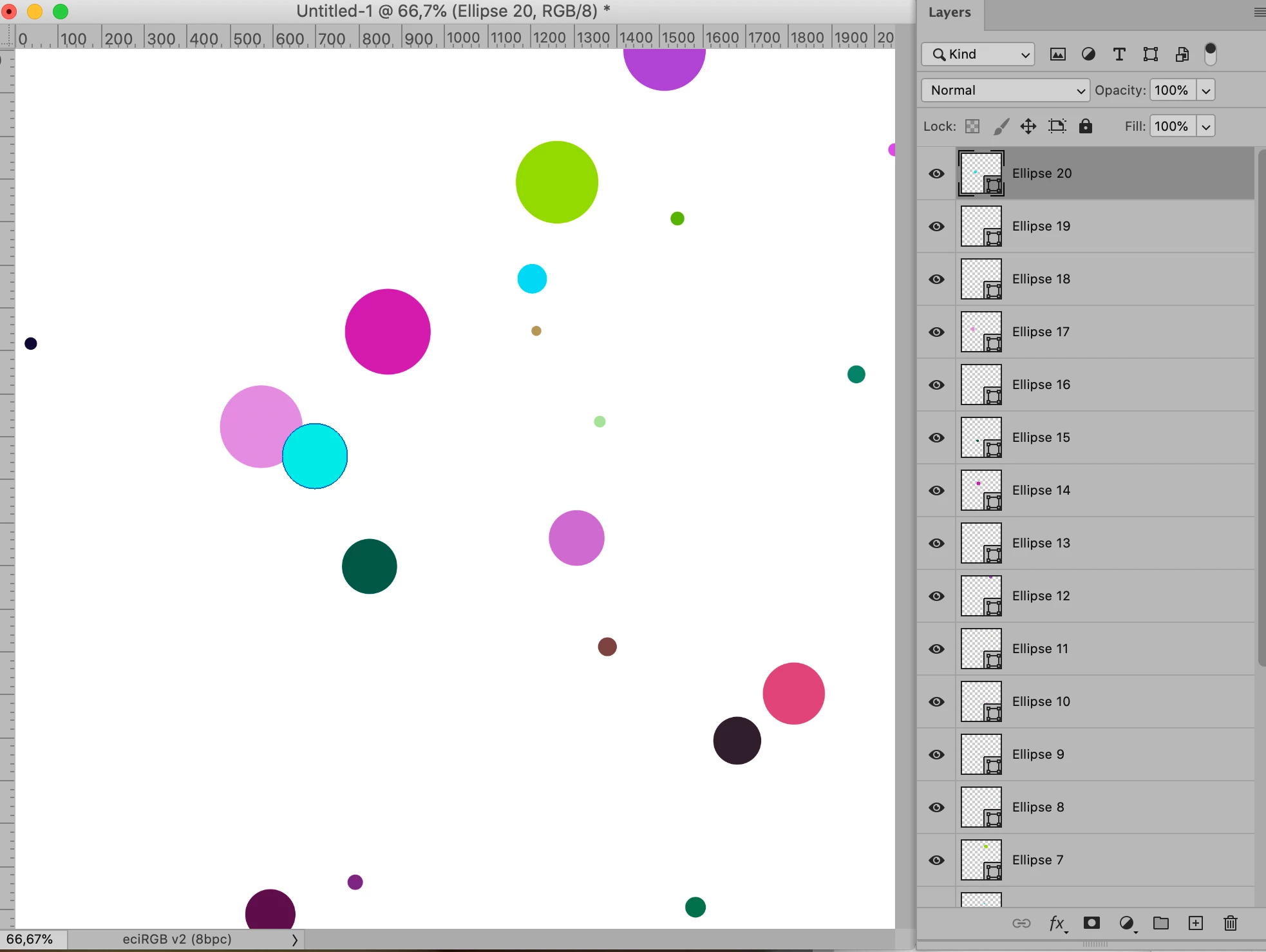
The below code produces something like this, to amend the number, colors and radii of the circles amend the line
createCircle(Math.random()*theWidth, Math.random()*theHeight, 10+Math.random()*90, Math.random()*255, Math.random()*255, Math.random()*255);
if (app.documents.length > 0) {
var myDoc = app.activeDocument;
var theWidth = myDoc.width;
var theHeight = myDoc.height;
for (var m = 0; m < 20; m++){
createCircle(Math.random()*theWidth, Math.random()*theHeight, 10+Math.random()*90, Math.random()*255, Math.random()*255, Math.random()*255);
};
};
//////////////////
function createCircle (theCenterX, theCenterY, theRadius, theR, theG, theB) {
var idpixelsUnit = stringIDToTypeID( "pixelsUnit" );
var idmake = stringIDToTypeID( "make" );
var desc15 = new ActionDescriptor();
var idnull = stringIDToTypeID( "null" );
var ref4 = new ActionReference();
var idcontentLayer = stringIDToTypeID( "contentLayer" );
ref4.putClass( idcontentLayer );
desc15.putReference( idnull, ref4 );
var idusing = stringIDToTypeID( "using" );
var desc16 = new ActionDescriptor();
var idtype = stringIDToTypeID( "type" );
var desc17 = new ActionDescriptor();
var idcolor = stringIDToTypeID( "color" );
var desc18 = new ActionDescriptor();
var idred = stringIDToTypeID( "red" );
desc18.putDouble( idred, theR );
var idgrain = stringIDToTypeID( "grain" );
desc18.putDouble( idgrain, theG );
var idblue = stringIDToTypeID( "blue" );
desc18.putDouble( idblue, theB );
var idRGBColor = stringIDToTypeID( "RGBColor" );
desc17.putObject( idcolor, idRGBColor, desc18 );
var idsolidColorLayer = stringIDToTypeID( "solidColorLayer" );
desc16.putObject( idtype, idsolidColorLayer, desc17 );
var idshape = stringIDToTypeID( "shape" );
var desc19 = new ActionDescriptor();
var idunitValueQuadVersion = stringIDToTypeID( "unitValueQuadVersion" );
desc19.putInteger( idunitValueQuadVersion, 1 );
var idtop = stringIDToTypeID( "top" );
desc19.putUnitDouble( idtop, idpixelsUnit, theCenterY - theRadius );
var idleft = stringIDToTypeID( "left" );
desc19.putUnitDouble( idleft, idpixelsUnit, theCenterX - theRadius );
var idbottom = stringIDToTypeID( "bottom" );
desc19.putUnitDouble( idbottom, idpixelsUnit, theCenterY + theRadius );
var idright = stringIDToTypeID( "right" );
desc19.putUnitDouble( idright, idpixelsUnit, theCenterX + theRadius );
var idellipse = stringIDToTypeID( "ellipse" );
desc16.putObject( idshape, idellipse, desc19 );
var idcontentLayer = stringIDToTypeID( "contentLayer" );
desc15.putObject( idusing, idcontentLayer, desc16 );
var idlayerID = stringIDToTypeID( "layerID" );
desc15.putInteger( idlayerID, 3 );
executeAction( idmake, desc15, DialogModes.NO );
};


 AdChoices