
Randomly appearing display glitches - areas of a layer (or layers) removed at random
PS version 22.3.1
GPU GTX 1660 Super - all drivers up to date
dual screen setup
Machine is a brand new build about a week old
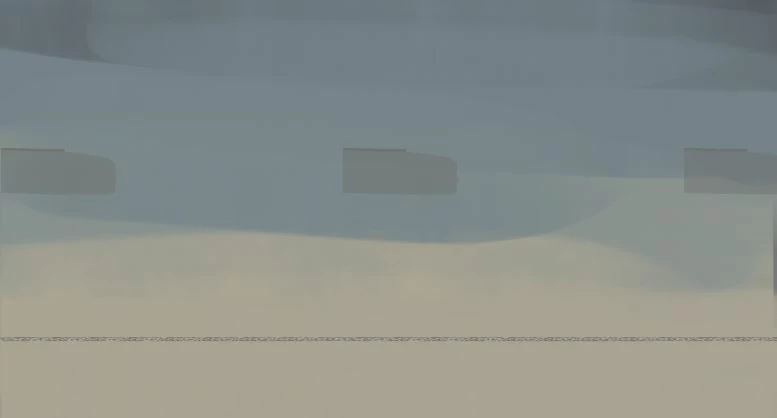
With apparently no warning, I get these kind of hard imprints appearing on layers, either as a negative 'stamp' of a brush or other part of the canvas. They seem to appear completely at random and become imbedded in a layer or layers, so if I turn off preserve transparency I can paint over them. They still remain when closing and reopneing the file/photoshop or full restart.
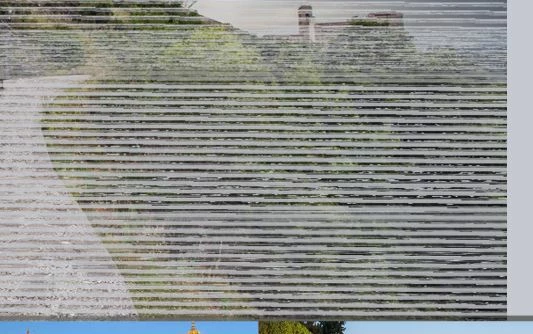
The second image below is a photo dragged in from another folder and sort of caused the corruption of the entire file, leading to multiple ruined layers, seen in the last image. Dragging in any other photo at this point caused the same problem seen in the second image here. But, when I restarted photoshop, I could drag in photos without any issue (but still leaving the initial imprints imbedded in the layers, like in image 3).
This has happened to multiple files now, although yesterday it happened once with only a minor affect, then didn't happen for the rest of the day. My first thought was to turn off Use GPU, but I don't even know when or if the problem will occur during a session.
There's absolutely no issue i'm aware of in other software, like Blender and no problem with game displays or generally within windows. Could be a GPU problem specifically with Photoshop? Any help here with potential problems or tests I could do would be greatly appreciated. Thanks!

 AdChoices