
Answered
rate button in liquify in photoshop
Hello:
The rate button in liquify (photoshop) will not move. Any suggestions? I am relatively a beginner.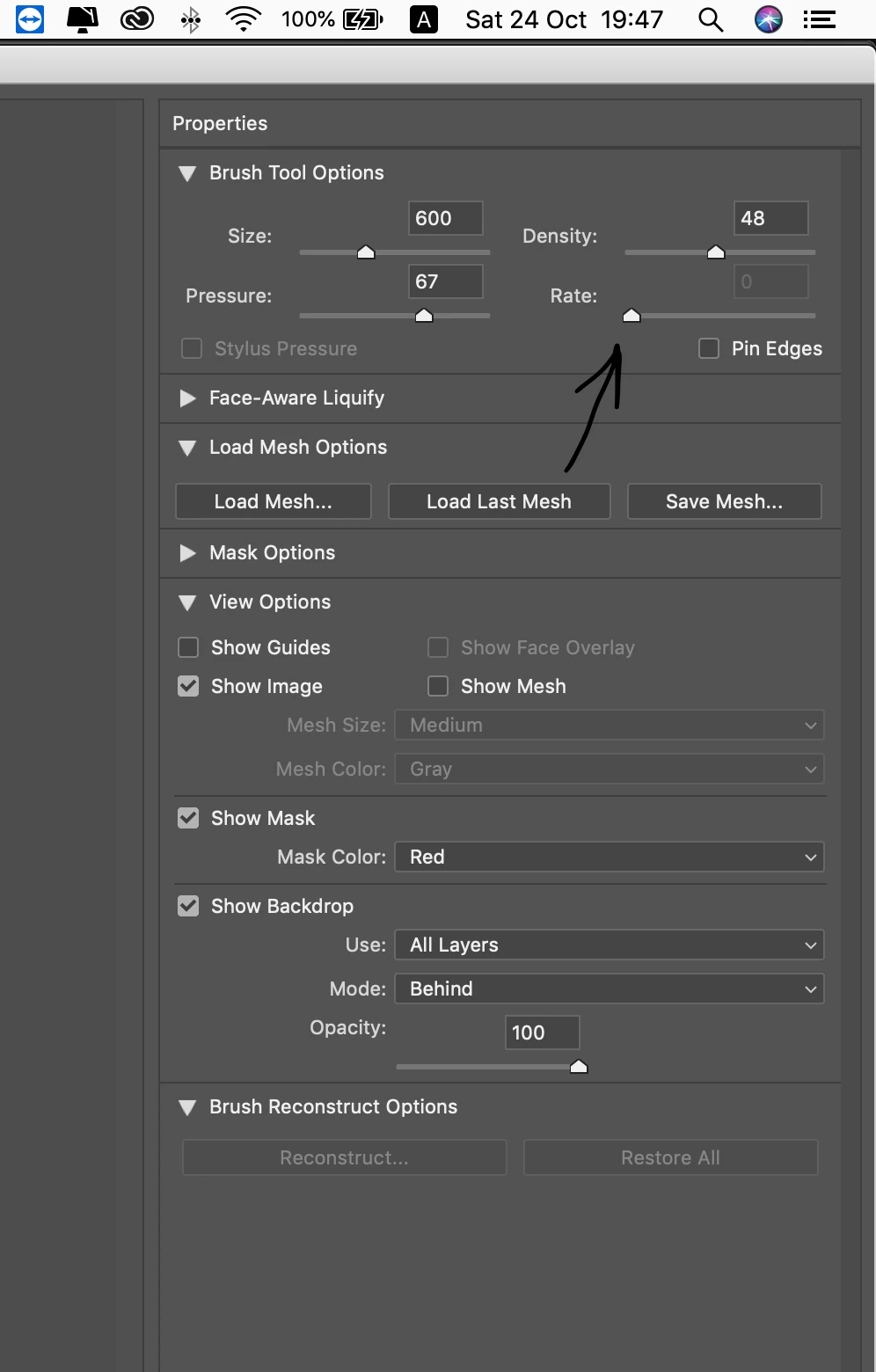

Hello:
The rate button in liquify (photoshop) will not move. Any suggestions? I am relatively a beginner.
Hi @dafffffff:
Be sure you have a brush selected in the Liquify taskspace. The toolbox is at the far left. Choose Reconstruct tool or the Twirl tool, for example and try again.
~Barb
Already have an account? Login
Enter your E-mail address. We'll send you an e-mail with instructions to reset your password.
 AdChoices