
Answered
RAW images suddenly appearing red in Bridge & Photoshop
I've been using Bridge/Photoshop to edit RAW images on a MacBook Pro for years without issue.
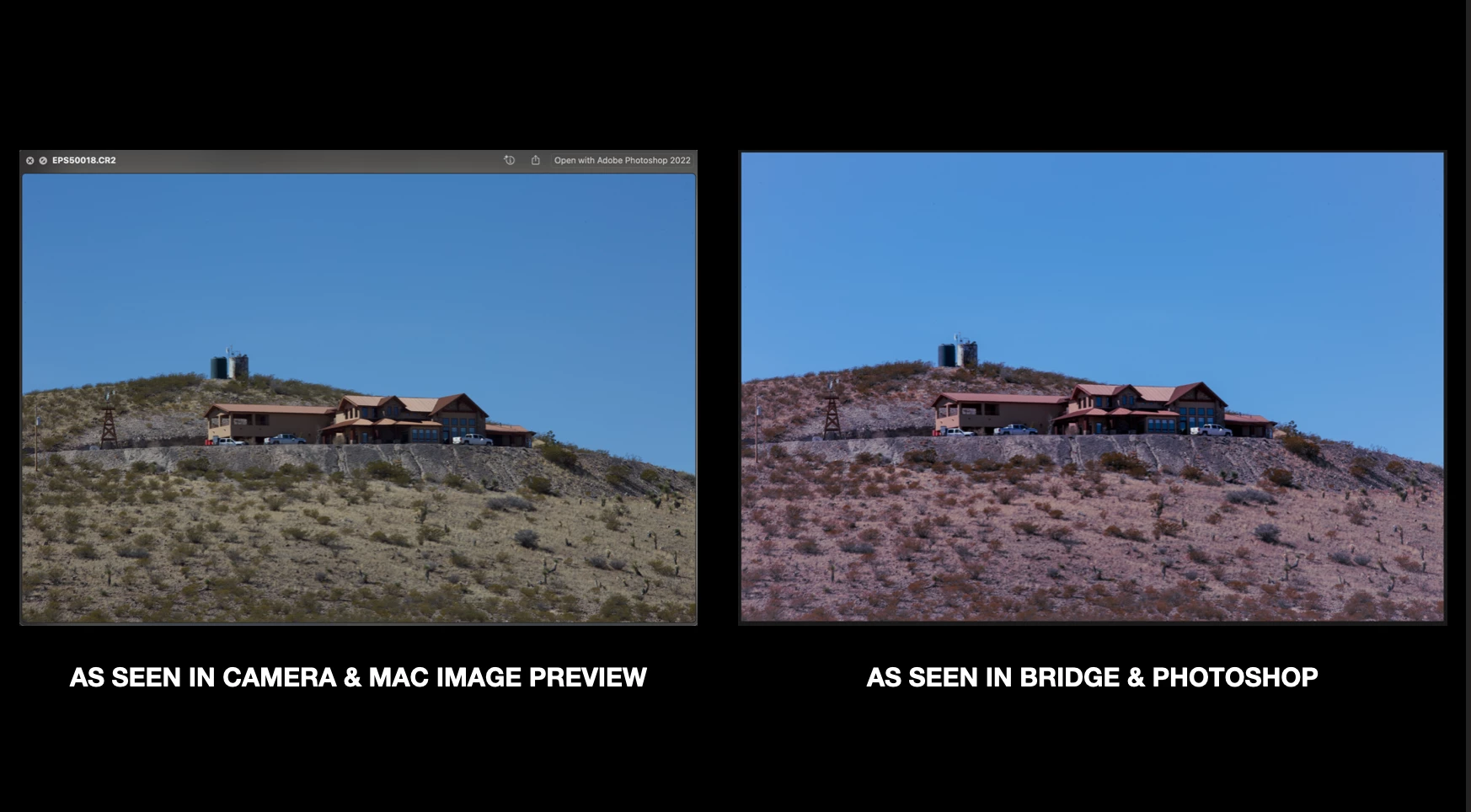
Beginning yesterday, every image I attempt to open in Bridge and/or Photoshop appears to have a heavy red tint. Images I've previously opened & edited in the days leading up to this (which all looked fine), are now also appearing with the red tint.
Any idea what I can do to solve this issue?
 AdChoices