
Xitrie
Participant
June 8, 2018
Question

Re-sizing an image keeps making it blurry

  • June 8, 2018
  • 1 reply
  • 539 views

Before I say anything I just want to let yall know I've tried EVERYTHING, all my settings are on Bicubic Sharper.

But when I re-size a big image to a smaller one it looks like hell.

Here's the example
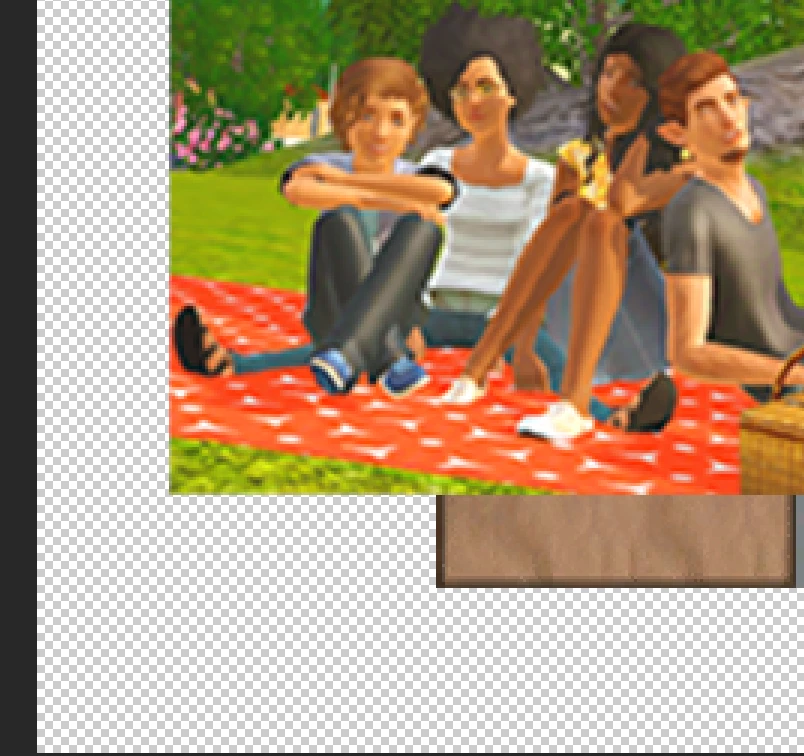
    This topic has been closed for replies.

    1 reply

    JJMack
    Community Expert
    Community Expert
    June 9, 2018

    If an image has been sharpen resizing that image using interpolation method Bicubic Sharper is not a good method to use undesired sharpening artifacts will happen.  Has your image been sharpened? Also resizing an Image way up in size will soften images to where they look blurry.  There is no magic....

    JJMack
    Xitrie
    XitrieAuthor
    Participant
    June 9, 2018

    Hi!

    The image is not sharpened! I've been making it smaller so it shouldn't get THIS blurry? Atleast I thought so?

    Xitrie
    XitrieAuthor
    Participant
    June 9, 2018

    Sorry but both of those screenshots cannot be at 100% zoom

    As requested please show a before section and after section at 100% zoom

    Dave


    I'm sorry!! They both really are, I just cropped them weirdly from the screenshot I took I think