
Participant
January 25, 2018
Answered

Recommendation: Annotation / Mark-Up Plugin for adding Info Bubbles

  • January 25, 2018
  • 1 reply
  • 1071 views

I'm using Adobe Photoshop CC.  I have an image up that i would like to add informational bubbles to add more details about specific parts to my pic.  I typically have to use the line draw and circles to build things then add text overtop that.  Im hoping there is a straight-forward plugin that can do this for me.  Preferably free.

Thanks.
    This topic has been closed for replies.
    Correct answer davescm

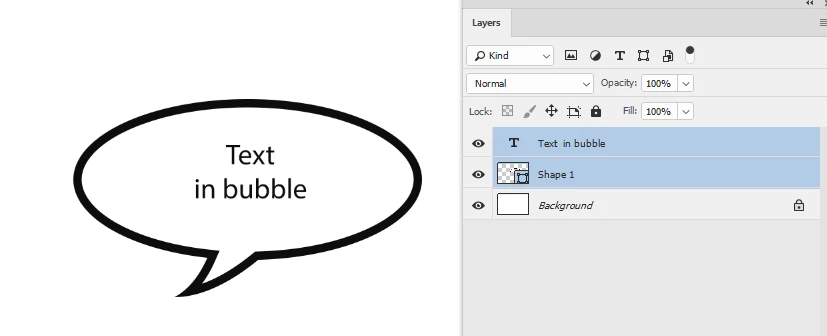
    Have you tried using custom shapes. Remember you can create a custom shape using the pen tool then save it (Edit - Define Custom Shape) for re-use in the same or other documents.

    Dave

    1 reply

    davescm
    Community Expert
    davescmCommunity ExpertCorrect answer
    Community Expert
    January 25, 2018

    Have you tried using custom shapes. Remember you can create a custom shape using the pen tool then save it (Edit - Define Custom Shape) for re-use in the same or other documents.

    Dave

    davescm
    Community Expert
    Community Expert
    January 25, 2018

    Just another thought. Depending on how you are using the text bubbles. If the info is to be part of the final image then my last reply applies, however if you just want annotations only for yourself - you can use the note tool. When you click on a note icon -the note can be read in the note panel.

    Dave