
timetoplay_50945476
Participating Frequently
November 6, 2018
Question

recreate this kind of image/background (strike back intro)

  • November 6, 2018
  • 2 replies
  • 1044 views

Hello guys !

i'm trying to replicate the style of this kind of images.

So i divided this in 2 : the characters and the background.
Background is not that hard but it's the most important i think, even i don't know the way for now, so if you have some tips, thanks you.

The characters are transparent in some places, so they are black/transparents, not that hard i think,  but i'm not a detouring expert on PS, so if you have any advices, thanks.
I have like 30 images to change into this kind of colors, so i'm looking for a kind of "filter" or simple way to change this if possible
Have you any advice on this ? by the way if you want a better look, it's from the "strike back" intro
Here : Cinemax: Strike Back - Opening Credit Sequence - YouTube
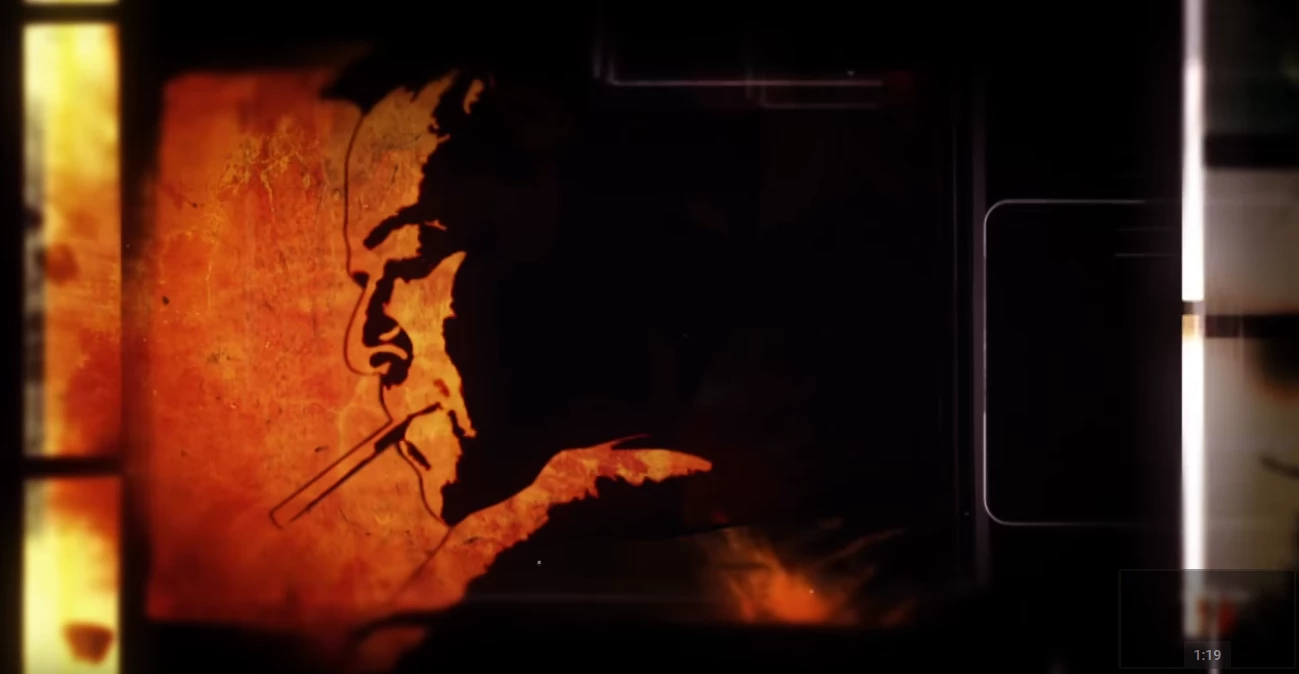
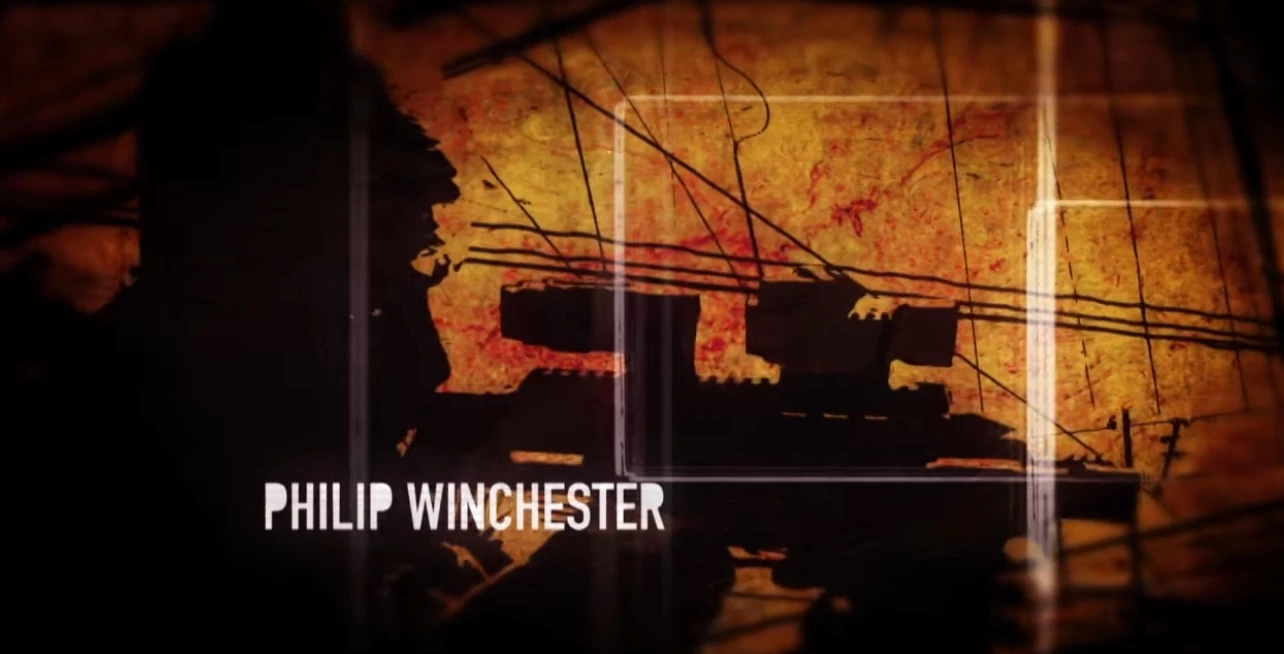
Thanks for your time.

This topic has been closed for replies.

2 replies

timetoplay_50945476
Participating Frequently
November 8, 2018

Thanks for your help.

i don't get the same thing in image>adjustments>levels.

I tried to to the same but it not black/white more like this


BeanFactory
Participating Frequently
December 5, 2018

Hmm... you're right. That appears to be because I didn't have my coffee that morning and I typed the word "levels" and not "threshold." I'm terribly sorry! Go to image>adjustments>threshold and the rest of the info above should get you closer to what you want.

My mistake.

Participating Frequently
November 24, 2024

Sorry to resurrect a long dead thread, but I found this looking for help doing something similar;
The issue I'm running into is that for some pictures I can't find a good threshold adjustment to make the picture legible and I was wondering if you had any tips,  perhaps a filter or another adjustment of some sort that would 'simply" the picture for a more legible end result when doing the above?

BeanFactory
Participating Frequently
November 6, 2018

For the characters, if you mean that you like the super high contrast look, you can try to accomplish that with levels. Take a photo and go to image>adjustments>levels threshold* and play with the slider that pops up in order to make it a harsh black and white image:

*Edited to fix my mistake.

Next, place the image on a layer above a texture that you like and choose a blending mode like "darken" or "darker color" so that the layer below shows through only on the lighter parts.