Copy link to clipboard
Copied
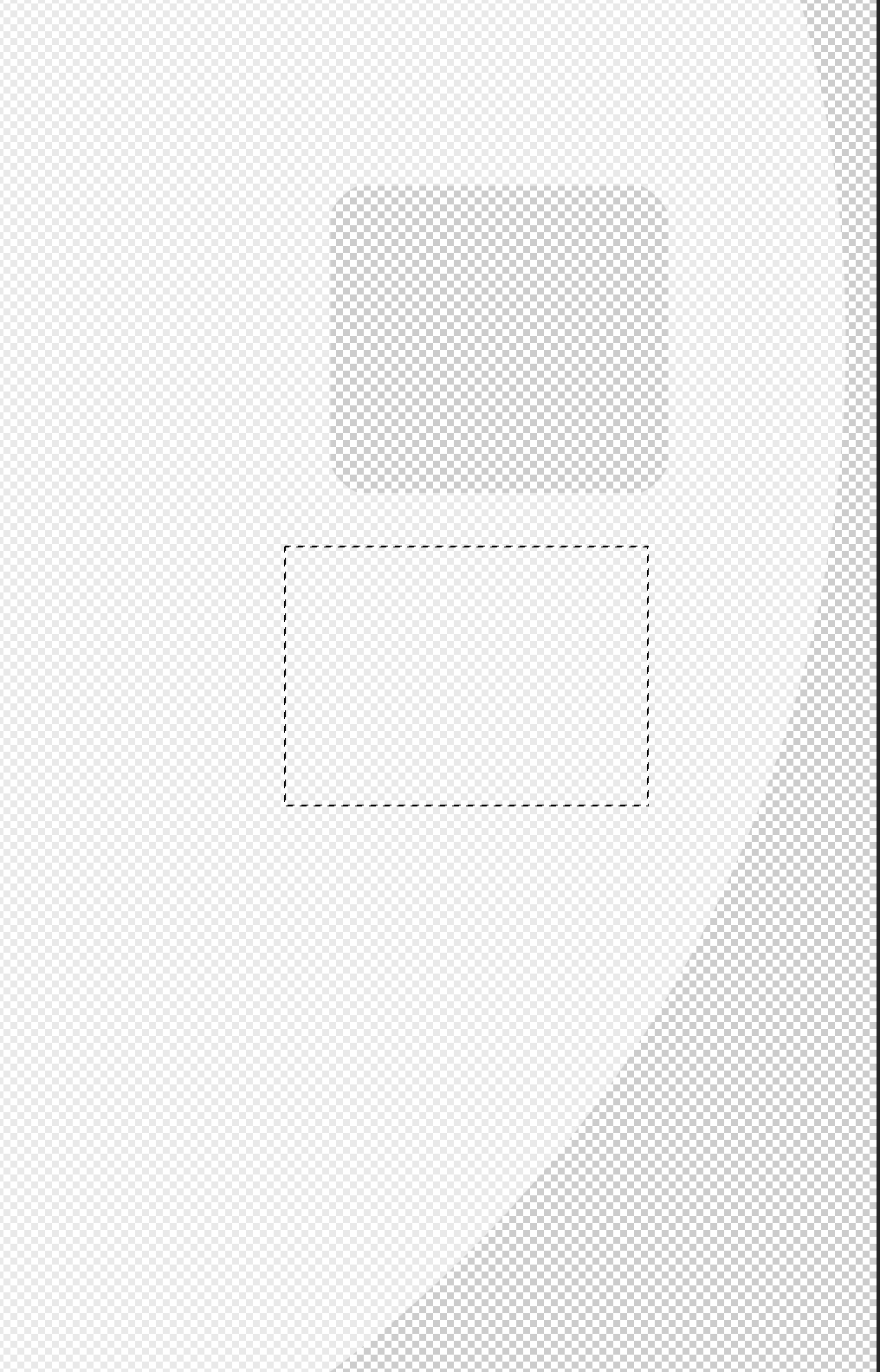
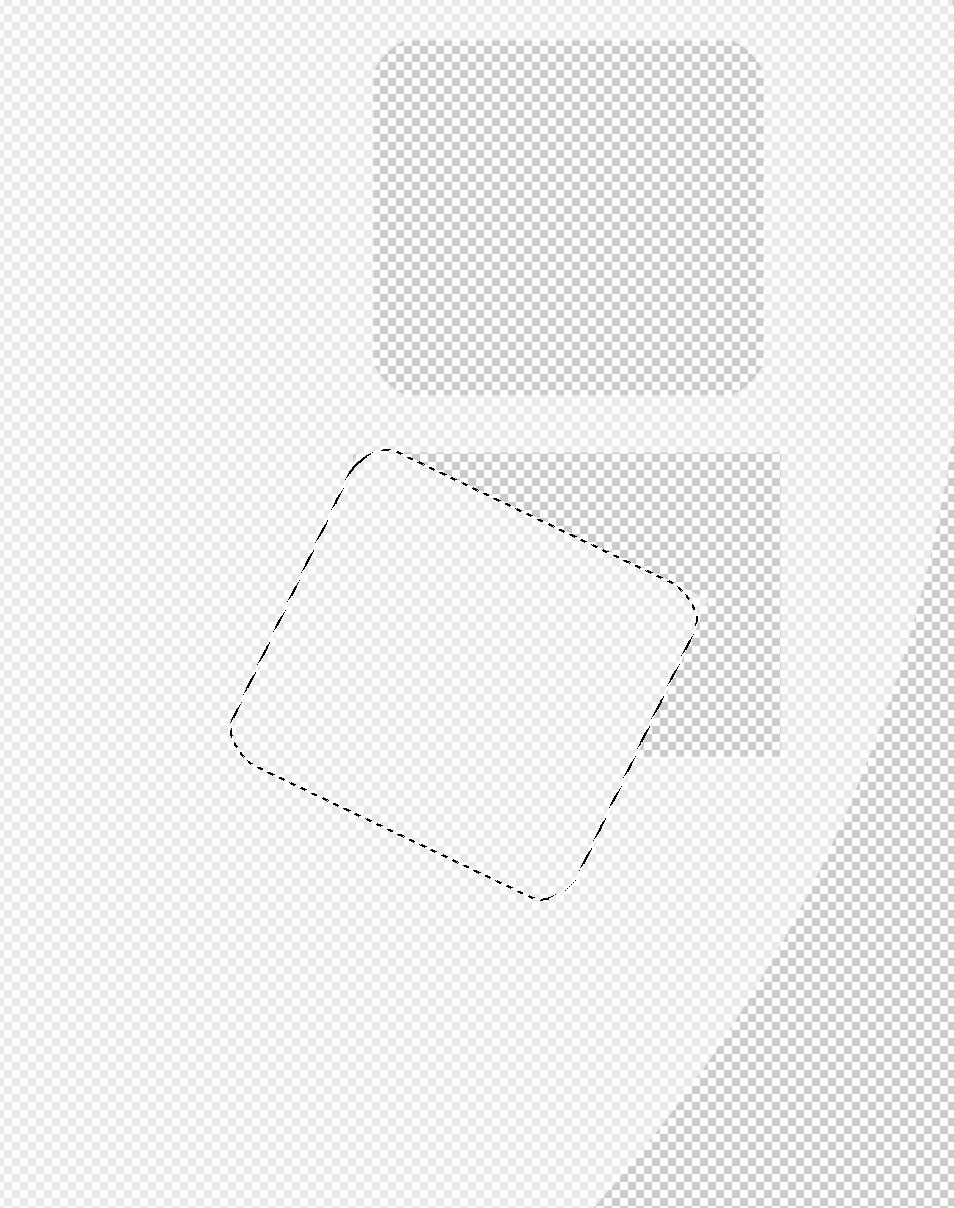
I am creating a shape with the Rectangular Marquee tool and modifying it with Free Transform. However, when I checked I found a cut where I made the initial tool. I did not set a cut there but it is there anyway. I have added snapshots, what am I missing?

Copy link to clipboard
Copied
That's how things work in Photoshop when you use Free Transform with an active selection on a pixel-based layer. If your goal is to transform the selection without affecting the pixels surrounding it, then use the command Select > Transform Selection.
Copy link to clipboard
Copied
This is a new area for me, Thanks Bojan!
Copy link to clipboard
Copied
It does do a cut by default. The idea is, if you selected pixels on a certain layer, you intend to change that layer, so that if the selected pixels are moved, they don’t leave behind unchanged pixels. Instead, they leave a hole. It's the same as if you pick up a piece of paper and decide to edit just a part of that sheet: You have to cut out that part with a knife, and then there will be a hole.
If you don’t want to leave behind a hole in a pixel layer, you should set it up to copy the selected pixels to a new layer, instead of doing a cut. You can do this after selecting and before transforming, by choosing the command Layer > New > Layer via Copy. The shortcut for this is Command+J on Mac. The usefulness of doing this is why many Photoshop teachers tell their students to learn the Command+J shortcut: So that the selected pixels can be transformed without disturbing the layer they came from…and that’s something you can't do with paper.
Copy link to clipboard
Copied
Thanks Conrad, quite helpful!
Find more inspiration, events, and resources on the new Adobe Community
Explore Now