After reconnecting the drive with the RAW files to the computer the problem is solved!? All images are OK now in CameraRaw and Photoshop. I have no idea what was going on?
Thank you for your replies and investigation. If this problem occurs again I will post it in the suggested fora. Thanks again for your help!
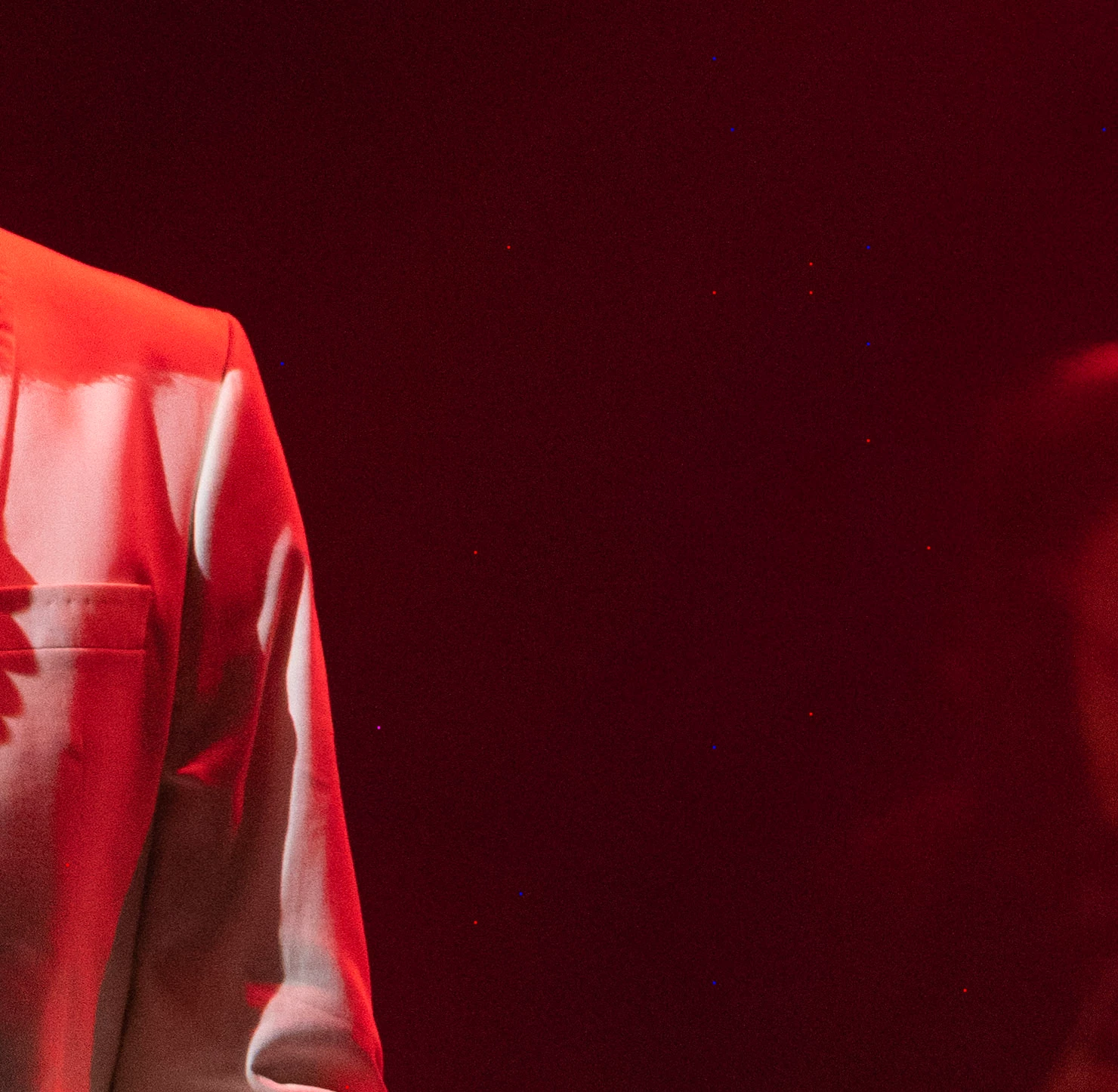
Hi there, After installing the latest updates for Photoshop and Camera Raw yesterday, this problem is back again. I found out that is has to do with the settings of the colour noise reduction. If the amount is higher than zero, the problem occurs.

 AdChoices