Known Participant
November 19, 2020
Answered

Red Brush Preview Vanished

  • November 19, 2020
  • 11 replies
  • 1909 views

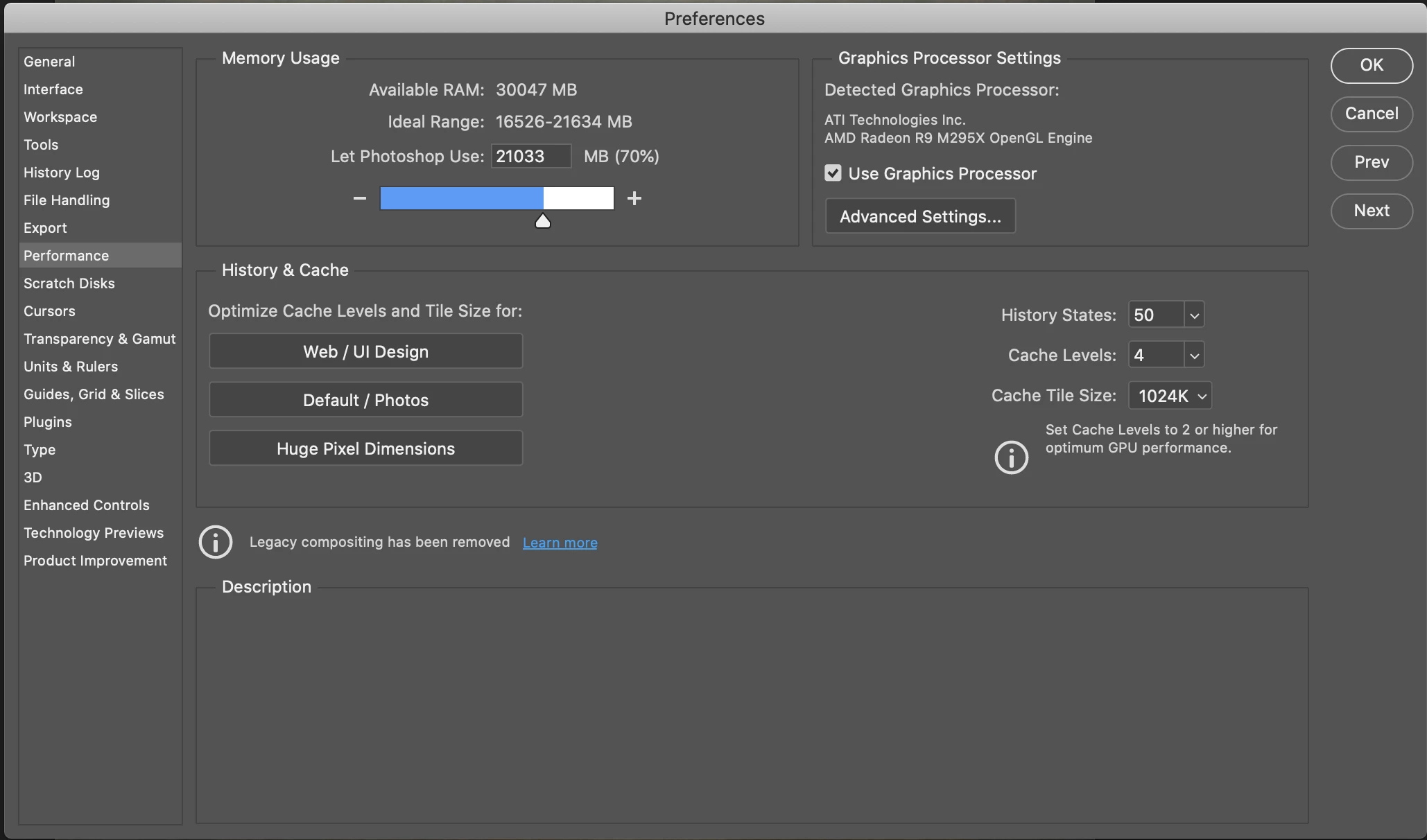
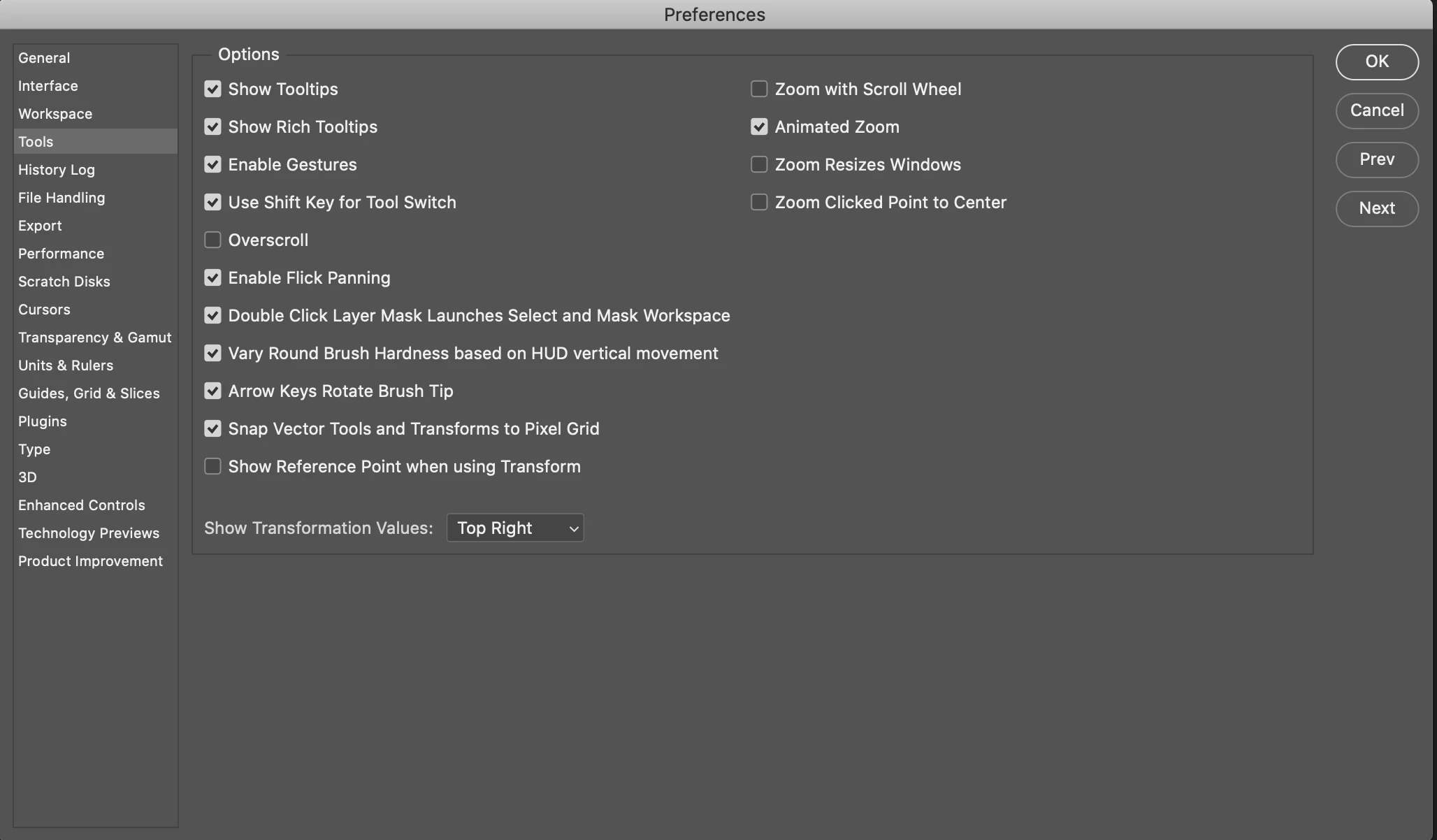
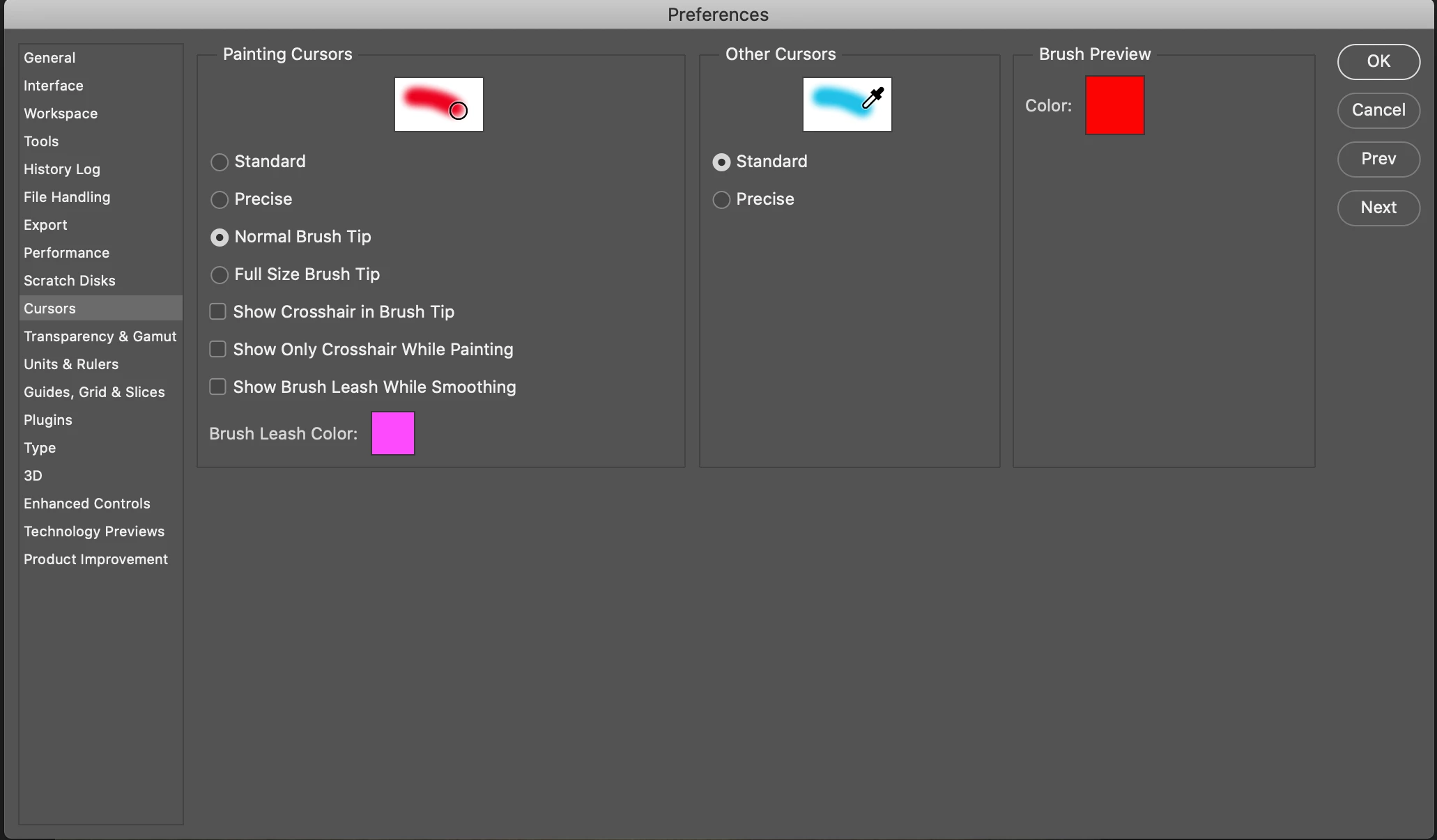
I use the Control+Option (Alt) combo to control the size and hardness of my brush. Out of nowhere, I no longer get the red preview when adjusting the hardness or opacity. I've done a Reset Preferences On Quit, Reset All Tools, confirmed my Use Graphics Processor was checked, and confirmed my Brush Preview Color is selected to Red. I've Googled and Googled and have not found a solution. The only thing I haven't done is Uninstall-Reinstall Photoshop in fear of losing all my Actions I've created. 


Anyone got something for me on this? 


Thank You! 
This topic has been closed for replies.
Correct answer belisario_r

Red Brush Preview using Control+Option (Alt) fixed on version 21.1.1

macOS Mojave (10.14.6) here.

11 replies

belisario_rCorrect answer
Participant
January 12, 2021

Red Brush Preview using Control+Option (Alt) fixed on version 21.1.1

macOS Mojave (10.14.6) here.

PacoD
Known Participant
December 13, 2020

I've had the same issue since a latest update, and it's seriously driving me bonkers.

JJMack
Community Expert
Community Expert
December 13, 2020
salvoo76993234
Participant
December 11, 2020

Same problem here! Brush not show red preview! 

udo_b
Participant
December 8, 2020

Absolutely my opinion, onemangang: dispointment after installing latest update today.

onemangang
Participant
December 8, 2020

This issue has not been fixed with the latest update, v22.1. This is a major workflow issue that needs to be addressed!

udo_b
Participant
December 3, 2020

Same problem here. When is it going to be fixed?

PECourtejoie
Community Expert
Community Expert
December 3, 2020

Hi, it's been Acknowledged by Adobe, and is an issue facing many customers, so I would recommend to watch this discussion: https://feedback.photoshop.com/conversations/photoshop/photoshop-no-red-preview-when-changing-brush-size/5fb6ace9d1b2e26e0e840a70 as it is the kind of bug that is fixed during a dot release. But Adobe won't comment on upcoming updates. Check regularly on your Creative Cloud app if an update is avaialble...

Participant
November 27, 2020

I'm having this problem too. It's 100% an issue with the latest version, v22.0.1. I just uninstalled it, and installed v21.2.4 and its working again. To do this, simply open Creative Cloud, in your apps find Photoshop, click the "..." for "more actions", click "Other versions" and select an older version to install. Worked right away for me. Of course you'll lose the ability to use the new features like sky replacement, but if you're not using those features yet then you won't miss them.

Webkis
Inspiring
November 25, 2020

I have exactly the same problem and it is really awkward to understand the shape of the brush. 😕😕

Rick Adams
Inspiring
November 24, 2020

I too am wondering about this. 10.15.7 and 22.0.1 Thank you.

Rick Adams
Inspiring
November 24, 2020

Also, I noticed that at 0% hardness, the (soft round) brush outline appears different.

Participant
November 20, 2020

I too have the exact same problem.  This anomoly appeared on the latest update of Photoshop 22.0.1.

Known Participant
November 20, 2020

I've been using PS all day ignoring the missing preview but with other issues as well. While in the middle of zooming in and out as well panning around the image, it just freezes. Not Photoshop. Just the ability to use any tools. I can still save the image and close Photoshop and reopen it and all is good. I also experienced Photoshop just crashing on me without saving any of the work.


This must be due to the update. I never experience weirdness of this nature with my machine.