
Question
Red layers?
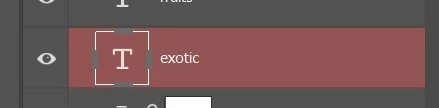 Accidentally hit something on my keyboard to get here and can't seem to fix it. Some Googling said it might be Quick Mask mode but when I press Q on my keyboard I get the message "Could not compelte the Exit Quick Mask command because of a program error". I have reset preferences, restarted computer and reinstalled PS and still can't seem to fix it!
 AdChoices