
Answered
Red overlay on my canvas, whatever layer or folder selected (Windows 10)
Hello,
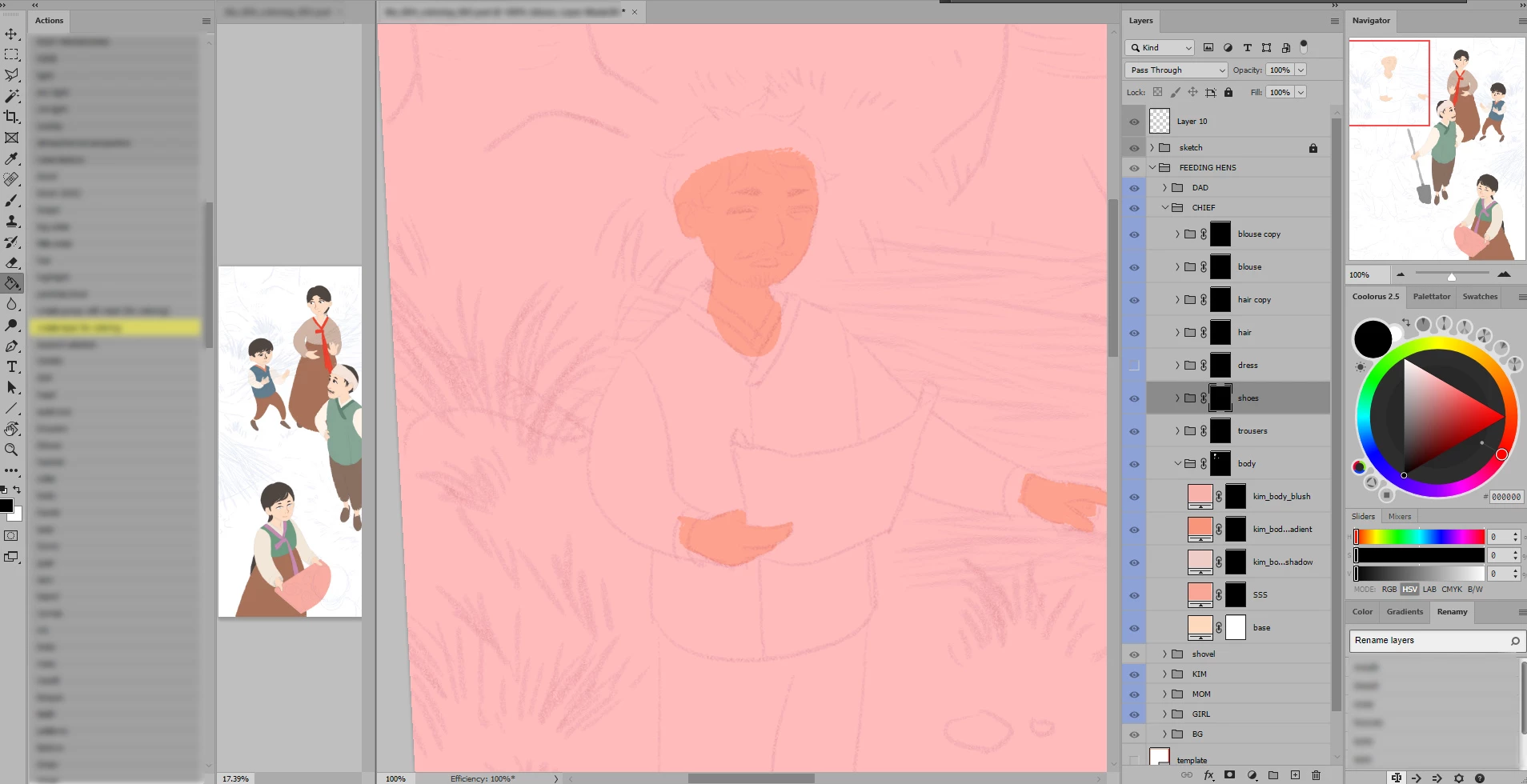
I'm encountering the following issue: after exiting mask mode, I sometimes end up with that red overlay on my canvas (it seems to be applied to any layer or folder in my file). I can deactivate it by clicking outside the canvas and my file goes back to normal.
I checked if the quick mask feature was activated but it's not (and this would affect a single layer, not the full canvas).
I really have no idea where this red overlay comes from...
 AdChoices