
Heirloom Bob
Inspiring
August 18, 2019
Question

Refine Edge CC

  • August 18, 2019
  • 2 replies
  • 416 views

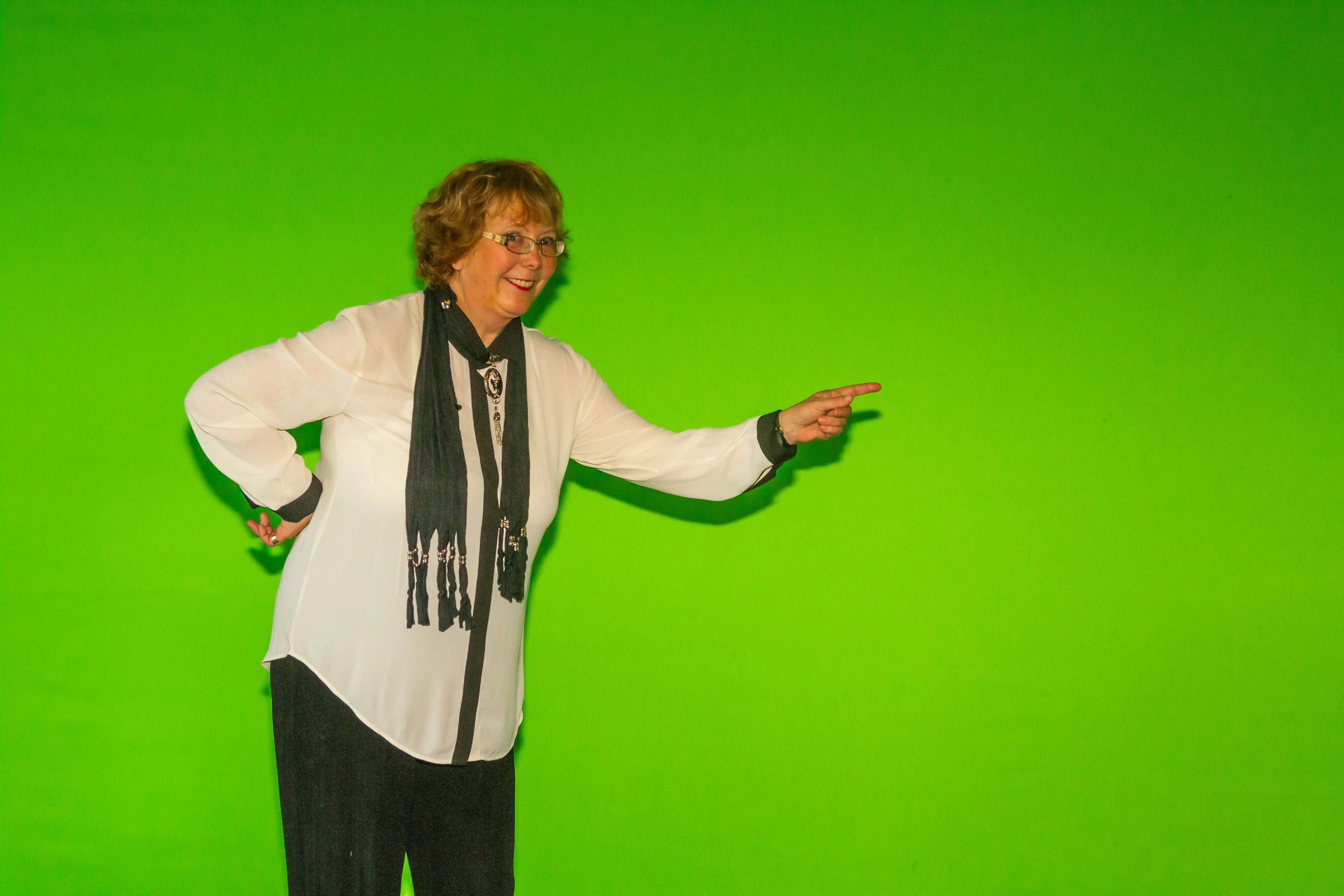
I have an image and I want to remove the green background.

Step 1: is use Select Subject to make a rough selection.

Step 2: select Select and Mask

Step 3: View Mode change to On Layers

Step 4: I want to use the refine Edge Tool to remove the rest of the green shadows but the tool does nothing. Here's a screen shot of where I am at now.

I have attached the original image for any help you can give.

Once resolved, I will still have a bit of a Green colour cast to remove but  I am not there yet.
    This topic has been closed for replies.

    2 replies

    davescm
    Community Expert
    Community Expert
    August 18, 2019

    Hi

    Refine edge is the wrong tool for that part of the selection. It is designed to refine the edge around soft fur or fine hair not the crisp edges you show in your screenshot.

    Within select and mask use the quick select tool - you can add to areas by brushing and hold down Alt to remove areas from the selection as you brush

    Dave

    Mohammad.Harb
    Community Expert
    Community Expert
    August 18, 2019

    I would suggest the following:

    First, go to select Menu -> select subject

    you get an initial selection, if there are some areas are not selected, add these areas with the quick selection tool or any other tools,

    now go to refine edge and refine your subject,

    or you can start your selection from the beginning in the select and mask dialog as you did,

    then add/remove selection using the Brush Tool ( B ) in the select and mask tool , then use radius tool to refine the edges by paiting over the areas like hair,

    use Smooth slider will be a good help,one last thing,

    to blend the edges with the background you can click on decontaminate color check box and increase the value

    then make sure to output the result to New Layer with layer mask