Inspiring
March 7, 2018
Answered

Refine edge tool not erasing the background

  • March 7, 2018
  • 1 reply
  • 5424 views

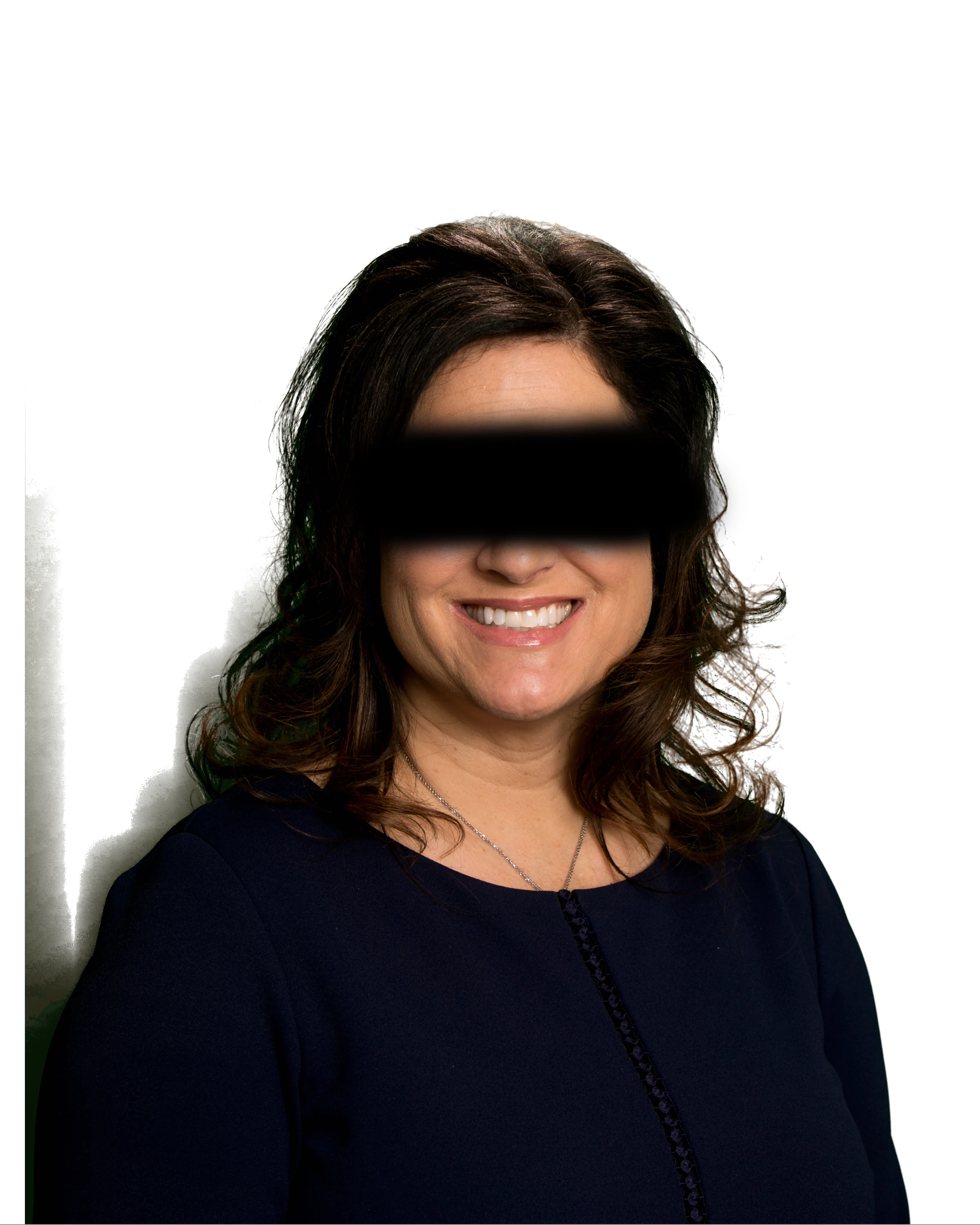
When I take this image into "select and mask", it selects everything ok but when I try to erase the black shadows on the left from the background with the "refine edge" tool, it does absolutely nothing! What am I missing here??

    This topic has been closed for replies.
    Correct answer davescm

    Hi

    I did the following :

    1. Opened select and mask and clicked select subject
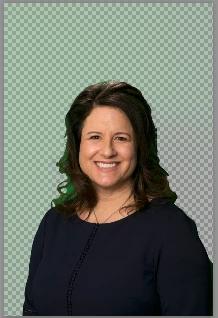
    2. Went to the select refine edge tool and used a small brush (35px 100% hardness 1% spacing smart radius off) to work round the hair edges (using J to check which edges are being refined)
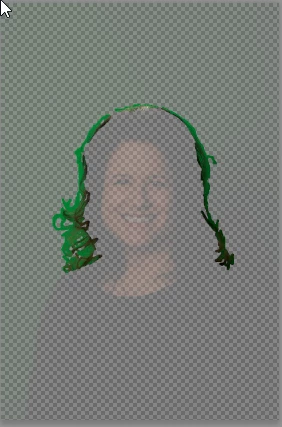
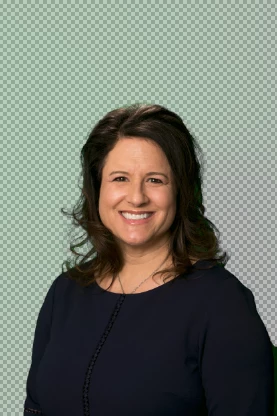
    3. I output to new layer with layer mask and did not check decontaminate colours
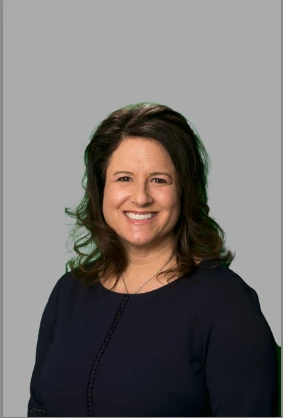
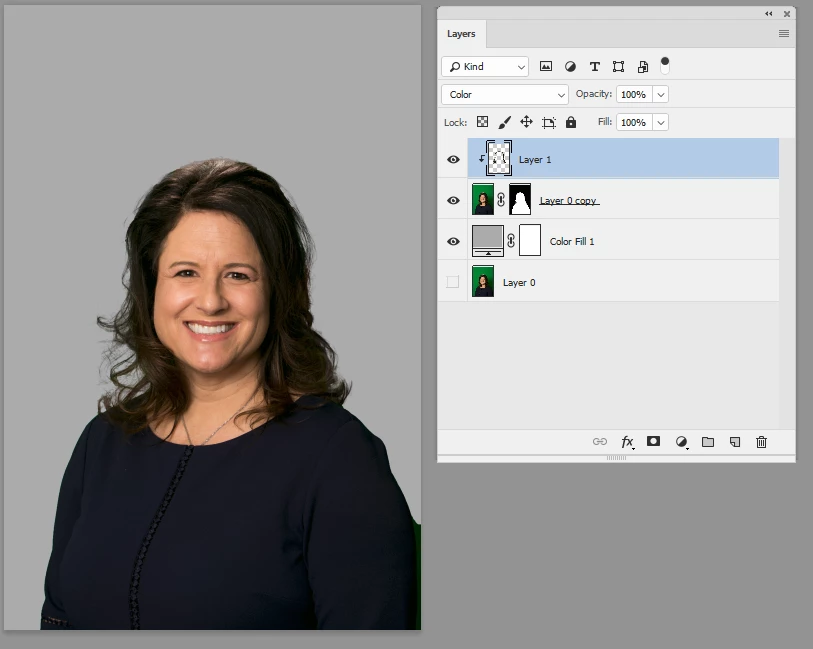
    4. I added a new layer above the masked layer - clipped it to the masked layer and set blending mode to color
    5. I used a soft brush , picking up color from the hair and brushing round the edges to remove any green contamination
    Dave

    1 reply

    Theresa J
    Community Expert
    Community Expert
    March 7, 2018

    The background is too similar in color to the subject. Refine edge is struggling to define where the subject’s edge is. You will have to paint this section manually. The third tool down in select and mask is a regular brush. You can paint over the background with the brush set to minus, and that will erase the background.

    BilliamsAuthor
    Inspiring
    March 10, 2018

    With that tool, it would be impossible to get the hair looking natural, since it's transparent in areas. I am enclosing another photo with the original green screen showing. I can't select and mask this one either. What am I missing here? This should be easy with the newest refine edge tool in cc!!!!

    JohanElzenga
    Community Expert
    Community Expert
    March 10, 2018

    It sounds like you are using the wrong approach. The easiest way to do this is by first selecting the woman with the Quick Selection brush. Then go into 'Select and Mask' and expand the selection to include the hair. It took me less than two minutes to get this:

    -- Johan W. Elzenga