
debbiei92824745
Participating Frequently
September 23, 2023
Question

Remove Background Tool in Properties

  • September 23, 2023
  • 2 replies
  • 521 views

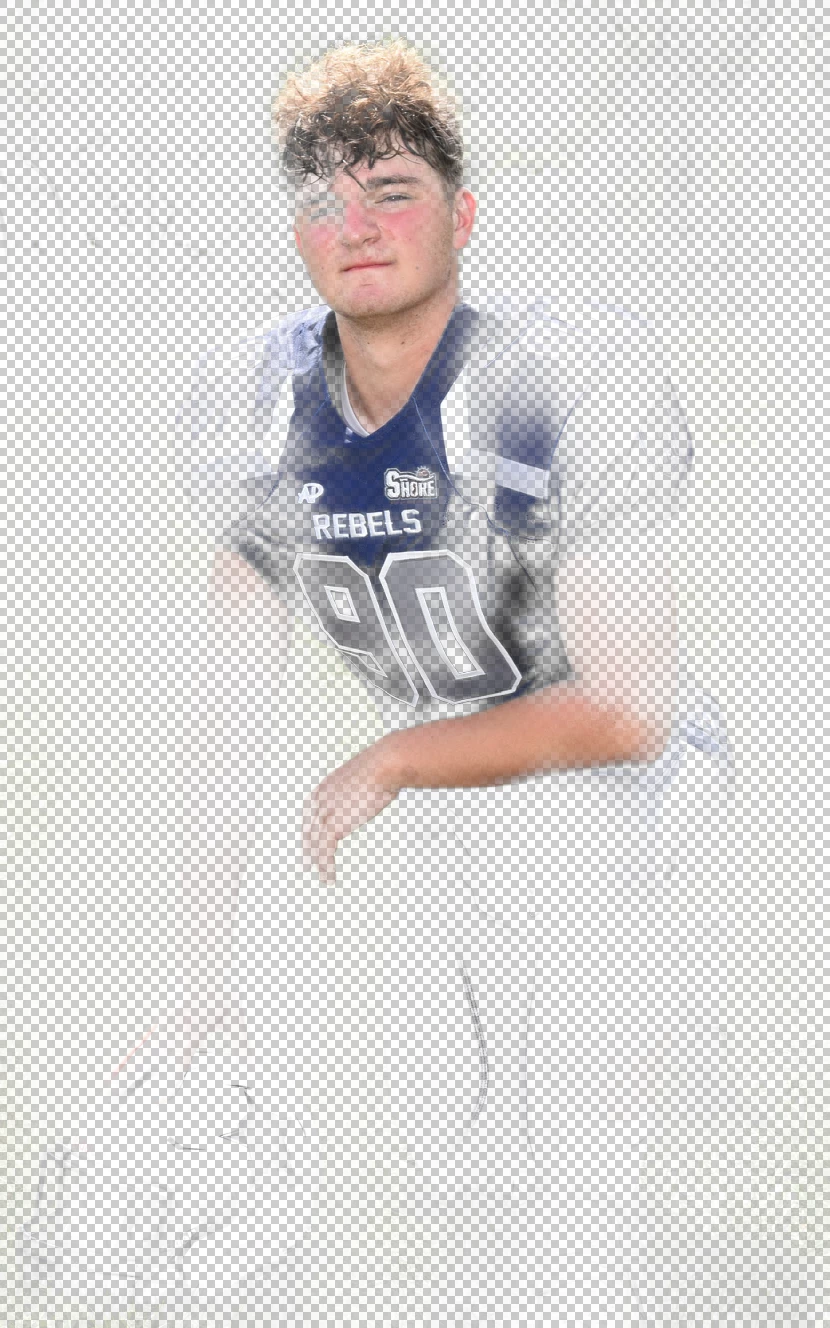
Please help!  I am using PS version 21.2.0 on my IMac desktop.  I've always been able to use the shortcut 'Remove Background' button under properties.  For some reason, the settings are messed up and it's not removing the image, instead I am left with a very faded few portions of the photo.  I have tried everything and it's not working.  It works fine on my Macbook Pro with the same version. Can someone help me figure this out?  I've tried You Tubing and adjusting the settings on that layer but still at a loss.  Thank you so much!
This topic has been closed for replies.

2 replies

c.pfaffenbichler
Community Expert
Community Expert
September 25, 2023

What have you done for all-purpose trouble-shooting so far?
Restoring Preferences after making sure all customized presets like Actions, Patterns, Brushes etc. have been saved might be a good starting point:
https://helpx.adobe.com/photoshop/using/preferences.html
https://helpx.adobe.com/photoshop/kb/basic-trouble-shooting-steps.html

Trevor.Dennis
Community Expert
Community Expert
September 24, 2023

I don't think there is any way to adjust the Remove Backround settings, although you could maybe click on the resulting layer mask and Select Subject in  the Properties panel.  However, the screenshot you provided looks to be way too messed up to have an easy fix.  I would try it with other images to make sure it is not just that image that is the problem, and if it produces similar results, I'd say this is one of those times you need to go straight to resetting Preferences.