
Participant
February 13, 2021
Question

Remove black lines around custom shapes

  • February 13, 2021
  • 4 replies
  • 3698 views

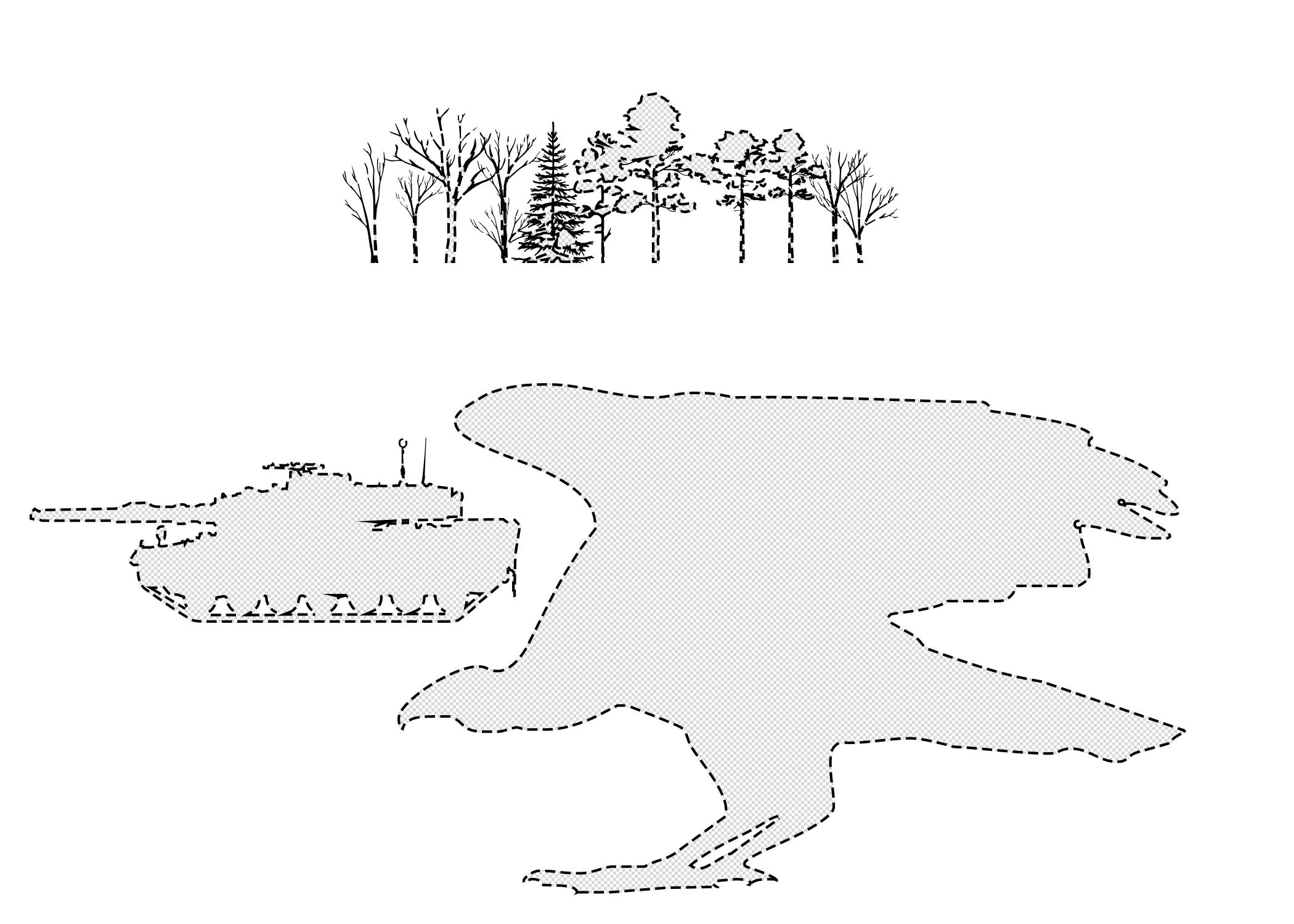
Hi, I am having an issue with the custom shapes tool. Every custom shape I use have these little black lines outlining them and I would like to find a way to remove them. If anyone could help that would be fantastic. I will upload an example to show what I am talking about.

This topic has been closed for replies.

4 replies

dk khattiya
Participating Frequently
August 30, 2021

Move number for Stroke to 0.

pixxxelschubser
Community Expert
Community Expert
February 13, 2021

Hi @Sherman5ECC 

It seems you are using a dashed stroke contour.


c.pfaffenbichler
Community Expert
Community Expert
February 13, 2021

Do the Shape Layers have a Stroke? 

c.pfaffenbichler
Community Expert
Community Expert
February 13, 2021

Could you please post screenshots with the pertinent Panels (Toolbar, Layers, Options Bar, …) and the Direct Selection Tool selected visible?