ChrisPearson100
Known Participant
December 31, 2023
Question

Remove colour background from transparent object?

  • December 31, 2023
  • 2 replies
  • 837 views

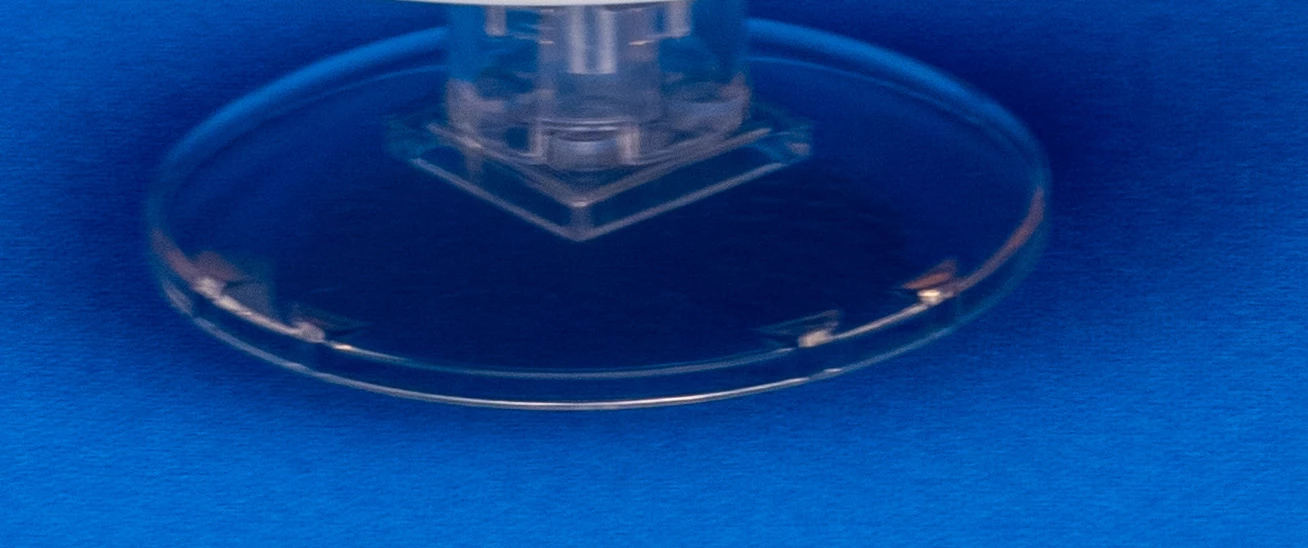
As per the image.  I want to remove the blue dackground from the transparent object.  I've tried selecting and masking by colour range, but the shadows and highlights are causing issues.

 

This topic has been closed for replies.

2 replies

Trevor.Dennis
Community Expert
Community Expert
January 1, 2024

It's a tricky one because the image quality is so poor, but you make a clipping path exactly as Jane said, and then desaturated to remove the blue.  The glass object is also very dark other than its few highlights, you'd use either/or curves and the Camera RAW filter to retrieve the contrast after brightening the dark tones.


It can be useful having an example to compare with but it would be a tall order to make the blue object look like the glass below.

jane-e
Community Expert
Community Expert
December 31, 2023

@ChrisPearson100 


Use the Pen tool set to Path mode to draw a path around the shape, then create a Layer mask to hide what you don't want.


Jane

ChrisPearson100
Known Participant
December 31, 2023

Thanks for the reply.  I should have been a bit clearer.  I want to remove the colour from 'behind' the transparent object, not just from around the object.

c.pfaffenbichler
Community Expert
Community Expert
January 1, 2024

The Green Channel seems to provide the best overll detail, so you could use that (and Curves) to isolate »black« and »white« from the image with Blend If-settings and Color Overlays.