

Remove image from frame tool frame
The internet does not seem to have an answer to this question so I thought I'd post it here.
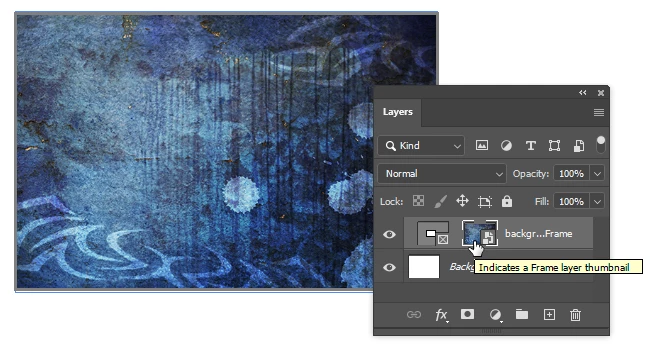
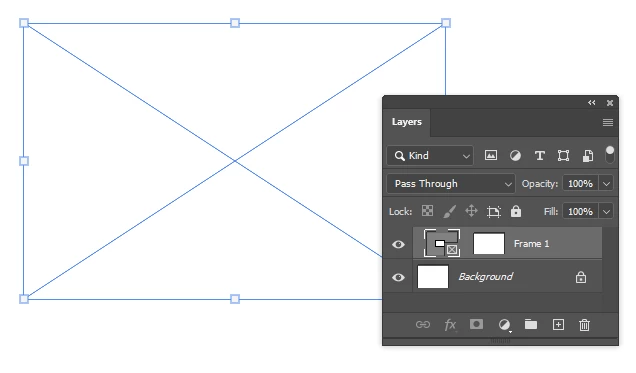
In Photoshop, once you create a frame using the Frame Tool, and you place an image in it, how do you clear or "empty" the frame so you keep the frame with no image in it, like it was when the frame was originaly created (empty)?
I am aware that once you place an image, you can right click the frame layer and select Remove Frame from Layer, but I what I need most usually is the reverse: Remove Layer from Frame or Remove Frame Contents.
This is because sometimes I create template files that I use over time to create mockups, but I would like the template to be clean, without any images. I find that right now, in order to achieve this, since I cannot empty a created frame, I have to take note of its exact size and coordinates, delete it, and then recreate it to the exact dimensions and placement.
Is that the only way?
 AdChoices