Known Participant
August 24, 2024
Question

Remove Tool Doesn't Work

  • August 24, 2024
  • 2 replies
  • 1135 views

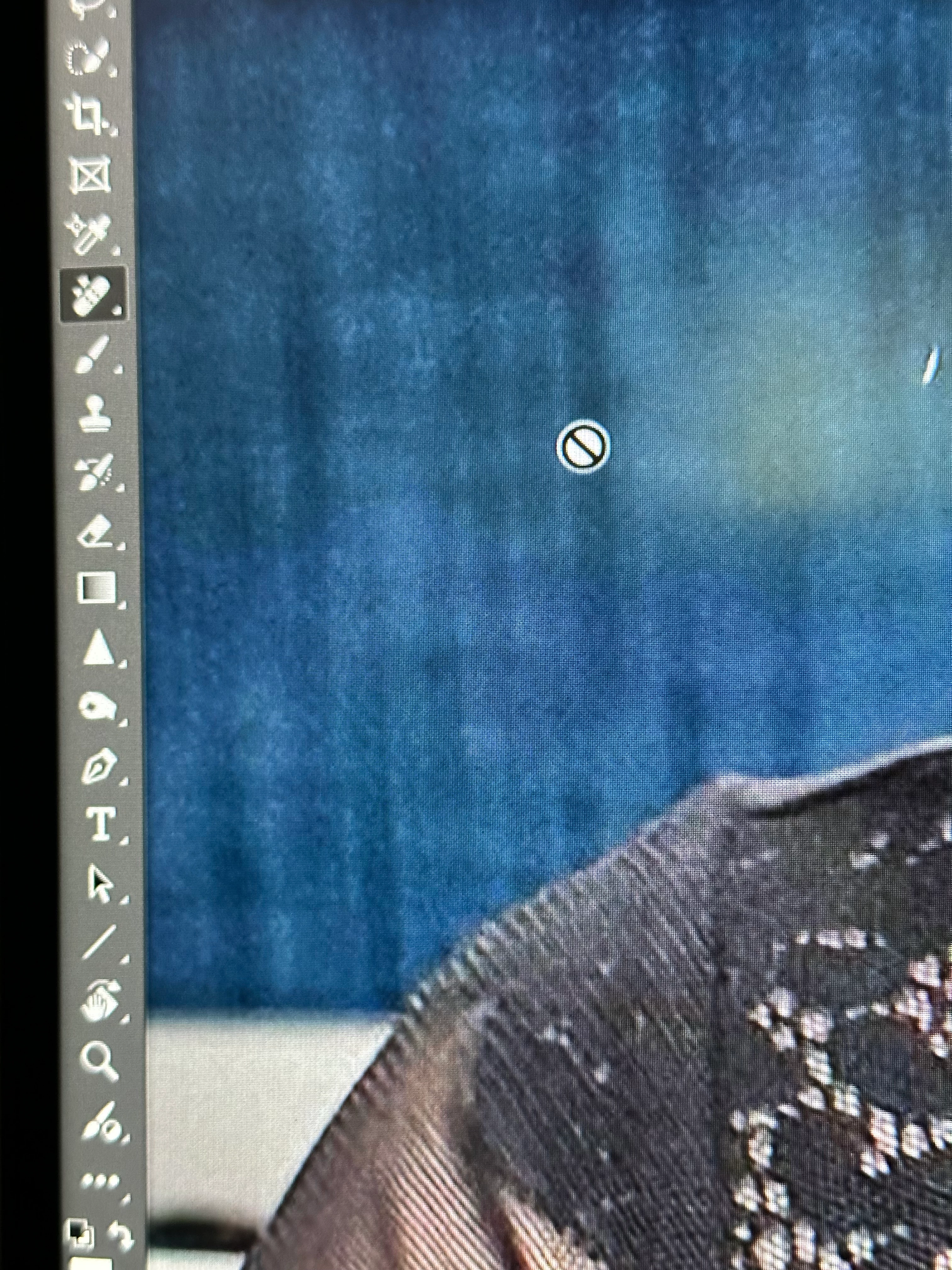
I'm running Photoshop 25.11.0 on Mac Big Sur. The Remove Tool is present in my toolbar, but when I select it, instead of a brush icon, I get the universal "NO" icon... a circle with a diagonal slash. See attachment.

This topic has been closed for replies.

2 replies

Jeff Arola
Community Expert
Community Expert
August 24, 2024

It does seem to indicate here that macOS Monterey 12.6.3 or later is required

under

Recommended/Minimum hardware environment for Remove tool

https://helpx.adobe.com/photoshop/using/retouching-repairing-images.html?x-product=Helpx%2F1.0.0&x-product-location=Search%3AForums%3Alink%2F3.4.0


 Adobe should put these kind of limitations on the Photoshop System Requirements page.

https://helpx.adobe.com/photoshop/system-requirements.html


GDBartAuthor
Known Participant
August 24, 2024

Thanks for the reply, Jeff. I just checked my Creative Cloud App to make sure that the Remove Tool Add-Ons were installed, and they were. Here's a screen shot of what's under my hood.... 

gener7
Community Expert
Community Expert
August 24, 2024

We would need to see the entire workspace with the layers panel open. Cmd-Shift-3 will produce a Fullscreen snapshot file on the Mac Desktop which you can then upload in a reply.


GDBartAuthor
Known Participant
August 24, 2024

Here you go...

gener7
Community Expert
Community Expert
August 24, 2024

The Layer you are on is invisible because you unclicked the eyeball next to it, and that is why you see the prohibited symbol. You can choose a visible layer and if need be, checkmark "sample all layers" in the top options bar. I guess you have that layer turned off for a reason.


Also I uncheck "remove after each stroke". That way if an item needs more than one stroke to cover it, I can do that before clicking "apply".