Known Participant
August 24, 2024
Question

Remove Tool Doesn't Work

  • August 24, 2024
  • 2 replies
  • 1137 views

I'm running Photoshop 25.11.0 on Mac Big Sur. The Remove Tool is present in my toolbar, but when I select it, instead of a brush icon, I get the universal "NO" icon... a circle with a diagonal slash. See attachment.
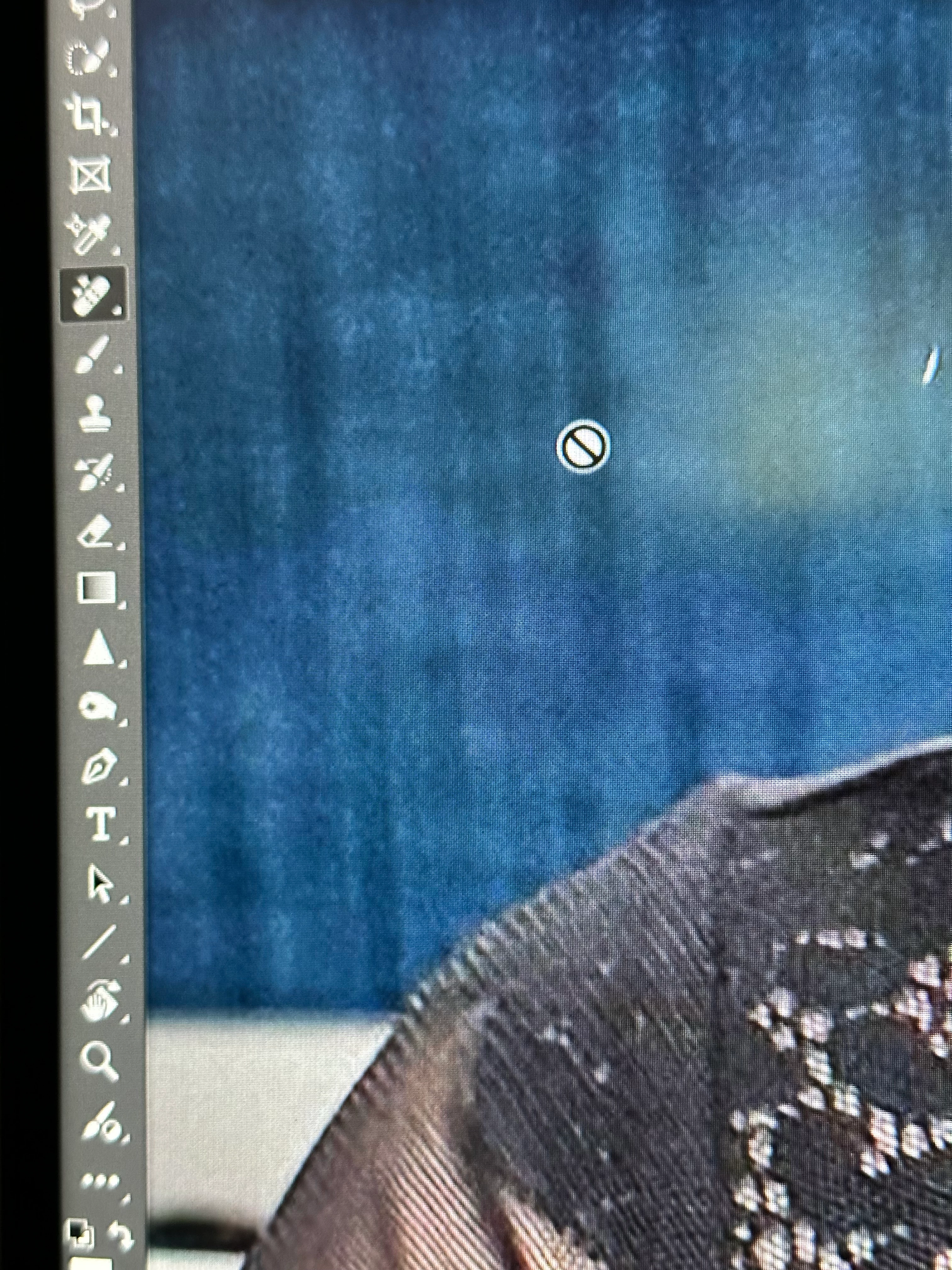

This topic has been closed for replies.

2 replies

Jeff Arola
Community Expert
Community Expert
August 24, 2024

It does seem to indicate here that macOS Monterey 12.6.3 or later is required

under

Recommended/Minimum hardware environment for Remove tool

https://helpx.adobe.com/photoshop/using/retouching-repairing-images.html?x-product=Helpx%2F1.0.0&x-product-location=Search%3AForums%3Alink%2F3.4.0


 Adobe should put these kind of limitations on the Photoshop System Requirements page.

https://helpx.adobe.com/photoshop/system-requirements.html


GDBartAuthor
Known Participant
August 24, 2024

Thanks for the reply, Jeff. I just checked my Creative Cloud App to make sure that the Remove Tool Add-Ons were installed, and they were. Here's a screen shot of what's under my hood.... 

gener7
Community Expert
Community Expert
August 24, 2024

We would need to see the entire workspace with the layers panel open. Cmd-Shift-3 will produce a Fullscreen snapshot file on the Mac Desktop which you can then upload in a reply.


GDBartAuthor
Known Participant
August 24, 2024

Here you go...

GDBartAuthor
Known Participant
August 24, 2024

Here's a new blank document...


Could it be my Mac OS, which is Big Sur. Will the Remove Tool work in Big Sur?