Participating Frequently
June 15, 2023
Question

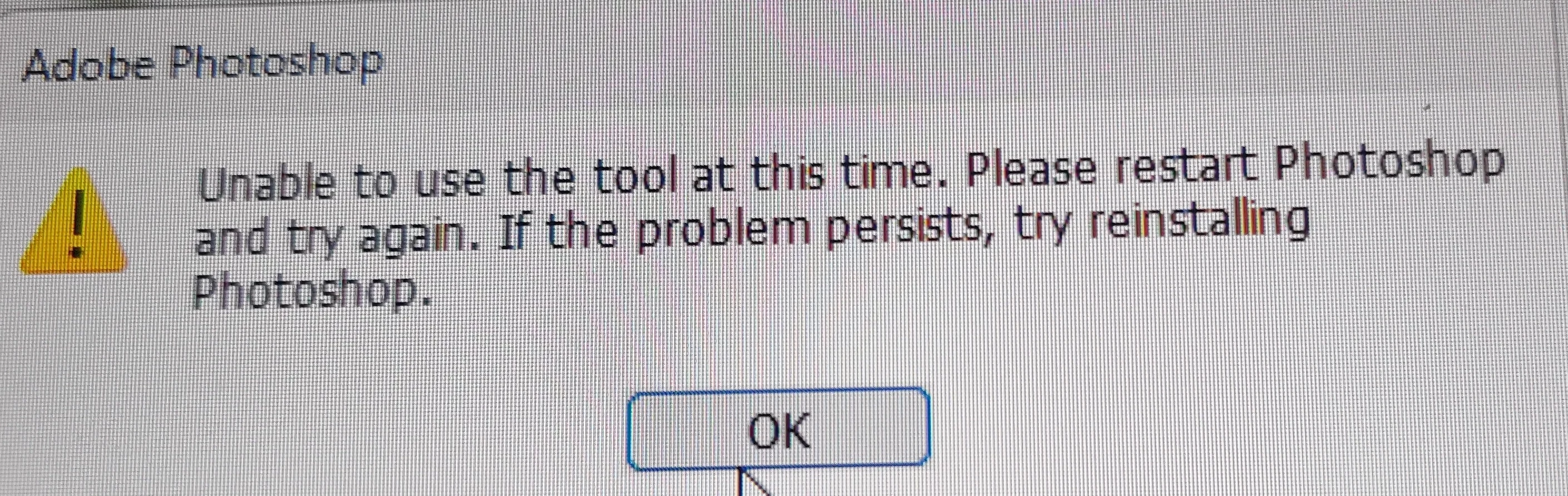
Remove Tool Error - Unable to Use the tool at this time.
  • June 15, 2023
  • 13 replies
  • 3323 views

Need help with this error. Was being helped last night for over an hour with still no breakthrough.

This topic has been closed for replies.

13 replies

PMcKenleyAuthor
Participating Frequently
June 21, 2023

Hi Cory,

I realize that after opening Photoshop using the button combination you list below, I am able to use the remove tool. However, after closing and reopening PS, the error above returns. Will I only be able to use the tool by using the button combination or is there a permanent fix for this error?

PMcKenleyAuthor
Participating Frequently
June 15, 2023

it worked!!!!!! Thank you sooo very much!!! I am so relieved 😅

CShubert
Community Manager
Community Manager
June 15, 2023

Hi @PMcKenley 

Try resetting Prefs for the Beta:

/Users/yourname/Library/Preferences/Adobe\ Photoshop\ \(Beta\)\ Settings (Mac)
C:\Users\user name\AppData\Roaming\Adobe\Adobe Photoshop (Beta)\Adobe Photoshop (Beta) Settings )Win)

Launch BETA Photoshop While Pressing The Keyboard Shortcut

With Photoshop closed, press and hold Shift+Ctrl+Alt (Win) / Shift+Command+Option (Mac) on your keyboard and then Launch Photoshop the way you normally would.


It may help if we could see your Photoshop System Info. Launch Photoshop, and select Help >System Info...and copy/paste the text in a reply.