
Remove uneven illumination (e.g. in microscope images)
Dear wise people of the internet!
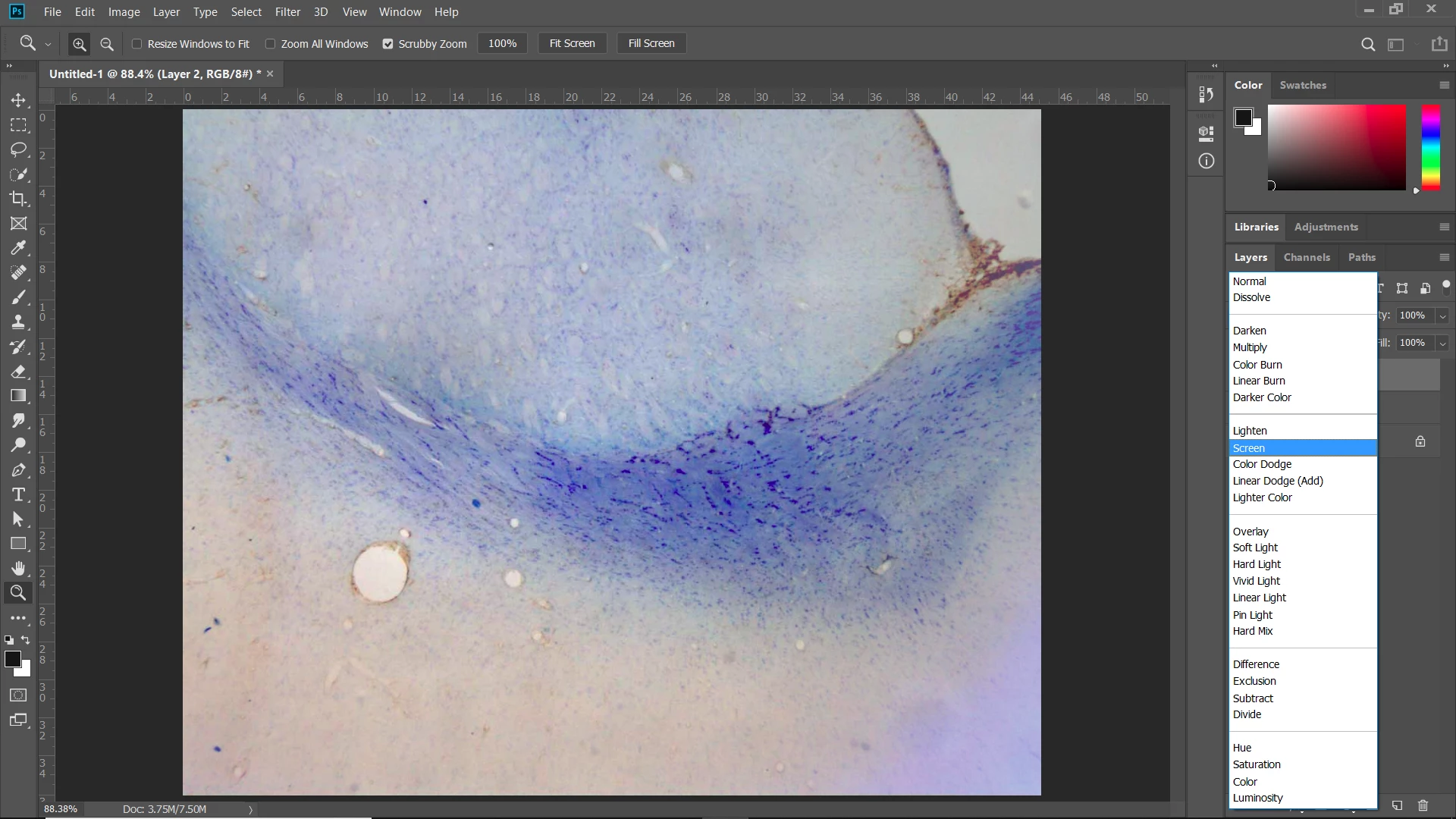
I took photos with a brightfield microscope for scientific use, but some lenses have very specific "vignettes" because they haven't been properly cleaned for years. The first image you can see is what my specimen looks like:
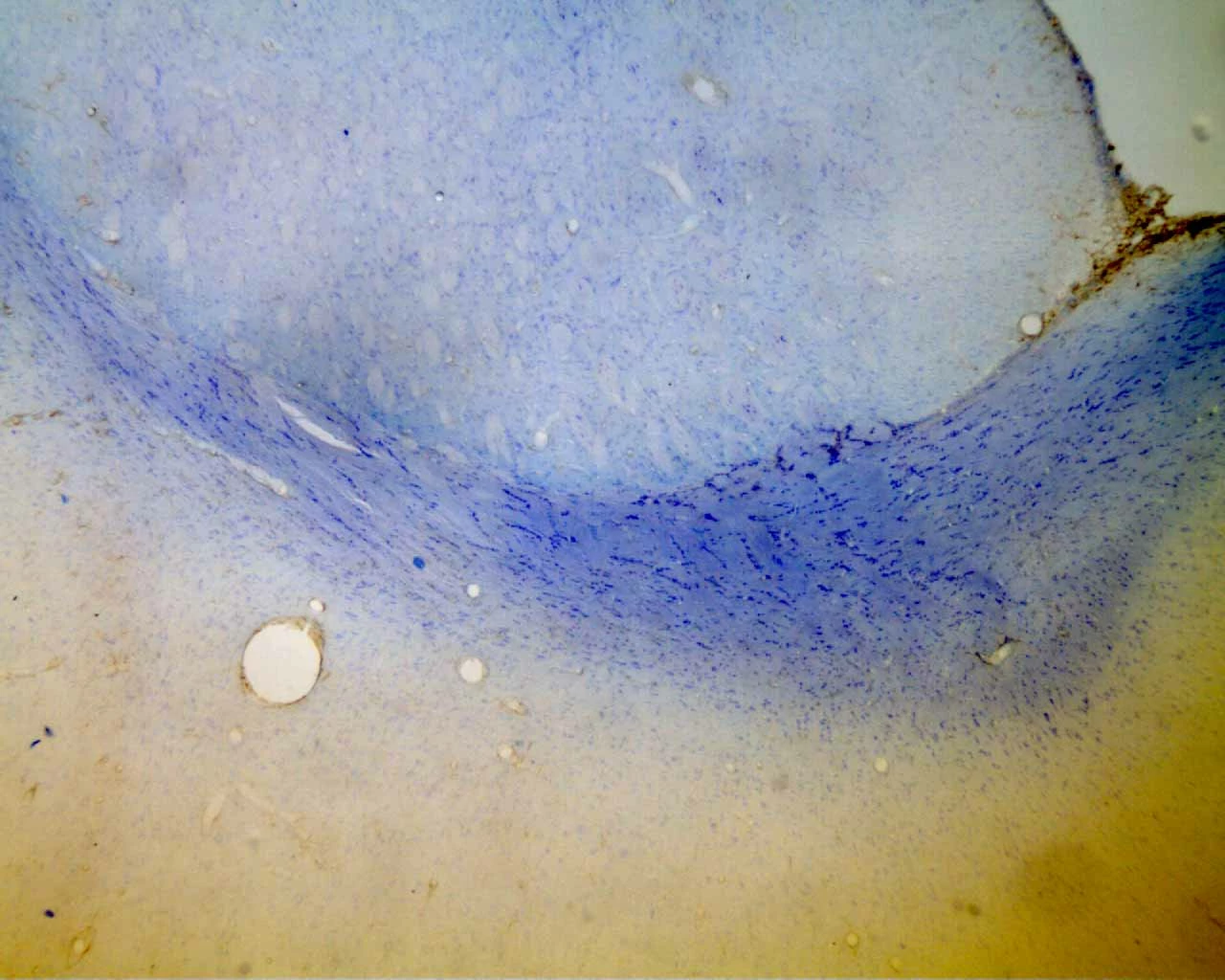
You can see that the top image is disturbed by lens-specific "noise". I took a blank image of a white background as can be seen below:
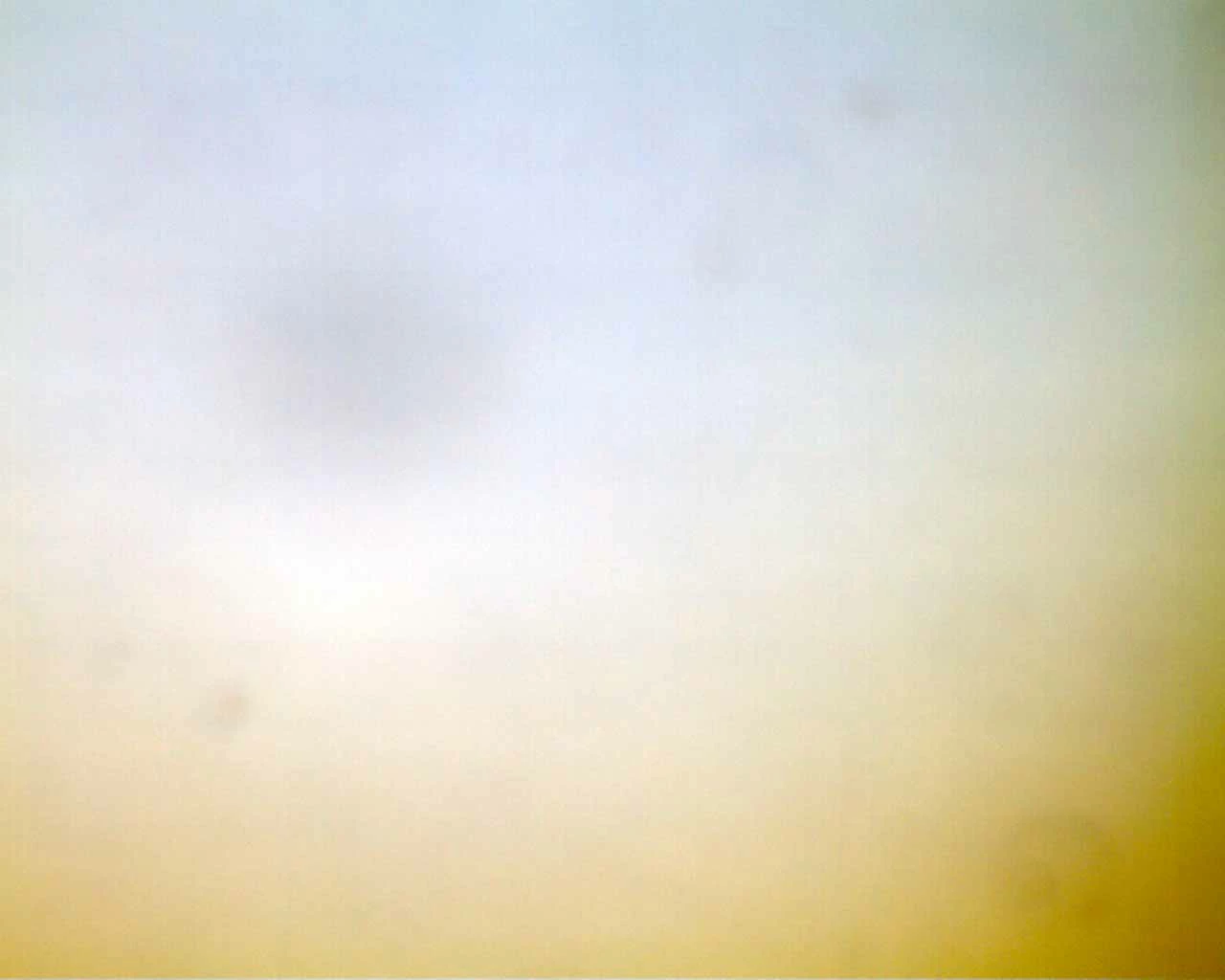
Now, I know there's a rather simple way or getting rid of this uneven illumination and to make a perfectly nice image that looks more like this (no vignette, no yellow coloring, no color gradient etc):
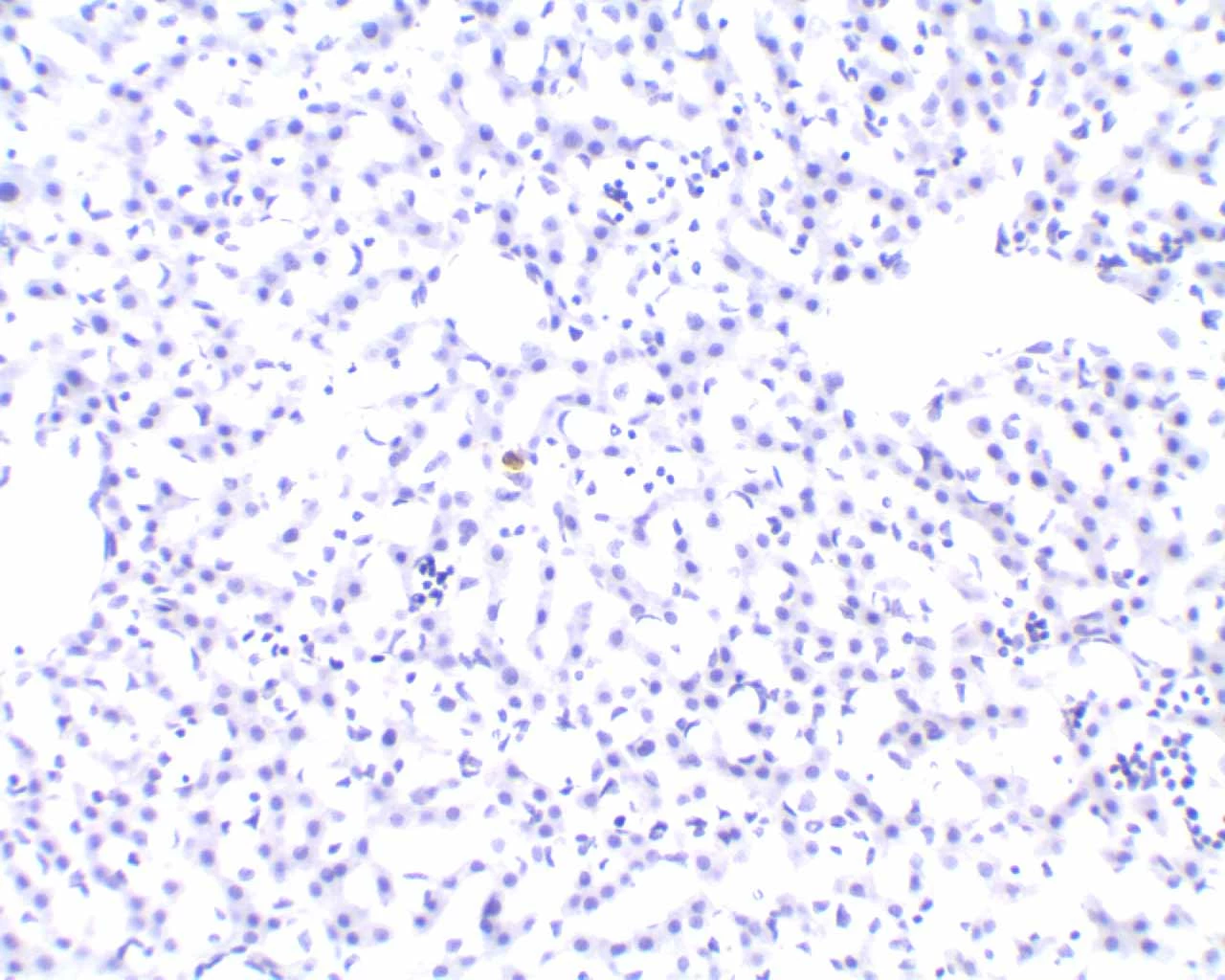
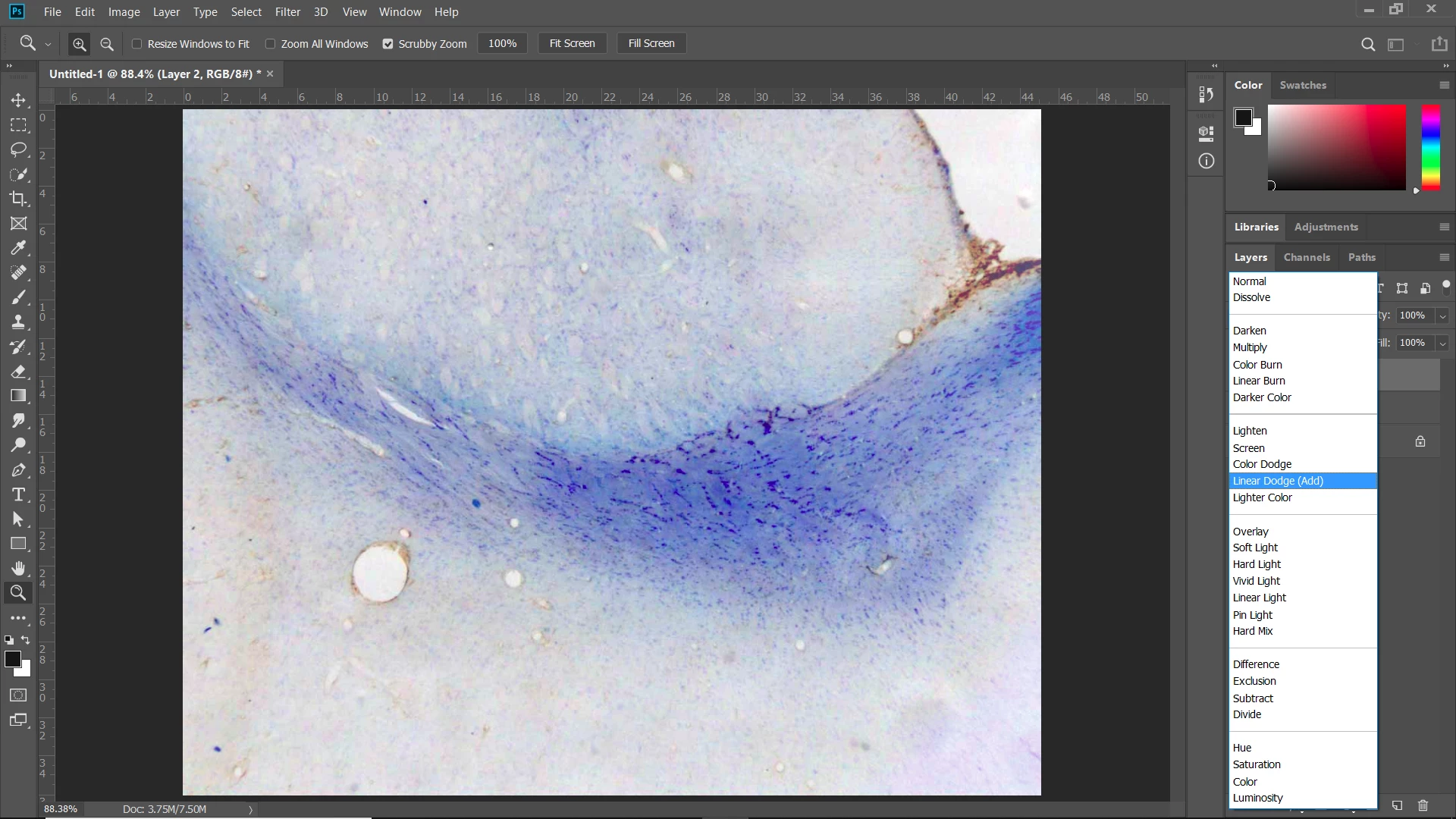
Only problem is that I forgot how to do it  ...but it definitely utilizes the blank image to remove this vignette. I tried "Apply Image" or "Subtract" or "Difference" but I only end up getting black spots where there's supposed to be a white background. In the method I'm trying to remember, there was no use of any blur or Photoshop filters, it was really just somehow based on removing this blank.
I would really appreciate some help with this  Thank you!
 AdChoices