
Rendering Project Will Not Work - Wheel Keeps Spinning
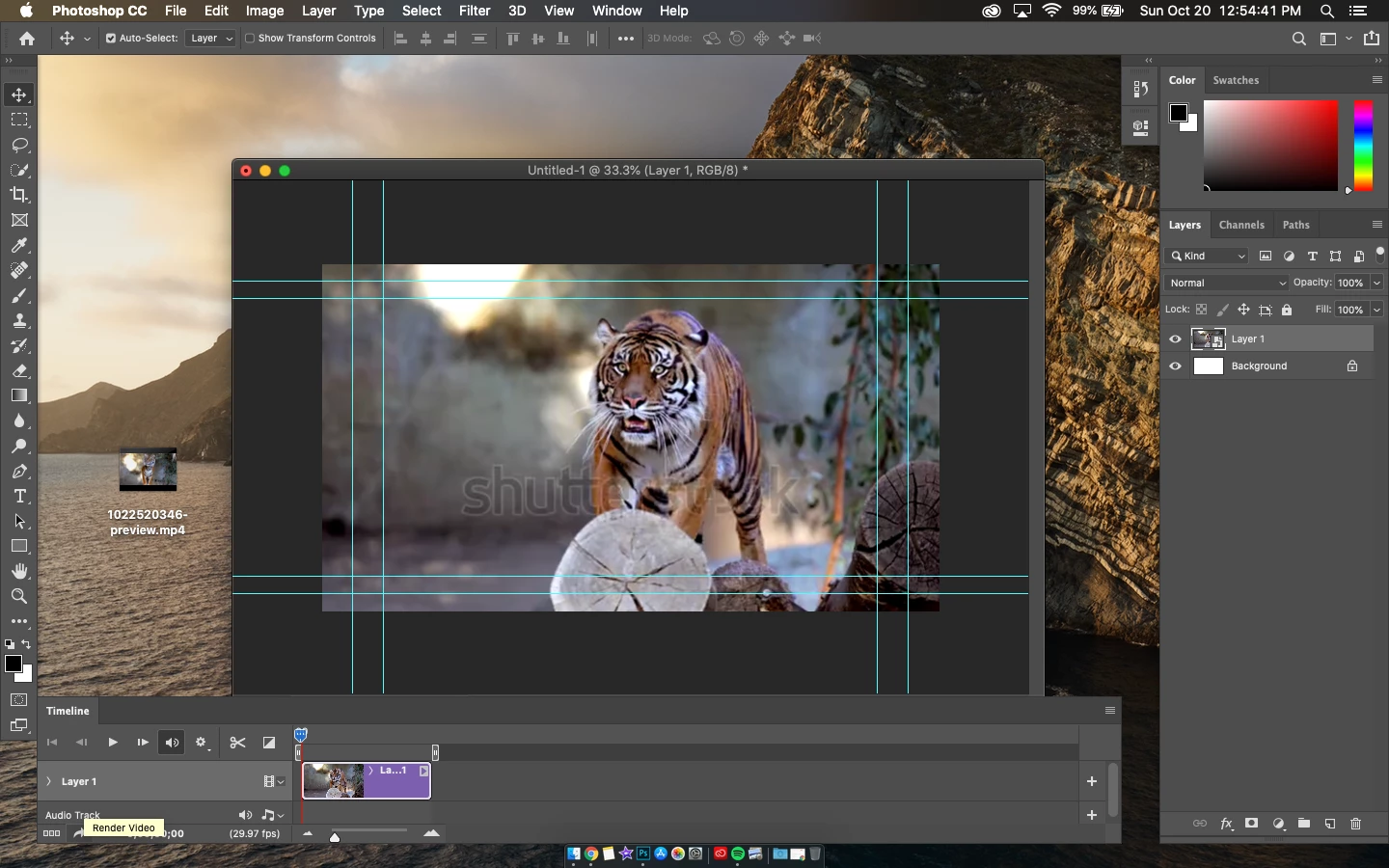
Hello everyone! I create projects with a mix of video, audio, and still images. Up until recently, i've had no issue rendering my project's timeline into an .MP4 file.
My computer recently had an overheating issue. Upon cleaning it physically, and formatting the drives, everything is now running smoothly. I reinstalled photoshop, and ever since, the render process refuses to start.
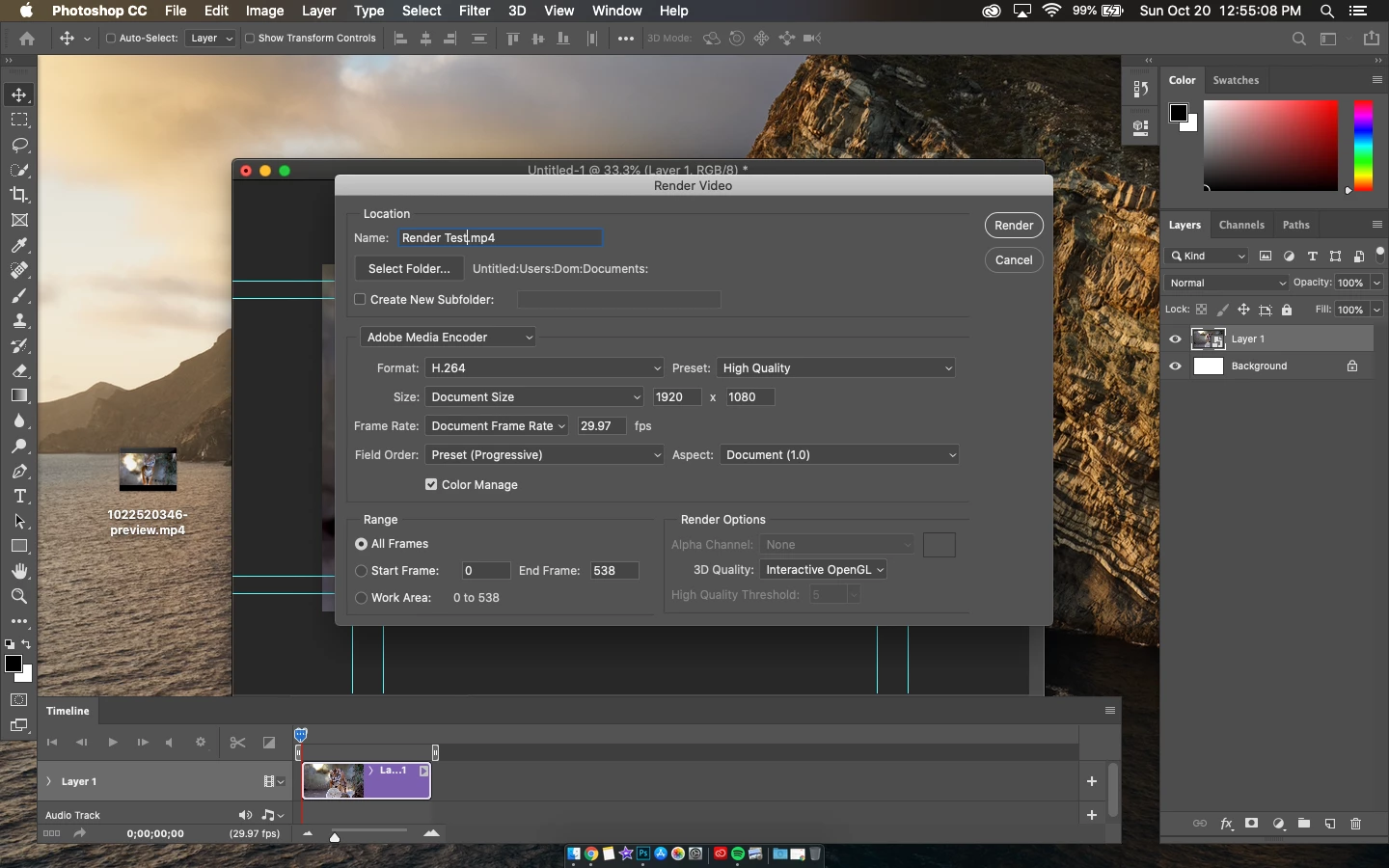
After filling out my projects information, and clicking "Render," my cursor wheel begins to spin.
The spinning while appears, prior to the "Rendering bar." However, the rendering bar never appears. Instead, the wheel just keeps spinning and spinning endlessly. I have to force quit Photoshop just to exit the never ending loading wheel.
THINGS THAT I HAVE TRIED (UNSUCCESSFULLY):
- Uninstalling / Reinstalling Photoshop
- Installing an older version of Photoshop (i'm using the most recent 2019 version)
- Clearing the Cache
- Rending in a smaller size, quality, and format
- Rending different / old projects
I use a 2012 (15in) Mac Pro, 2.6 GHz Quad-Core Intel Core i7, with 8GB 1600 MHz DDR3, and
NVIDIA GeForce GT 650M 1 GB Intel HD Graphics 4000 1536 MB, running macOS Catalina.
MY PREDICTION: The computer is just too old and worn out, even with a freshly formatted drive, to process content such as video and audio. After my recent overheating issue, it just doesn't have the power to process the content i create.
NOTE* It was working fine before i upgraded to Catalina after the formatting.
Any information can help, thanks everyone!
 AdChoices