JPSimms
Participant
April 17, 2017
Answered

Replace background
  • April 17, 2017
  • 2 replies
  • 689 views

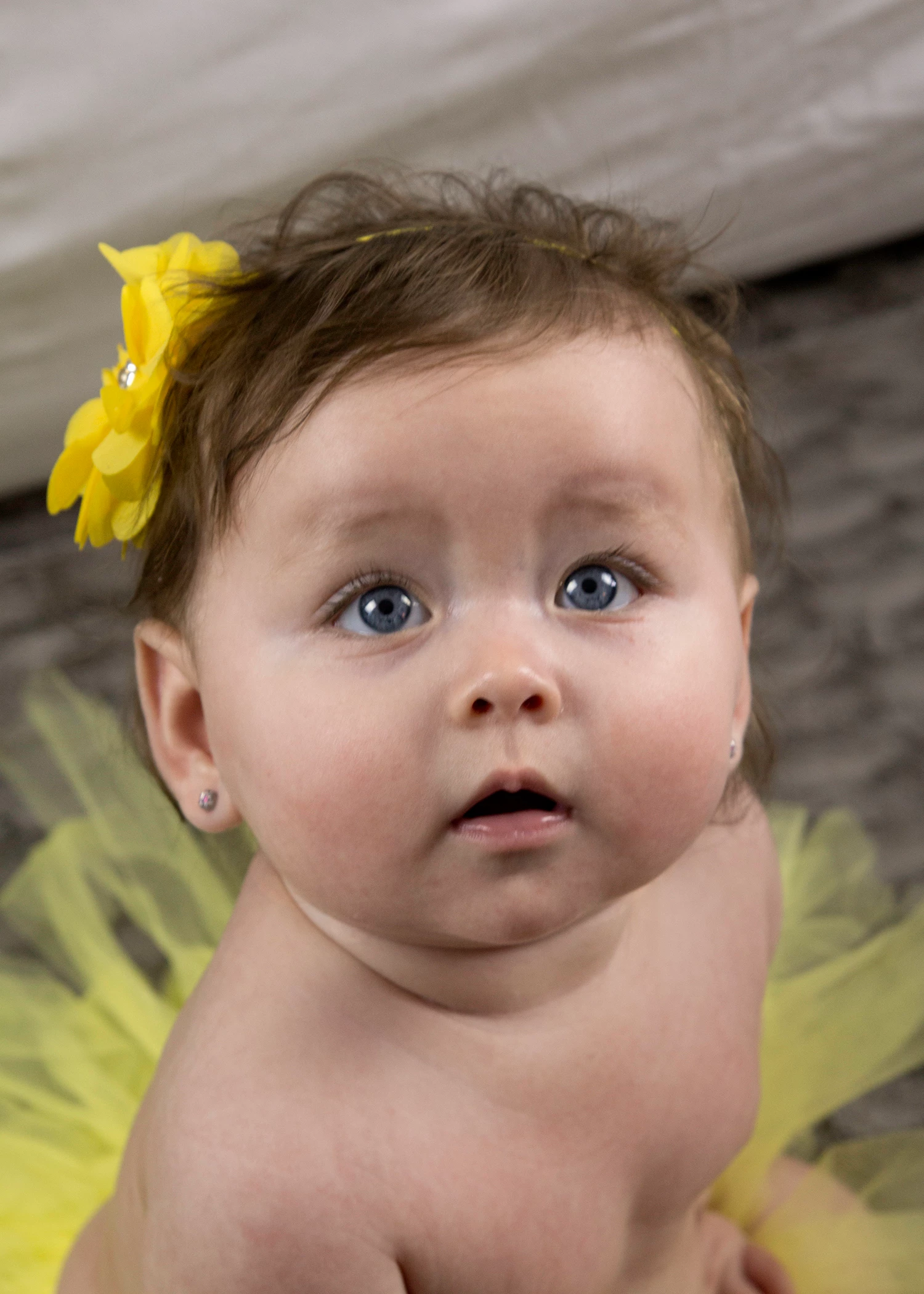
Inwould like to replace the little bit of white backdrop with something blurred and texturized. I can't do that without making the subject look pasted on. Please help! Tutorial videos have not helped

This topic has been closed for replies.
Correct answer JJMack

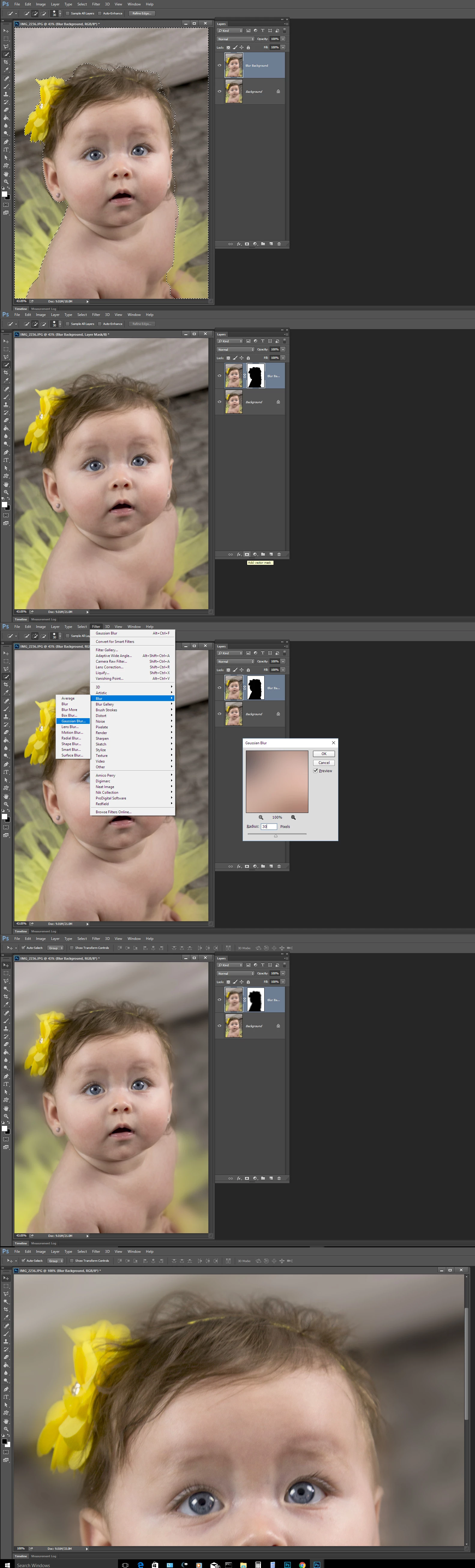
You will not be able to extract all object. There need to be good contrast between the subject and the back for a  good extraction. When there is little contrast and the image is soft you will not be able the extract thing like stray hairs.  You can fudge it, paint in the hair you loose. Or you can take some an other approach like select the original background on a duped image layer and blur. Use the blurred layer's  layer mask to aid the blending between sharp and blurred layers.  This will often reduce the distraction  caused by the original sharper background.  You can use Photoshop  tool and filters on the layer mask also to help the transition between sharp and blurred.  I do not even see a white backdrop in the image.   I would blur most of this images background not just some white area.
2 replies

davescm
Community Expert
Community Expert
April 17, 2017

Hi
Use Select and mask plus some decontamination.

Rather than repeat the technique in full, please see this thread :

Select and Mask problems

The result of doing the same on your image is below

Dave

Trevor.Dennis
Community Expert
Community Expert
April 17, 2017

Another angle on this.  With that semi transparent Tulle fabric showing the background, it is next to impossible to get a perfect selection, so another approach is to not even try.  Use a combination of clipping mask and Select & Mask to select the body and hair, but exclude the soft fabric.  Then paint it back as an illustration. That would be super easy using downloaded Tulle brushes like these from Deviant Art

tulle brush by palnk on DeviantArt

Brushes Tulle skirts by RoohEditions on DeviantArt

Or you can make your own brush to give you more control as per the experiments we did after Coral released ParticalShop, and we wanted to see how close we could get to the effects using the Photoshop brush engine.   Note I also added some hair using the 'Hair and Skin brushes by Castrochew' brush set.  I used the black to white gradient background to best contrast the hair and skirts.

Re: Corel ParticalShop — Brush plugin for Photoshop

JJMack
Community Expert
JJMackCommunity ExpertCorrect answer
Community Expert
April 17, 2017

You will not be able to extract all object. There need to be good contrast between the subject and the back for a  good extraction. When there is little contrast and the image is soft you will not be able the extract thing like stray hairs.  You can fudge it, paint in the hair you loose. Or you can take some an other approach like select the original background on a duped image layer and blur. Use the blurred layer's  layer mask to aid the blending between sharp and blurred layers.  This will often reduce the distraction  caused by the original sharper background.  You can use Photoshop  tool and filters on the layer mask also to help the transition between sharp and blurred.  I do not even see a white backdrop in the image.   I would blur most of this images background not just some white area.

JJMack
JPSimms
JPSimmsAuthor
Participant
April 17, 2017

Thank you for this information. It is very helpful.