
Replace brush function
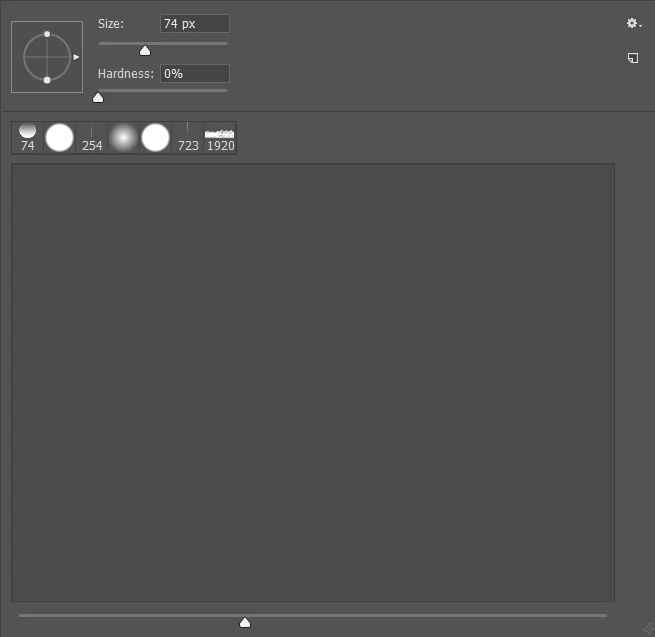
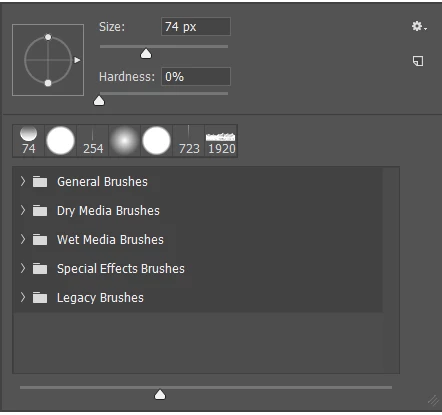
I'm not sure if this issue has interfered with other's work flow but it's definitely impeded my own - I'm used to using recorded actions to replace my current brush set not append them (import brushes). This allows me to have more manageable sizes for each set as to limit my time hunting for whatever specific brush I may be looking for. With cc2018 it seems the function has been removed from the "gear icon" under the brushes pallette (also with the right click to bring up brushes which is the workflow I use). The thing is the imported actions Im using from cc2017 DO WORK- the functionality is there, it's just been moved.
Does anyone happen to know where this has been placed? The action panel reads the action as " set brushes of current application"
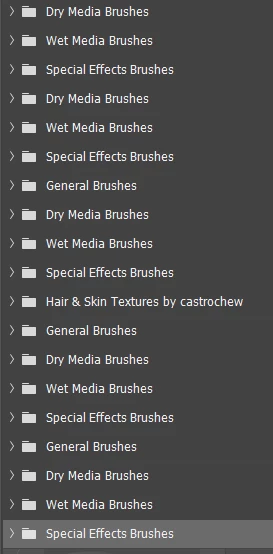
Also, tangentially related, why does import brushes load brushes into the brush pallette in a folder? This doesn't make sense to me- I've already organized my brushes into the folders I want photoshop, please don't assume I want you to add another layer of folders.
Thanks in advance!

 AdChoices