
Known Participant
October 16, 2023
Question

Reset Adjustment Photoshop

  • October 16, 2023
  • 2 replies
  • 525 views

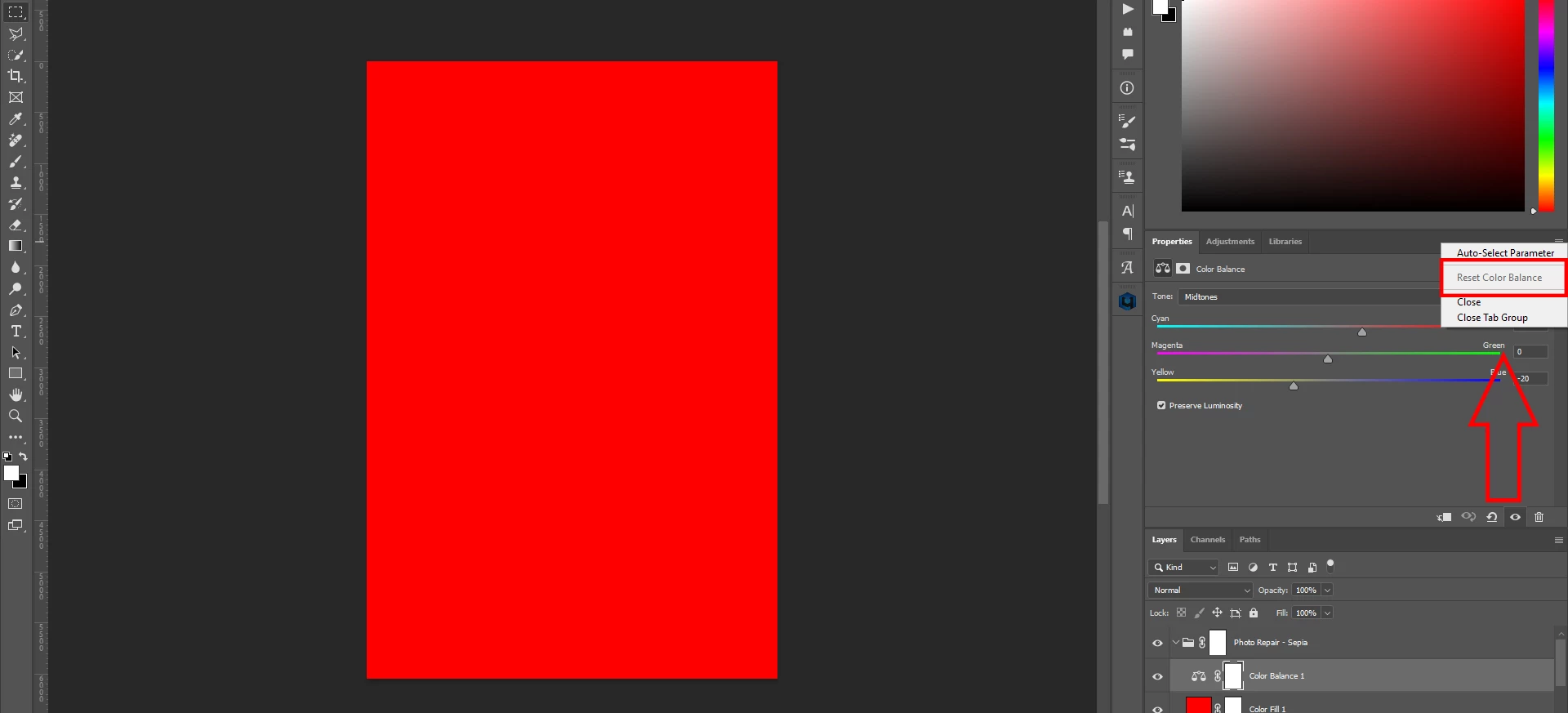
1- I see there is a button to reset the adjustments (hue, color balance, level.....) as shown in my picture

But why is it blurred for all adjustment layers? Is this a bug?


2-And let me ask, is there any way to select the shadow/midtone/highlight area without using "Color Range?"

Have a nice day
This topic has been closed for replies.

2 replies

Jeff Arola
Community Expert
Community Expert
October 18, 2023

The Reset for Adjustments in the Properties panel hasn't worked since photoshop cc 2015.

D Fosse
Community Expert
Community Expert
October 16, 2023

Don't know why it's grayed out - I always use this. It seems to be still active in your screenshot:


For targeting tonal ranges, you use "Blend If". You can do that globally or per channel, on current or underlying layer. Press Alt to split the sliders:

Known Participant
October 16, 2023

thanks....have a good day bro