

Question
Resetting printing margins?
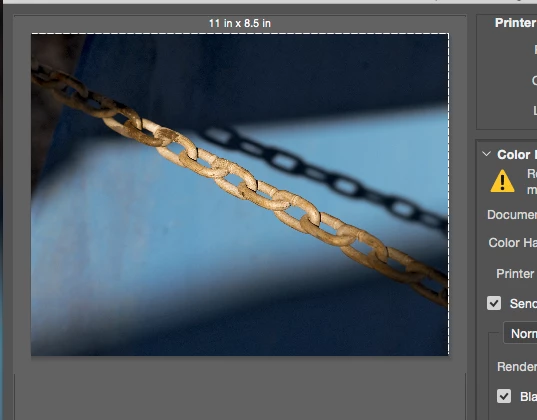
I'm relatively new to printing, so please forgive the ignorance of this question. I am printing with an Epson P600 and am attempting to make full-bleed prints. However, when I try to print, the preview window shows an unprintable area on the top and right hand side of the page. All my margins are set to zero and I've chosen a paper side with no margins - US Letter (Sheet feeder(borderless, auto-expand)). When you increase the scale of the print and drag it around, the margins remain. Does anyone have any idea what might be causing this. It also happened with a Canon printer that I had before this Epson. Attached is a picture for ref. Thanks in advance for any advice you guys might have.
 AdChoices