Answered
Resize multiple images at once
I am about to start a glass sphere photo tutorial utilizing 35 images, some color, some old family pictures. How can I resize all the images to the same size each?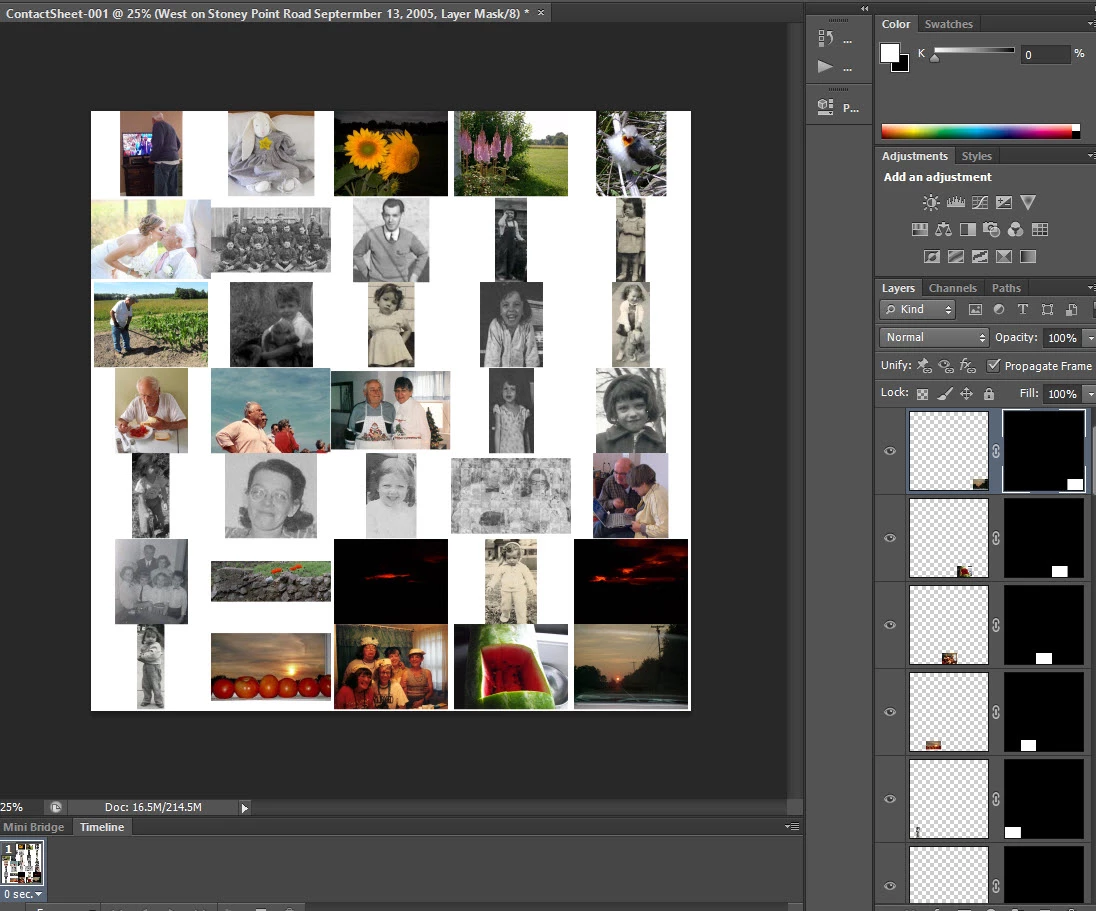
I am about to start a glass sphere photo tutorial utilizing 35 images, some color, some old family pictures. How can I resize all the images to the same size each?
One of my favorites is to use the Image Processor.
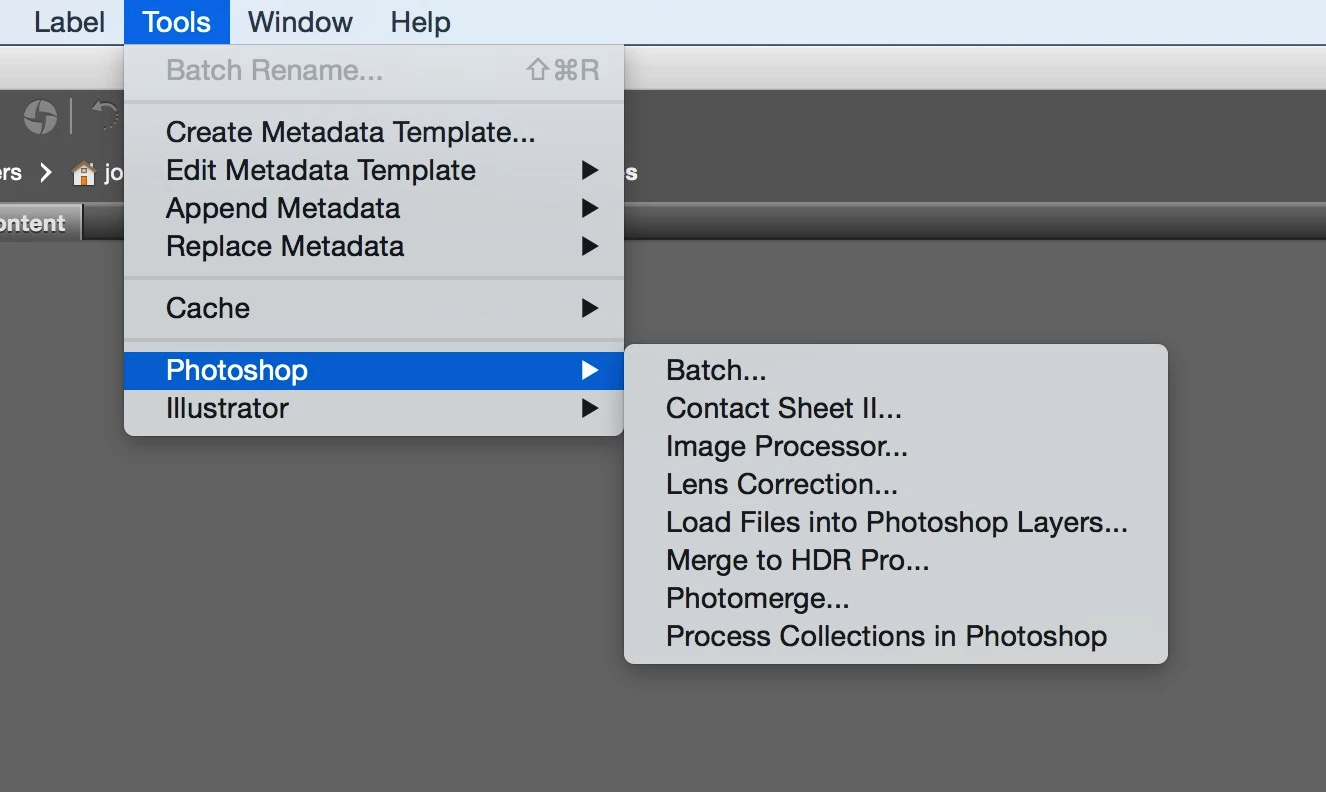
From Bridge: Tools > Photoshop > Image Processor
This will launch the Image Processor window and you can set the file format and use Resize to Fit to designate a specific size. In the attached example, I have it set to 2000px x 2000px. This will not make all the images square, but rather set the longest dimension on each file to 2000px. I hope this helps.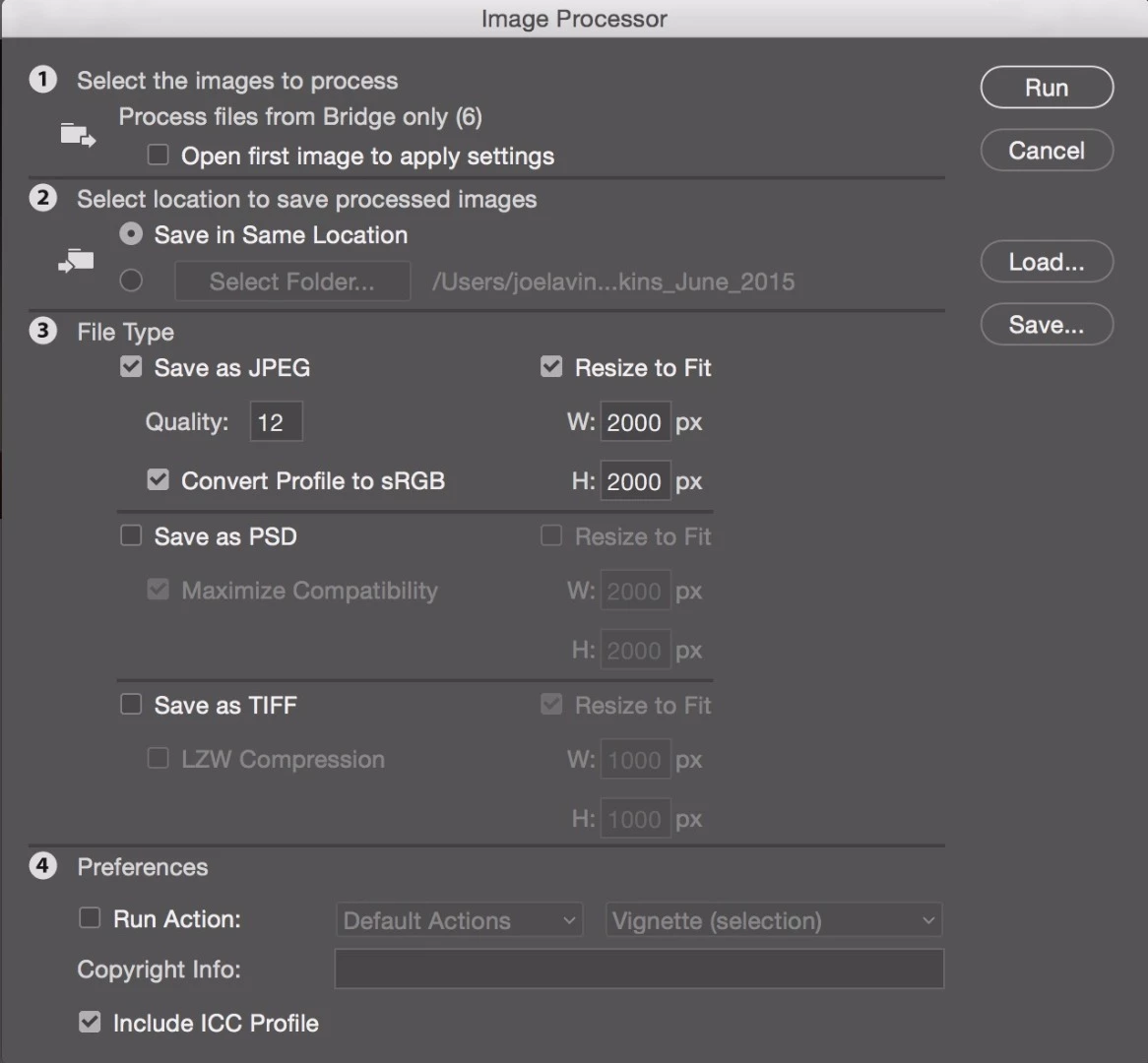
Already have an account? Login
Enter your E-mail address. We'll send you an e-mail with instructions to reset your password.
 AdChoices