

Answered
resizing issue / jagged lines in PS CC 2019
Ever since I updated to CC 2019 I have been having trouble with resizing. it seems no matter what I do in reference to resizing an image/layer in photoshop the result ends up cracked / jagged. This have never been an issue for me before.
Anyone else experiencing this ? Or know how I can work around it?
For now I have been going back to photoshop 2018 whenever I´m doing something I need to 100%.
I'm working on late 2015 iMac 5K retina (32 GB ram, 4 GHz Intel Core i7)
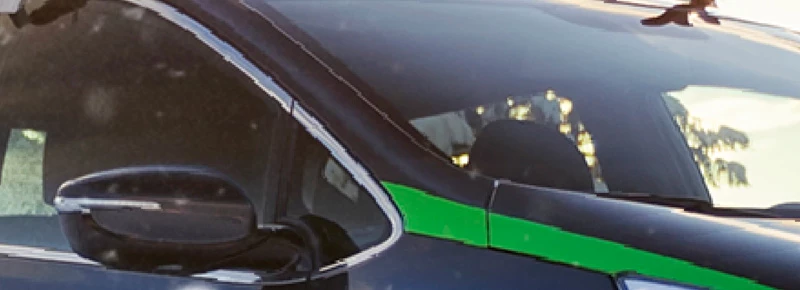
As an example look at how the window trim and green line on this car ends up after I downscaled the layer to match the frame I´m working in.
This should be consistent lines and not jagged. I'm using free transform.
 (as usually): When you are in transform mode (cmd+t) you must set correct "interpolation" on upper bar. For example Bicubic or automatic or smooth modes works well. @Good luck!
 AdChoices