
Participant
March 15, 2021
Question

Right Click Not Showing Entire Menu

  • March 15, 2021
  • 2 replies
  • 1009 views

Hello, 


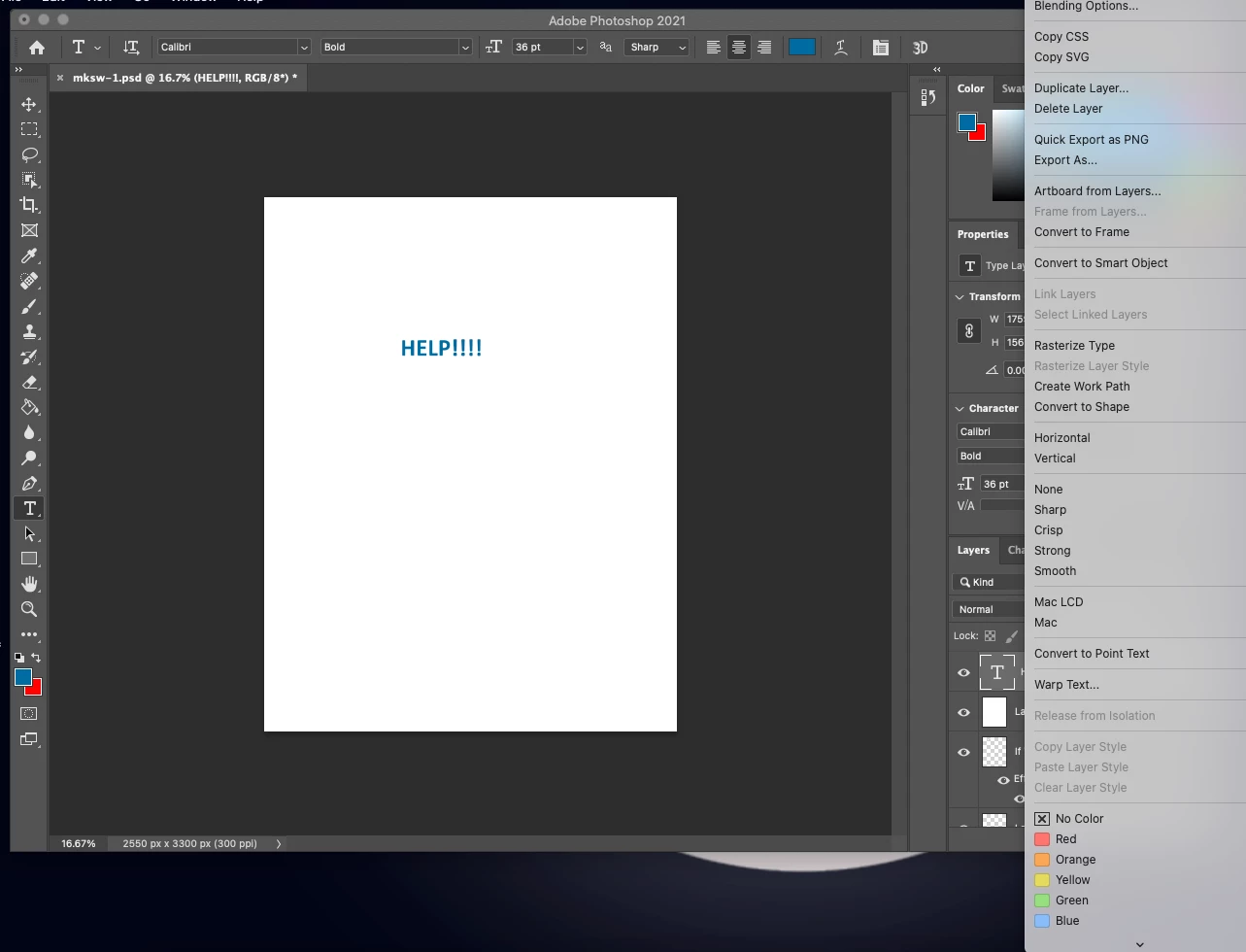
In the past, when I would right click on a layer in Photoshop, the entire menu would pop up and could easily select an option (like merging two layers). 


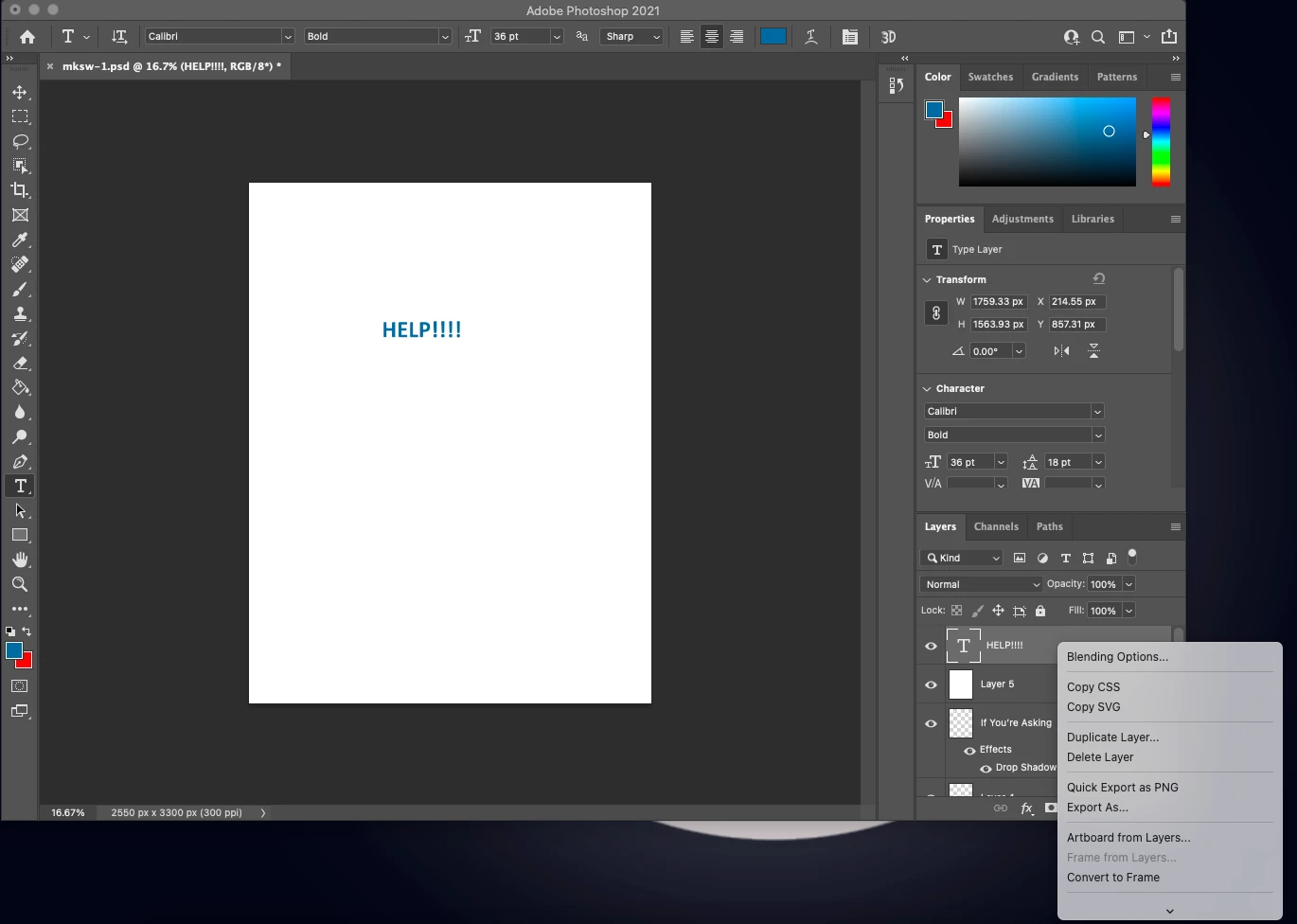
Recently, when I right click,  a partial menu pops up and requires scrolling to see the entire menu. It's not the end of the world, however it inhibits my ability to work fluidly (and is a total pain). I have searched everywhere and have seemingly tried everything. It is not my screen resolution, I have reset my preferences. I have searched past forums without any luck.


If anyone has suggestions on how to fix this, it's certainly appreciated.


This image shows how it currently works, with the menu only pulling up a small amount of info and requiring a scroll
Here's how it used to work and how I'd love to get back to:
This topic has been closed for replies.

2 replies

Participating Frequently
August 30, 2023

I'm also having this problem and it's very irritating indeed. It's been more than 2 years since you posted this issue and I still can't find any solution to solve it. Adobe really needs to fix this or make it a setting that you can turn on/off so everyone can use this layer options menu how they prefer.

Not that it helps but I noticed that it depends on what kind of layer you right-click on. When right-clicking on groups, shapes and adjustment layers the full layer options menu shows. When right-clicking on text layers and smart objects the menu collapses to a scrollable menu.


Still hoping someone has a solution for this problem...

Participant
January 4, 2023

Also having this issue and I know others are too! Did you ever find a soloution @Reid5F9C ?