Participant
June 18, 2017
Question

Rotating an image in Photoshop

  • June 18, 2017
  • 5 replies
  • 858 views

How do I rotate an image I placed in ps? I can't seem to find the actual arrow tool on my tool bar and I need some help.
    This topic has been closed for replies.

    5 replies

    Trevor.Dennis
    Community Expert
    Community Expert
    June 19, 2017

    allyvenable  wrote

    How do I rotate an image I placed in ps?

    I think people have missed this subtle clue in the first post.   I read that as the OP not wanting to rotate the entire image, but rather an additional image that is 'Placed' in an already open image document.

    christaelrod
    Participant
    June 19, 2017

    Go to Image > Image Rotation to view the available options for rotation

    (or)

    Go to Edit menu and select “Transform” to view the options.

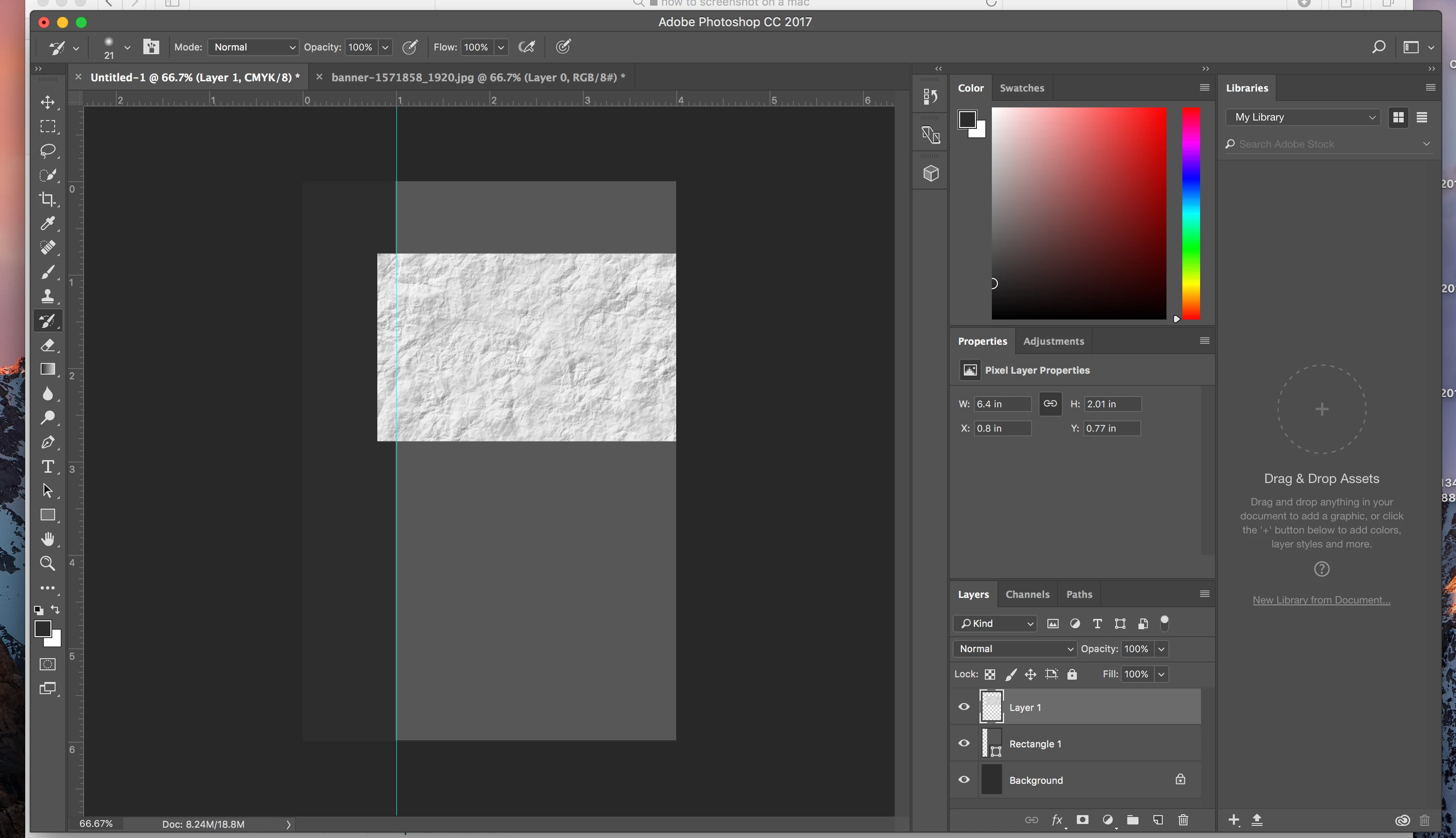
    Check the attached images

                         ( or )

    Image Credit: Wikihow

    Trevor.Dennis
    Community Expert
    Community Expert
    June 18, 2017

    I'll add my 2 cents worth...

    Photoshop defaults to have the Transform handles active when you Place an image, so you must have checked that setting in Preferences.  I personally find much more useful to have that setting unchecked like below.

    Now, when the new image is placed the Transform bounding box will be active, so right click inside the bounding box, and chose Rotate 90° using the required direction.

    Nancy OShea
    Community Expert
    Community Expert
    June 18, 2017

    Or, use Edit > Free Transform (Ctrl+T) or Edit > Transform > Rotate...

    Nancy

    Nancy O'Shea— Product User & Community Expert
    davescm
    Community Expert
    Community Expert
    June 18, 2017

    Hi

    If you mean just rotate that layer then with the layer highlighted, go to the move tool

    Ensur ethe options bar has "Show transformation controls" checked

    Move the cursor near to the corner handles until you see the rotate symbol appear

    Rotate the selection

    Dave
