
Question
Same hex code generates different color output in two different files. Seemingly same color space.
I'm editing a PSD, hex code in question is 1d2c5c
color settings screenshot from that file:
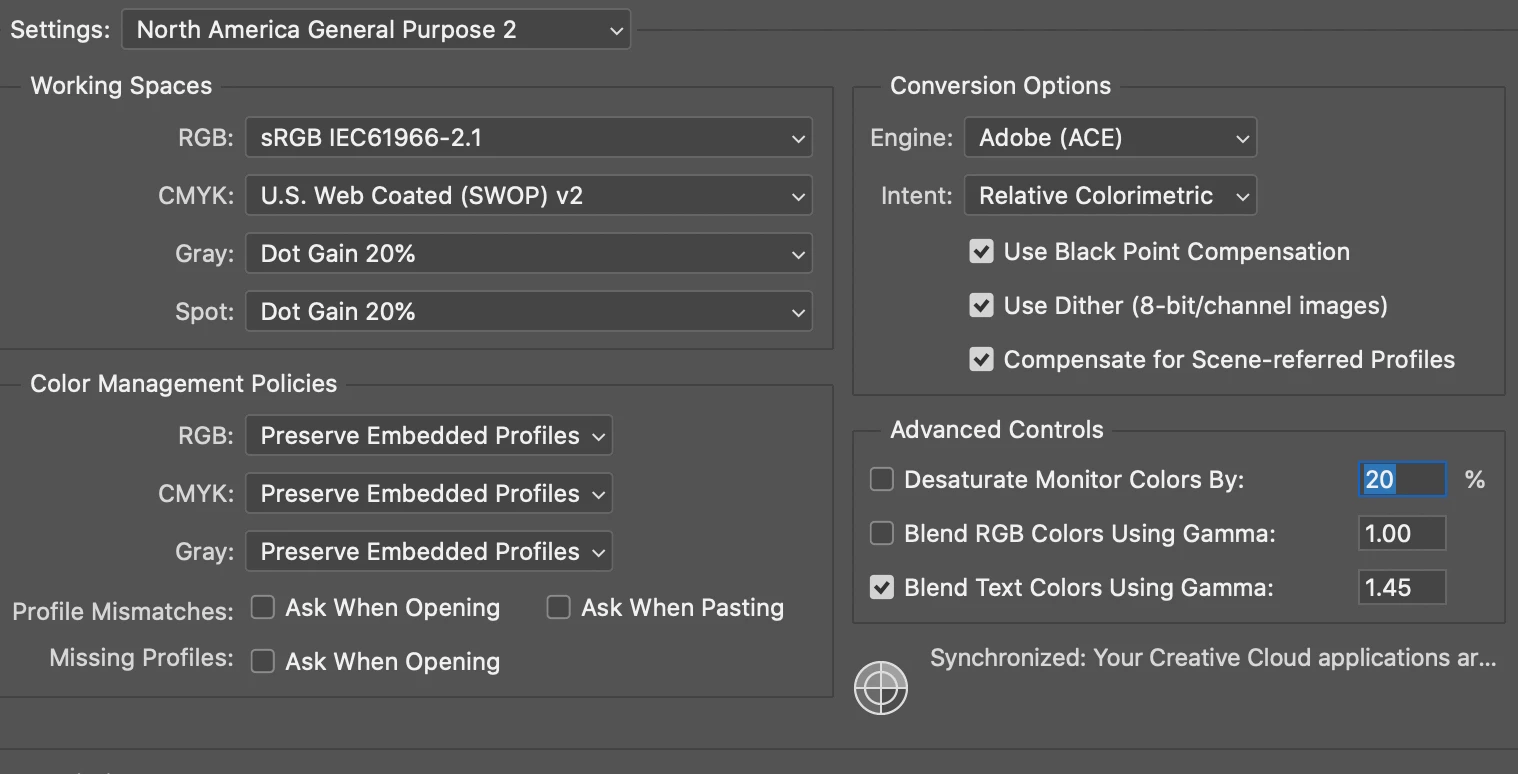
I place that image in a different PSD, hex code when color dropped is now 0f2357, original code of 1d2c5c looks way off.
screenshot of color settings in that file:
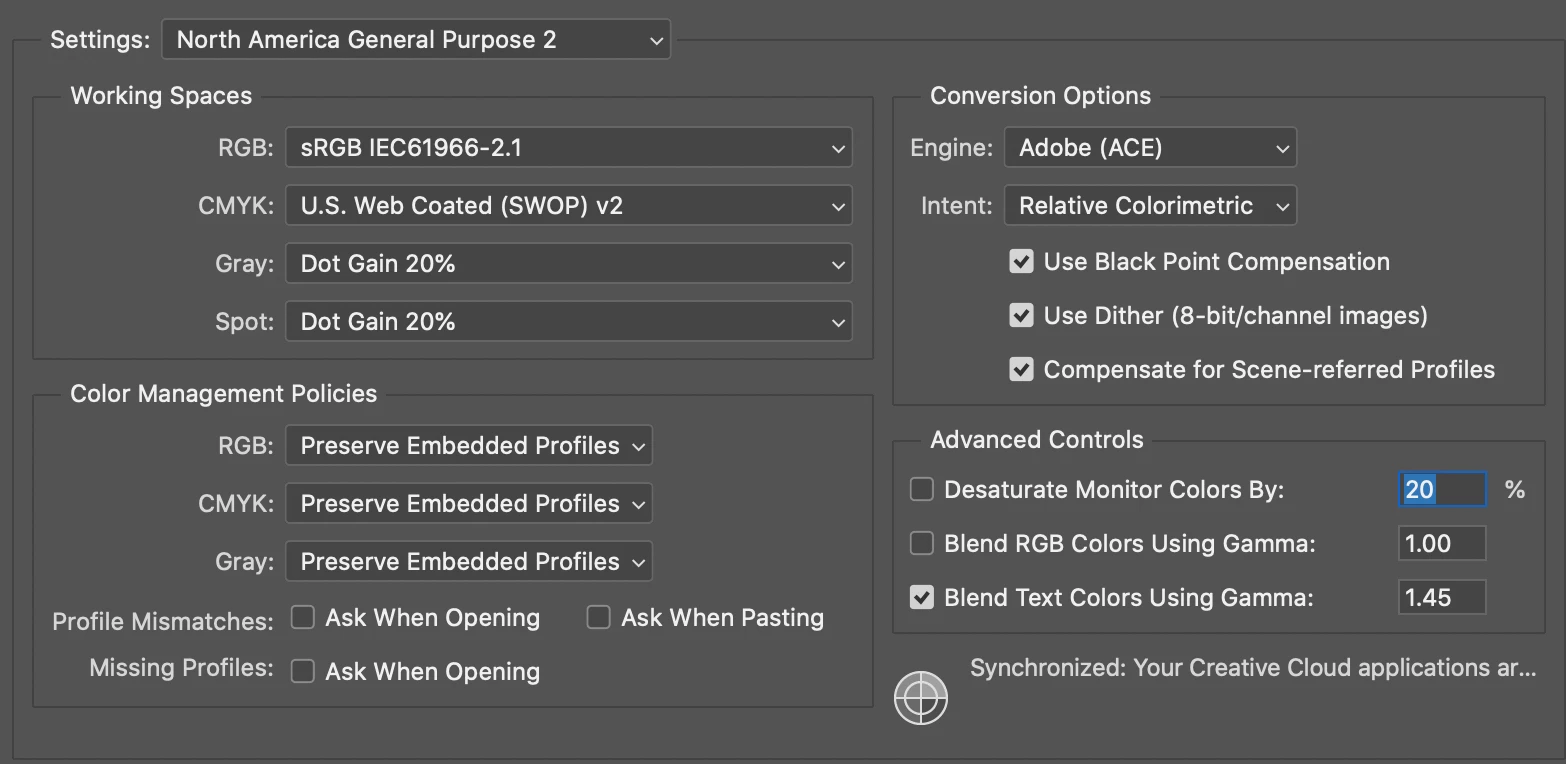
This has happened to me several times before when one file is a self-created psd and the other is an image file that I'm editing, but whenever I check the color settings it's always the same settings.
I feel like there has to be something that I'm missing, but I'm not sure what. All of the advice I find is to check color settings, which I have and they're the same.
 AdChoices