
Participant
August 21, 2020
Question

Save for web for sliced file

  • August 21, 2020
  • 2 replies
  • 286 views

Greetings. At first - sorry for my bad english.


Some versions ago Photoshop stopped saving (save for web) sliced file in 100% size. As example I have picture with 23554pix width, and I must cut it in several files with 1300px each, and with 100% as original size (in pixels). Now I saving each file in 7-20 files manually, and it's headache.
 

This topic has been closed for replies.

2 replies

jane-e
Community Expert
Community Expert
August 21, 2020

"As example I have picture with 23554pix width"


Hi 

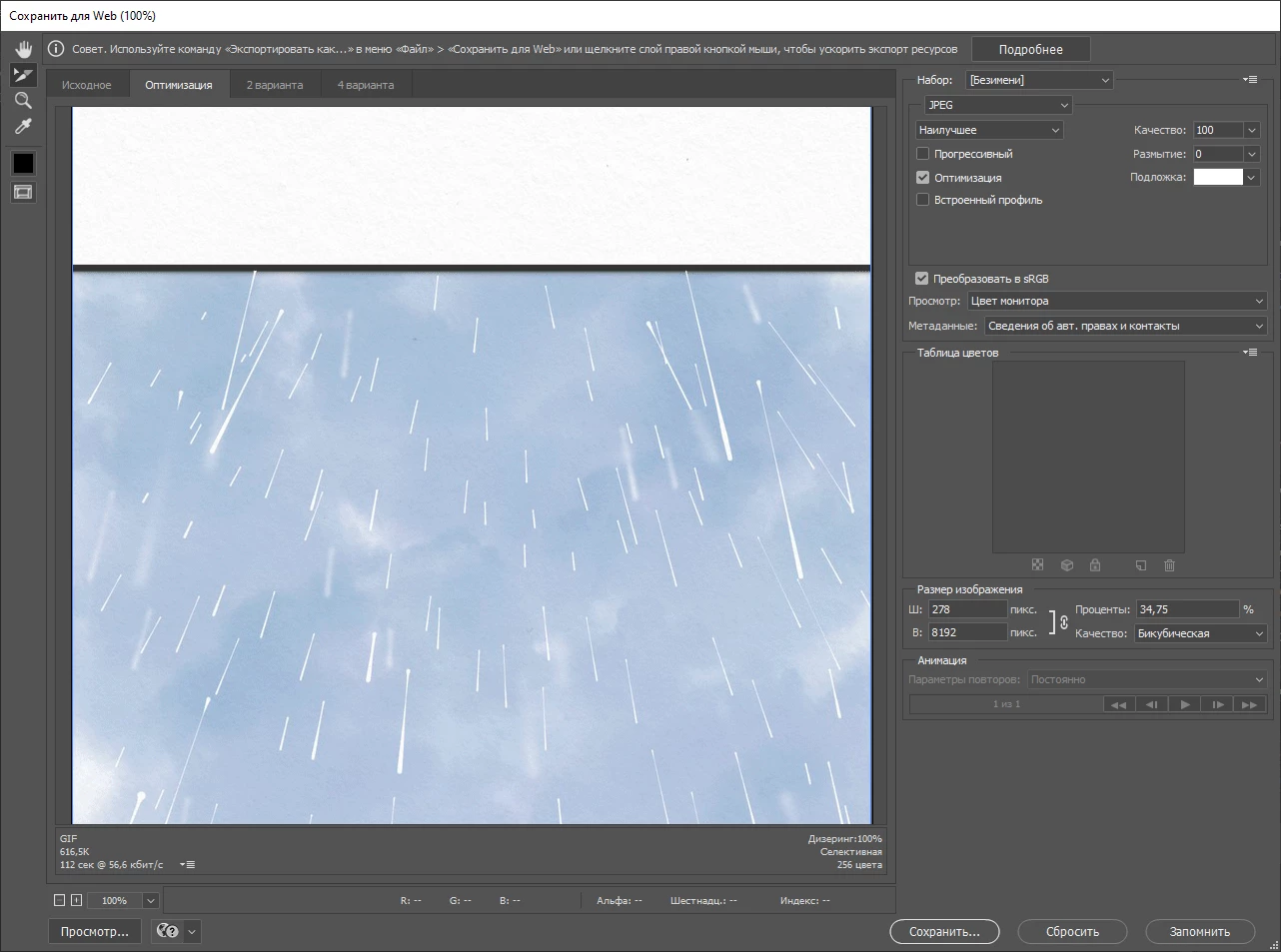
Your image is not 23554 px. It appears to be 278x8192. To confirm: have you created slices with the Slice tool? If you aren't sure, then cancel and show the image so we can see the slices with their numbers.

~ Jane

Zura5E30Author
Participant
August 21, 2020

I'm closed PS right now, open file again. Chosing original 

In percents in SFW menu its 34,75%, but saved slices have correct original size right now. I don't how I fixed that - I'm just trying to close and open Save for Web menu, and clicking Optimized and Original tabs.

From now it's saved correctly.

Known Participant
August 21, 2020

Zoom out and SHIFT click each slice in the 'save for the web' menu

------------------------------------------------------------------------------------------------------------------------------------------- Windows10Home64-bit/IntelCorei7-4810MQ CPU@2.80GHz/16GBRAM/NvidiaGeForceGTX880M
Zura5E30Author
Participant
August 21, 2020

Hm, I'm holding SHIFT, Left click mouse... No reaction. It's like Photoshop think what this is only one piece. In previous versions slices changed color a little, when you clicling on slices, but there is no effect now. I hope what I write straightforward. I tried change tabs in "save for web" between optimized and original, trying to save it, and it helps... I don't know reason how it worked, and what error I have before.