


Participant
April 30, 2025
Question

Save for web not working

  • April 30, 2025
  • 2 replies
  • 255 views

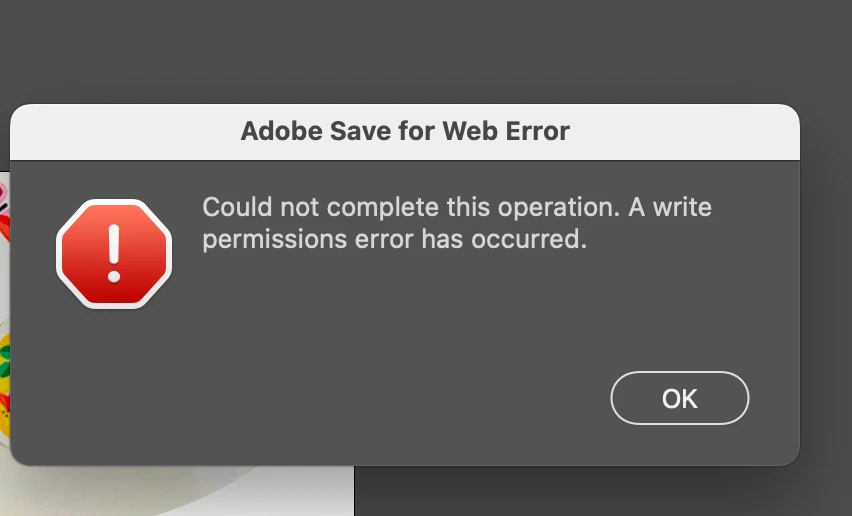
Hey, I have been tryin to save for web (legacy) on Photoshop 2025, and I keep getting an error message saying "Could not complete this operation. A write permissions error has occured".


I have checked my permissions, and have write permissions for Adobe including Photoshop. I have also resetted my preferences in settings. 


Is there anything I can do? 
    2 replies

    Noel Orridge
    Community Manager
    Community Manager
    April 30, 2025

    Hi @Thuseyin! Thank you so much for reaching out! 😊


    Could you share a bit more information about the issue you're experiencing? Does this happen when exporting with different methods as well? Also, could you let me know which version of Photoshop and OS you're using?

    While we wait for your reply, you might want to try the following step for a quick fix:


    1)Try giving full disk access to Photoshop.


    You can learn how to give full disk access to Photoshop on the Adobe Community website here.

    Give it a try and see if it works! Feel free to mention my username when you reply.

    Learn how to give full disk access to Photoshop on... - Adobe Community - 12889716


    Best,

    Noel
    kglad
    Community Expert
    Community Expert
    April 30, 2025

    in the future, to find the best place to post your message, use the list here, https://community.adobe.com/

    p.s. i don't think the adobe website, and forums in particular, are easy to navigate, so don't spend a lot of time searching that forum list. do your best and we'll move the post (like this one has already been moved) if it helps you get responses.


    <"moved from using the community">