Participant
May 20, 2021
Question

Save from PNG to EPS

  • May 20, 2021
  • 3 replies
  • 12338 views

Hi there, still kinda new to photoshop,

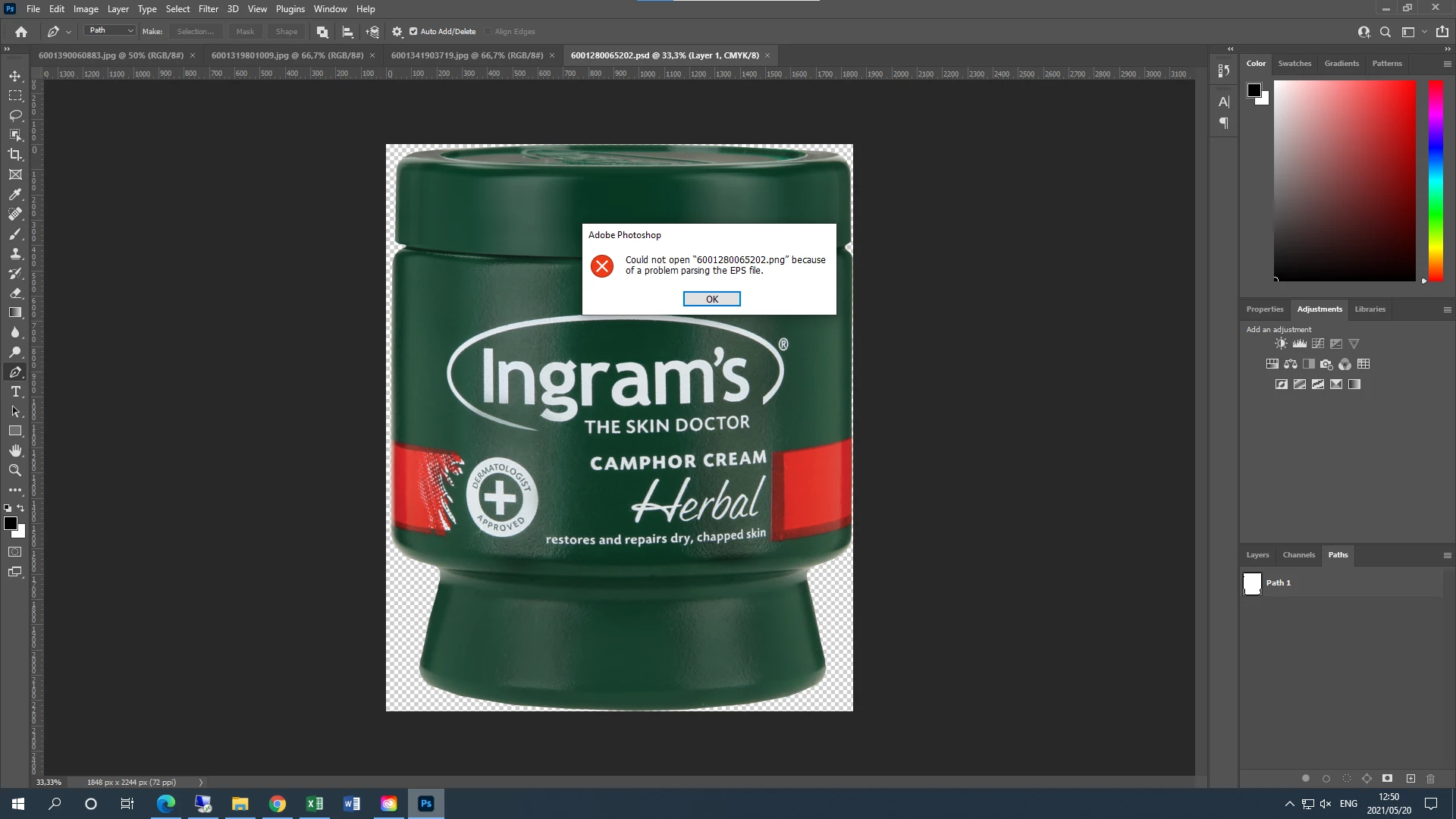
The error is could not open "xx.png" because of a problem parsing the EPS file.


What does this mean? I need to urgently save it as an EPS file.


Thanks


This topic has been closed for replies.

3 replies

JJMack
Community Expert
Community Expert
May 20, 2021

Png files are not vector files any PNG file conversion  from a EPS file would not contain any of an EPS files vector information or have an EPS file format. Are you sure the PNG file  you are processing is not an EPS file that has been modified and renamed to .png.    Photoshop File support has be change again in version 22.4. before that Photoshop File support was change around the CS4 time frame.  Photoshop has limited vector support only some vector file formats have limited Photoshop support.  EPS is a 1992 Adobe File format that has some vector support  since Photoshop is an Adobe application the EPS file format may have  for photoshop vector layers.   In general Photoshop does not support Vector files.  Photoshop can only import Raster layers from vector files like .svg and .ai files. The .svg and .ai file cam also be placed into Photoshop document as vector smart object layer. There are no vectors in photoshop  for a vector smart object  layer. They are in the layer Object that are processed by Illustrator not photoshop except for import and rendering Pixels for the smart object.  In Photoshop pixels are rendered for a vector smart object.   

JJMack
Legend
May 20, 2021

The message is a little puzzling. Please could you take us through the steps you go to, starting with opening Photoshop? Include the EXACT things you click, and files you choose. Are we looking at the file you want to save, or something completely different?.It's especially confusing that the message mention BOTH PNG and EPS files, so we need to know how you got there.

Participant
May 20, 2021

This is the only file giving me an issue. I edited 6 other PNGs and saved them as EPS files and they're perfectly fine.


> Open Photoshop

> Create New

> Select template size

> Drag PNG from file explorer to bar at the top of Photoshop

> Select image

> Mode > CMYK

> Click on Pen Tool to create a path

> Save path > Make it a clipping path

> Save as EPS file (However this time it did not give me the option to save as EPS, only PSD, Large Format and TIFF)


I hope this makes sense 🙂


Legend
May 20, 2021

Ok, let's start by simplifying that.  There is no concept of template size for an EPS. There's no need to place. Bypass the clipping path for now, if it works, try again with it later. 

- Start Photoshop

- Choose open, open the PNG

- Use SAVE as and choose EPS.

That's all. What happens now?

c.pfaffenbichler
Community Expert
Community Expert
May 20, 2021

What is the Photoshop version you are using? (Please give the exact version number and don’t try using other descriptions.)


Why do you need to save the image as an eps? 

Participant
May 20, 2021

Photoshop 22.4.1 (Just updated it this morning)


Need the image to be in CMYK saved as an EPS file because we need to print it in a catalogue.

I'm told it has to be EPS because it's the only format compatible with the printing software.
