
Save Options For Printing Out Art
I have run into a snag and I cannot seem to find an answer.
I need a solution for saving files. They have to be 300DPI, and 16bit, but the kicker is they have to be under 20MB.
Almost every option I have tried, reduces the file down to basically nothing, or they mess around with the DPI or the bit option.
I like the options that are under "save for web", and I have managed to figure out how to keep the DPI the same, but it still changes the bit to 8.
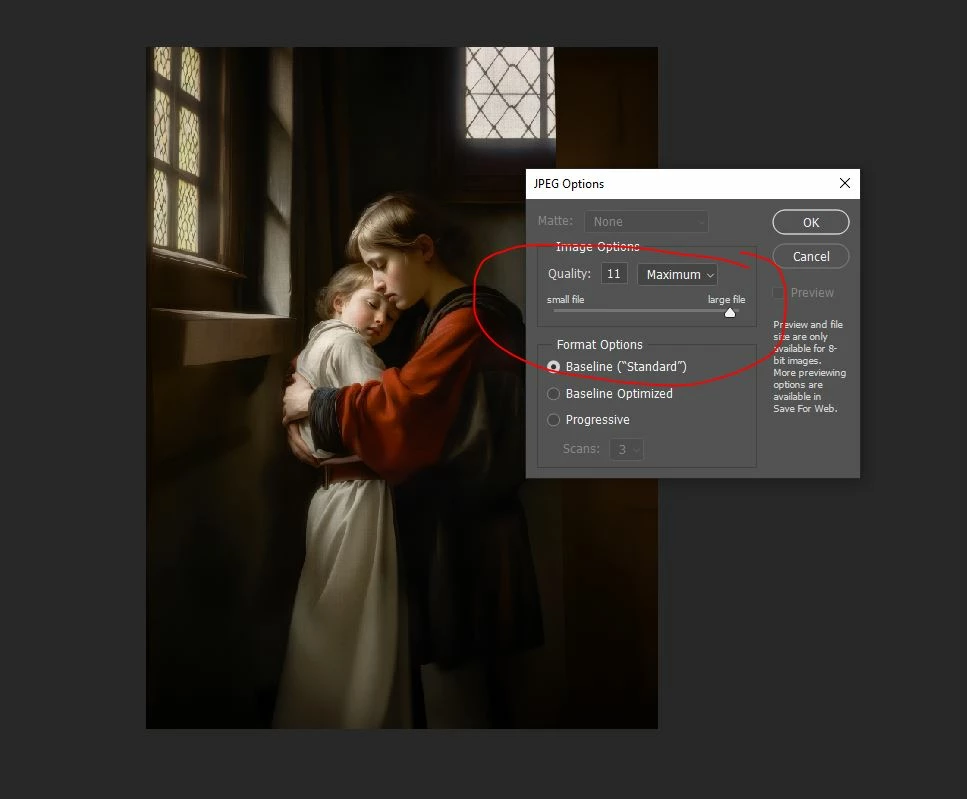
Under the regular save JPG, often 12 is too much, but if I select 11, it reduces it by half.
I own the JPG Mini Pro, which I love, but again, it reduces my files so small, that I wonder if they would be great for printing afterwards.
I need to upload them to a website which has a maximum file range of 20, but my files need to be great for someone who wants to print them.
What would you suggest?
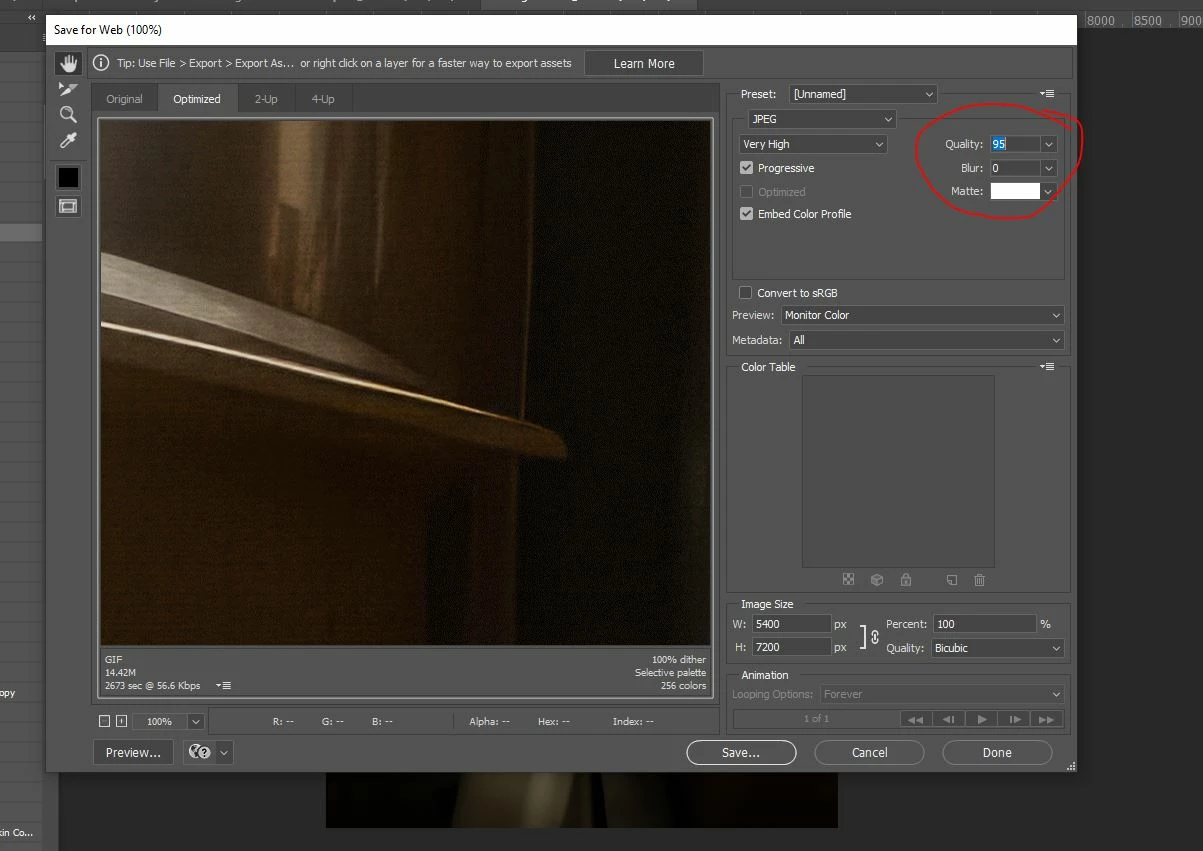
I have tried Baseline Optimized on its own, and it doesn't reduce it enough for me.
The output of 12 would be full size, but 11 is too much of a file reduction. If only they would allow 11.5 ....
Are there any plugins or scripts to remove some bloat from the files that I am missing without effecting print quality?
Gosh, I would love some advice here.
Meranda
 AdChoices