
saving images as .tiff's and layers appear to save BUT when imported into indesign some are missing.
I finally give up of reading forms for an answer.
Using
Adobe Photoshop CC 19.1.3
Adobe Indesign CC 13.1
iMac (27-inch late 2013)
Safari 11.0.2
Over the past month I have been importing and saving new images for use in an Indesign catalog. Approximately 700 images with about 300 needing to be converted to Gray Scale mode. Most are 4+ layers. Each image was saved as either a psd or tiff. When saving I "save as" and rename and placed in file folders. My export selections have not changed. No problem up until today.
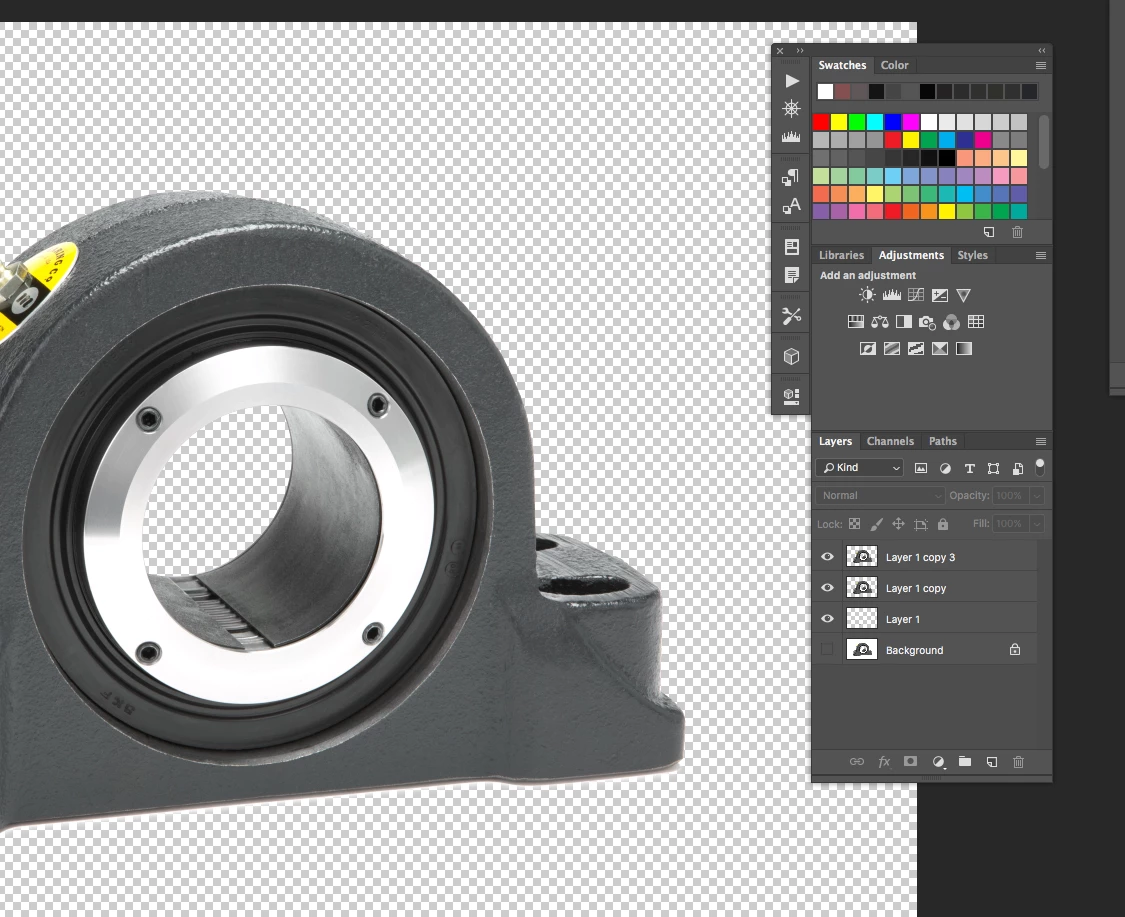
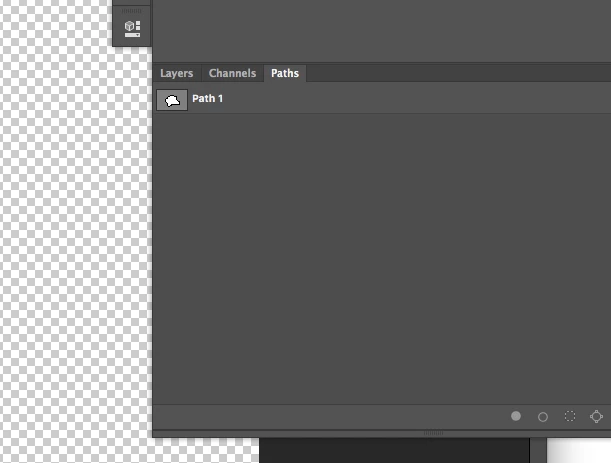
Today I re-opened them and both color and gray scale, newly converted .tiff's are not displaying all layers. Drop shadow (layer 1) displays in the Thumbnail but when placed into InDesign, its missing. In the screen cap below its clearly there.
What am I missing and do you have any suggestions what to search under?
Thanks in advance.
 AdChoices