Answered
Scale problem
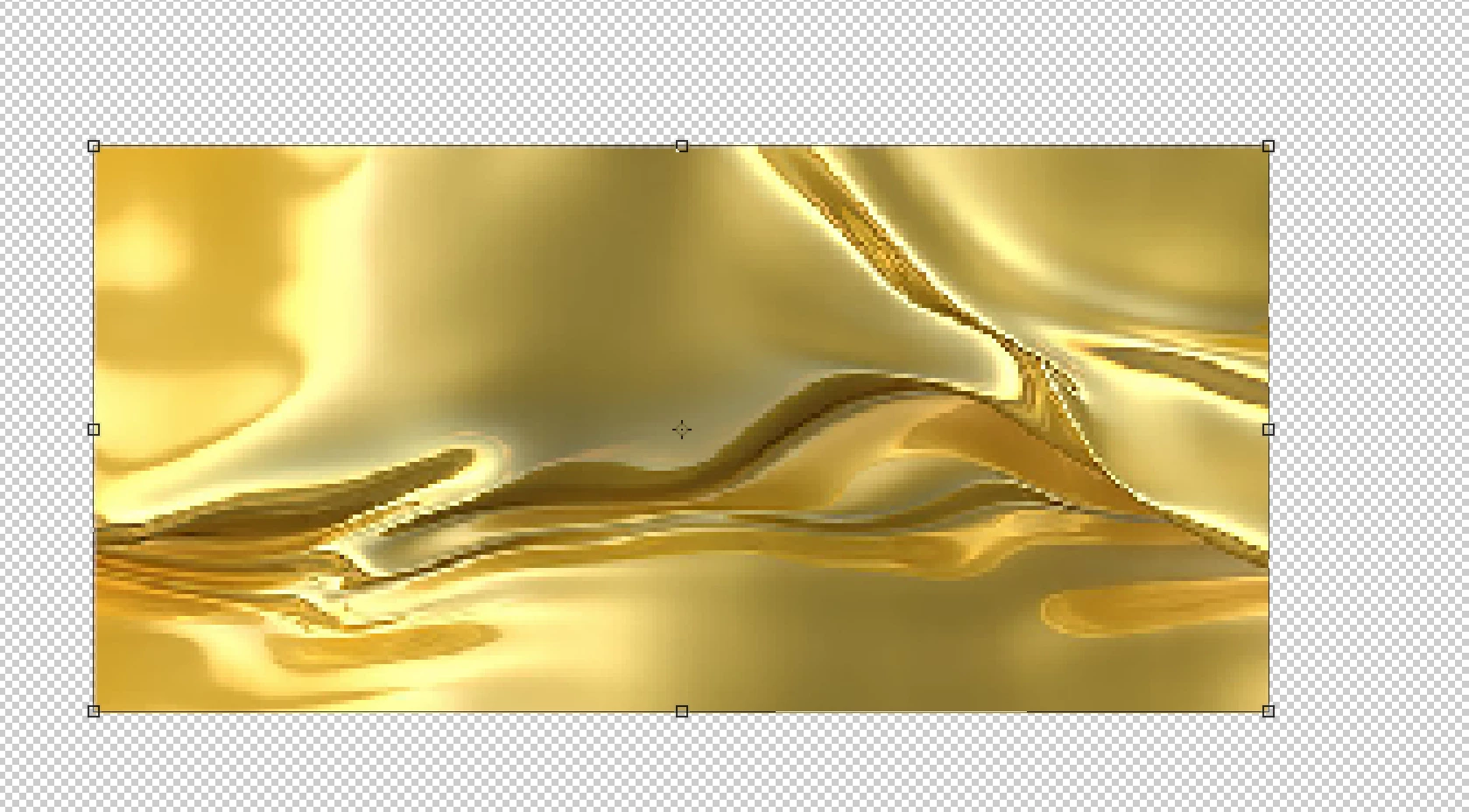
If i have a high quality image and i resize it to be smaller the quality of my image decreases a lot.
That's not normal and i don't know what to do, help me pls.

If i have a high quality image and i resize it to be smaller the quality of my image decreases a lot.
That's not normal and i don't know what to do, help me pls.
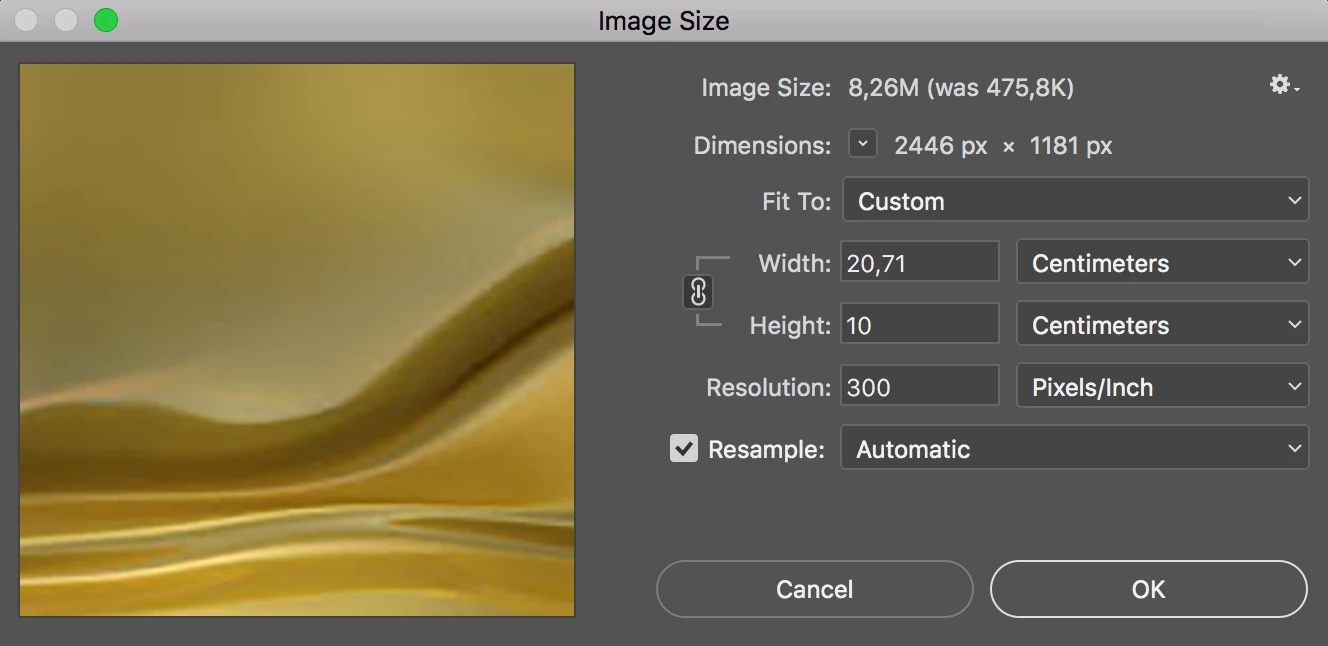
Hi - that box shows that you are significantly increasing the pixel size not decreasing it
Your image ends up at 2446px x 1181 px with a file size of 8.26M) but the starting point is only 580 x 280 px (475.8k).
Generally - for an increase in size I would say use Preserve Details or Bicubic Smoother as the algorithm rather than Automatic. These may work better but neither are going to give you brilliant results with a such a high increase in pixel size.
Dave
Already have an account? Login
Enter your E-mail address. We'll send you an e-mail with instructions to reset your password.
 AdChoices